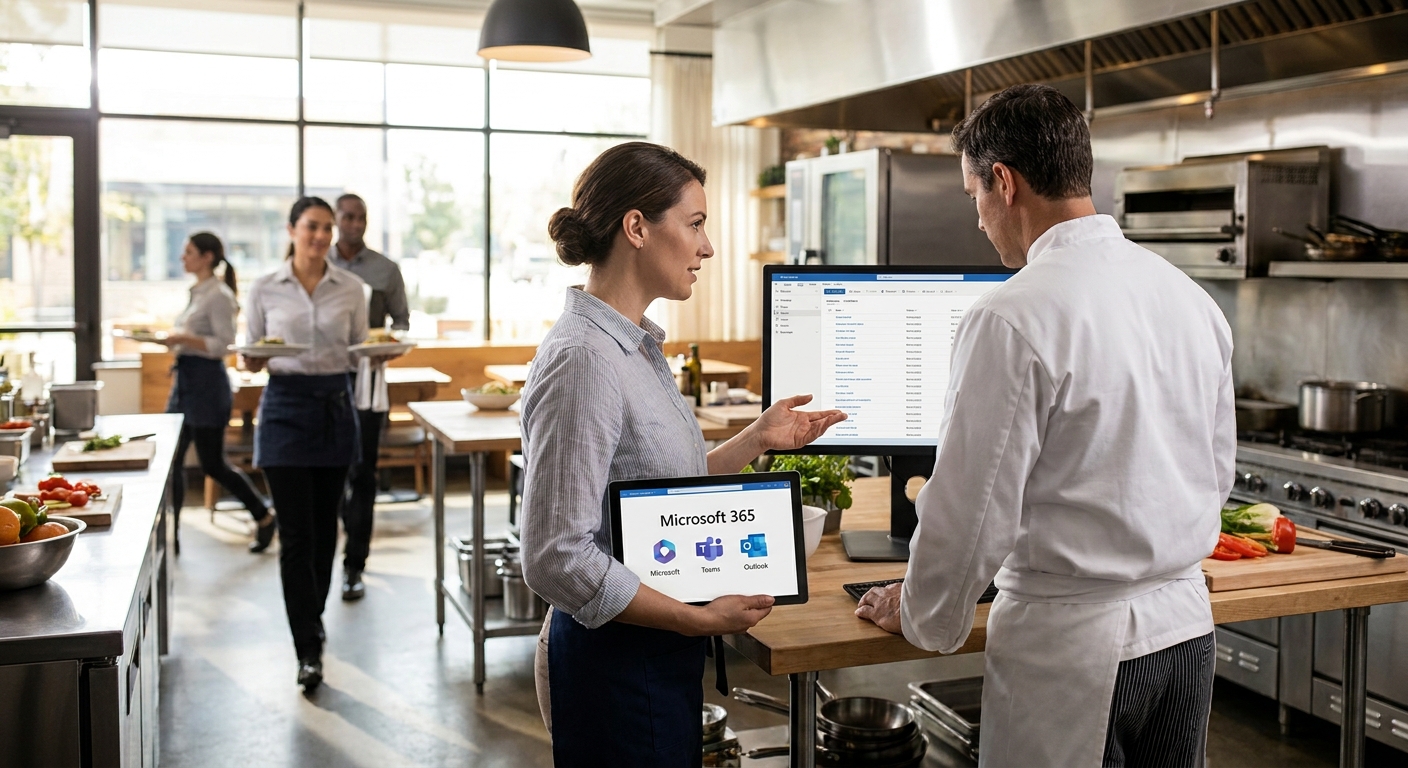
Restaurant and hospitality groups running multiple locations lose hours every week chasing shift schedules, shared inboxes, and compliance paperwork across disconnected tools — Microsoft 365 for restaurants fixes that when the plan and setup actually match how a multi-site kitchen and front-of-house team works in 2026.
- Microsoft 365 Business Standard is the default buy for restaurant groups with 10-300 seats — Teams plus desktop apps covers most managers.
- Business Premium adds device security (Intune, Defender) — the right call once you pass 3 locations or handle guest payment data.
- Business Basic works for line cooks on shared kiosk devices but fails as a manager's daily tool — Consider only for kitchen staff.
- Buy licenses through Voll and get local setup that lines up with WINTOUCH POS and Primavera or Cegid ERP integrations, not a bare download link.
Why This Matters
A restaurant group isn't a single office with one mailbox and one calendar — it's five locations, three shift patterns, a kitchen team that barely touches a keyboard, and a head office that needs HACCP records and supplier invoices in one place. Generic Microsoft 365 for restaurants advice online treats every business the same size; a hospitality group with 40 staff across three sites needs a different license mix than a single bistro with six people.
Voll sells Microsoft 365 licenses to Portuguese B2B buyers alongside WINTOUCH POS/ERP software and network gear, which matters here: the license tier you pick should line up with what's already running your point of sale and your ERP integration with Primavera or Cegid, not fight it. Get that wrong and you end up paying for Teams seats that never get used, or worse, cutting corners on device security for a POS terminal handling guest card data.
Who This Is For
This guide is for restaurant and hospitality group operators managing 2 or more locations, franchise owners coordinating shift staff and shared calendars across sites, and hospitality admins who need HACCP and supplier documentation centralized without hiring an IT department. If you're a single-location café with two staff, a lighter Business Basic setup covers you — skip ahead to the comparison table.
What To Look For In Microsoft 365 For Restaurants And Hospitality Groups
Shared mailboxes across locations
A restaurant group needs a shared reservations@ or events@ mailbox per location without buying a full license for every front-desk staff member. Exchange Online supports shared mailboxes at no extra seat cost up to a storage limit, which matters when three sites each need their own booking inbox.
Teams for shift and kitchen communication
Front-of-house and back-of-house staff rarely share a desk, so shift swaps and daily briefings need to happen on phones. Teams channels per location let a manager post the daily specials list or a health-inspection reminder once and have it reach every site instantly, instead of five separate WhatsApp groups.
Document storage for compliance records
HACCP logs, supplier certificates, and staff training records pile up fast across multiple kitchens. SharePoint and OneDrive give each location its own folder structure with version history, so an inspector asking for last month's temperature logs doesn't turn into a scavenger hunt through email attachments.
License tiers that survive seasonal staff turnover
Hospitality has some of the highest staff turnover of any sector — seasonal hires come and go every few months. A plan that lets you reassign a license the same day someone leaves, rather than being locked into an annual per-user contract, saves real money by mid-2026 when the summer season hires roll off.
Device security for POS and shared terminals
A POS terminal running WINTOUCH handles card data and guest information — it needs the same device management as an office laptop, if not more. Business Premium's Intune and Defender coverage matters once you have shared devices at the counter that any staff member might log into.
Integration fit with your ERP
If your accounting runs through Primavera or Cegid, your Microsoft 365 setup should support that data flow — shared calendars for supplier deliveries, Excel templates that pull from your ERP exports, and admin mailboxes that route invoices correctly. A license that ignores this just adds another disconnected tool.
Get Microsoft 365 set up for your group
Request a quote matched to your POS and ERP setup, delivered in 24-48h.
Top Picks
Microsoft 365 Business Basic — the lean pick. Web and mobile-only access to Outlook, Teams, and Excel, with 1TB OneDrive storage per user, works fine for kitchen staff sharing a single tablet at the pass. It caps out fast for anyone doing real desktop work with supplier spreadsheets. Verdict: Consider for kitchen and line staff only.
Microsoft 365 Business Standard — the default buy for most restaurant groups. Full desktop Office apps plus Teams and Exchange Online, supporting up to 300 users per tenant, covers managers, admin staff, and head office in one tier. This is the plan most hospitality groups in the 10-300 seat range should start with in 2026. Verdict: Buy.
Microsoft 365 Business Premium — the compliance pick. Everything in Standard plus Intune device management and Defender for Business, which matters once you're running shared POS terminals across 3 or more locations handling guest payment data. Costs more per seat but closes a real security gap that Standard leaves open. Verdict: Buy for groups past 3 locations.
Microsoft 365 Apps for Business — the desktop-only pick. Gives you Word, Excel, and PowerPoint installed on desktop but drops Teams and Exchange Online entirely. Only makes sense if your group already runs email through a different system and just needs the Office apps. Verdict: Skip for most restaurant groups — losing Teams kills the shift-communication use case.
Exchange Online Plan 1 — the mailbox add-on. A standalone mailbox license for staff who need a professional inbox but not the full Office suite, useful for scaling shared reservation mailboxes beyond what your main plan covers. Verdict: Consider as a supplement, not a primary plan.
What To Avoid
- Consumer Microsoft 365 Family or Personal plans — they look cheaper per seat but don't include admin controls, shared mailboxes, or the Teams features a multi-location business needs. No business admin console means no way to offboard a departing staff member's account cleanly.
- Buying per-location licenses separately — running five separate Microsoft 365 tenants for five locations means five separate admin logins, five separate billing cycles, and no shared calendar visibility across sites. One tenant with location-based groups works better every time.
- Skipping device management to save on Premium — a POS terminal or shared tablet without Intune coverage is an open door if a device gets lost or a staff account gets compromised. The seat-cost difference is small next to the cost of a data breach involving guest payment information.
Verdict Comparison
| Plan | Best for | Desktop apps | Device security | Verdict |
|---|---|---|---|---|
| Business Basic | Kitchen/shared devices | No | No | Consider |
| Business Standard | Managers, admin, most groups | Yes | No | Buy |
| Business Premium | 3+ locations, POS terminals | Yes | Yes | Buy |
| Apps for Business | Desktop-only, no Teams need | Yes | No | Skip |
| Exchange Online Plan 1 | Add-on mailboxes | No | No | Consider |
“A restaurant group that skips device security on shared POS terminals is betting the whole guest-data problem on nobody ever losing a tablet.”
FAQ
What's the best Microsoft 365 plan for a restaurant group in 2026?
Microsoft 365 Business Standard fits most restaurant groups with 10-300 seats in 2026, covering desktop Office apps, Teams, and Exchange Online in one license. Groups running shared POS terminals across 3 or more locations should upgrade to Business Premium for the added device security.
Is Microsoft 365 Business Premium worth it for a single restaurant?
For a single location, Business Premium is usually more than needed — Business Standard covers the communication and document needs without the extra device-management cost. Premium earns its price once you have multiple locations sharing POS hardware.
How many users can share one Microsoft 365 Business plan?
Microsoft 365 Business plans support up to 300 users per tenant, which covers the vast majority of restaurant and hospitality groups. Groups above that threshold typically move to Enterprise-tier licensing instead.
Does Microsoft 365 integrate with restaurant POS systems?
Microsoft 365 doesn't connect directly to POS software, but its shared mailboxes, calendars, and document storage complement a POS/ERP setup like WINTOUCH paired with Primavera or Cegid. The license and the POS system run separately but share the same admin's daily workflow.
Can I add or remove Microsoft 365 licenses for seasonal staff?
Yes, licenses can be reassigned the same day a staff member leaves, which matters for hospitality's high seasonal turnover. This avoids paying for unused seats through slow months.
What's included in Microsoft 365 Business Basic for restaurant staff?
Business Basic gives web and mobile access to Outlook, Teams, and Excel with 1TB OneDrive storage per user, but no desktop app installs. It works for kitchen staff on a shared tablet but falls short for managers doing spreadsheet-heavy admin work.
How much storage does each Microsoft 365 user get?
Each licensed user gets 1TB of OneDrive storage across Business Basic, Standard, and Premium plans as of 2026. Shared SharePoint site storage scales separately based on your total license count.
Does Microsoft 365 cover guest data security requirements?
Business Premium adds Defender for Business and Intune device management, which covers the baseline security expectation for handling guest payment data on shared POS terminals. Standard and Basic plans don't include this device-level protection.
One Last Thing
The seat count is never the real decision — the device count is. A restaurant group with 40 staff but only 8 shared devices at the counters needs Premium's device security far more than it needs 40 individual seats of desktop Office, and getting that ratio backward is the single most common overspend seen in hospitality Microsoft 365 setups going into 2026.


