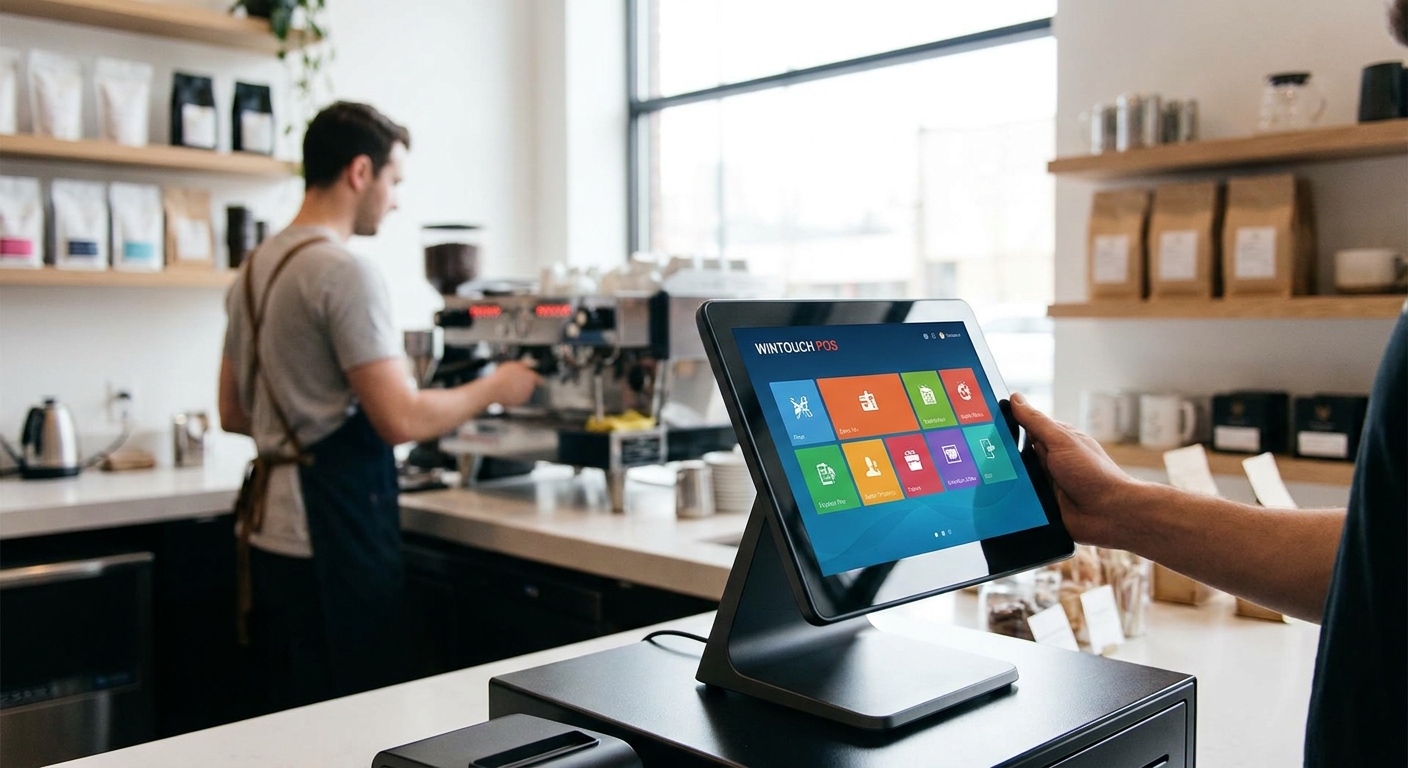
WINTOUCH POS software runs the till, the kitchen ticket, and the stockroom for restaurants and retail shops across Portugal, and picking the right module matters more than picking the cheapest one.
- WINTOUCH POS for restaurants wins on table and kitchen ticket handling — Buy for full-service dining.
- WINTOUCH Retail is the stockroom workhorse for shops with more than one till in 2026.
- Skip generic free POS apps that lack Portuguese fiscal certification — audit risk outweighs the savings.
- Primavera and Cegid integration is the deciding factor for any business already running an ERP.
Why this matters
A restaurant losing table tickets or a shop losing stock counts isn't a software problem — it's a cash problem. WINTOUCH POS software exists to close that gap between what's sold and what's recorded, and in 2026 that record has to be fiscally certified in Portugal, not just convenient.
VOLL's catalog carries more than 200 WINTOUCH POS and ERP licenses, which means the module count for a busy restaurant looks nothing like the module count for a single-till boutique. Matching the license to the business, not the other way around, is where most buyers waste money.
The rest of this guide breaks down what to check before buying, which configurations actually fit restaurants versus retail, and which shortcuts cost more later.
Who this is for
This guide is for restaurant owners running table service or quick-service counters, and retail shop owners managing stock across one or more tills, who are choosing WINTOUCH POS software for the first time or replacing a system that can't keep up with 2026 fiscal requirements. If you're already running Primavera or Cegid for back-office accounting, this applies directly to you.
What to look for in WINTOUCH POS for restaurants and retail
Fiscal certification for Portugal
Invoicing software in Portugal has to meet local certification rules — this isn't optional, and it isn't something a generic international POS app handles by default. Any WINTOUCH license sold for business use needs to produce compliant invoices and receipts from day one, not after a patch.
Order flow matched to your service model
A restaurant needs table mapping, split bills, and kitchen printing; a retail shop needs barcode lookup, stock decrement, and multi-till stock sync. WINTOUCH POS software splits these into distinct configurations, and buying the wrong one means retraining staff twice.
ERP integration depth
If accounting already runs on Primavera or Cegid, the POS has to push sales data into that ledger without manual re-entry. WINTOUCH's integration with both platforms is the reason many Portuguese businesses choose it over a standalone POS app that dead-ends at a spreadsheet export.
Hardware compatibility
Terminal, receipt printer, cash drawer, and barcode scanner all have to talk to the same license without driver hunting. SUNMI terminals are a common pairing for WINTOUCH deployments because the hardware ships with the OS layer already tuned for POS software.
Multi-till and multi-store licensing
A single-till license stretched across three registers is the fastest way to create sync errors and fiscal gaps. Confirm the license count matches the till count before installation, not after the first busy weekend.
Local installation and support
Software that needs configuration for table layouts, tax codes, and printer routing needs someone who can install it on-site or remotely with local response times — not a support ticket answered from another timezone.
Top picks
WINTOUCH POS for restaurants — the specialist pick. Built around table mapping and kitchen ticket routing, this configuration handles split bills and course timing that a generic retail POS doesn't touch. For full-service dining with more than 6 tables, this is the module that keeps kitchen and floor in sync. Buy for table-service restaurants.
WINTOUCH Retail — the retail workhorse. Stock decrement, barcode lookup, and multi-till sync are the core of this configuration, and it scales from a single boutique till to a small chain without swapping software. If stock accuracy across registers is the pain point, this is the fix. Buy for shops running 2 or more tills.
WINTOUCH with Primavera or Cegid integration — the back-office bridge. This pairing pushes daily sales directly into the ledger, cutting the manual reconciliation that eats an accountant's afternoon. Any business already on one of these ERPs should treat this integration as non-negotiable rather than a nice-to-have. Buy if Primavera or Cegid is already in place.
WINTOUCH paired with SUNMI hardware — the hardware pairing. SUNMI terminals ship with an Android-based OS that's already tuned for POS software, cutting driver setup time versus mismatched third-party hardware. For a new till from zero, this pairing avoids the compatibility troubleshooting that eats the first week. Consider for new till setups; Skip if existing hardware already works reliably.
Get a WINTOUCH POS quote
Business pricing shown without VAT, with nationwide delivery in 24-48h.
What to avoid
- Free or unbranded POS apps without Portuguese fiscal certification — they look like a shortcut until an audit flags non-compliant invoicing.
- Single-till licenses run across multiple registers — this is the single most common cause of stock and sales mismatches in 2026 support tickets across the sector.
- POS hardware bought separately with no confirmed WINTOUCH compatibility — a terminal that isn't validated for the software adds setup time instead of saving it.
Verdict comparison
| Pick | Best for | Fiscal certification | ERP integration | Verdict |
|---|---|---|---|---|
| WINTOUCH POS (restaurants) | Table-service dining | Yes | Via Primavera/Cegid | Buy |
| WINTOUCH Retail | Multi-till shops | Yes | Via Primavera/Cegid | Buy |
| WINTOUCH + Primavera/Cegid | Existing ERP users | Yes | Native | Buy |
| WINTOUCH + SUNMI hardware | New till setups | Yes | Via Primavera/Cegid | Consider |
FAQ
What's the best WINTOUCH POS setup for a restaurant?
The restaurant configuration of WINTOUCH POS software handles table mapping, split bills, and kitchen ticket printing, which a generic retail POS doesn't cover. Full-service dining with multiple tables should run this module rather than the standard retail build.
Is WINTOUCH POS better than generic retail POS apps?
For Portuguese businesses, WINTOUCH POS software has the fiscal certification and ERP integration that generic international apps often lack. The comparison isn't about features alone — it's about invoicing compliance and Primavera/Cegid connectivity.
Does WINTOUCH integrate with Primavera or Cegid?
Yes, WINTOUCH POS software integrates with both Primavera and Cegid ERP systems, pushing sales data into the ledger without manual re-entry. This is one of the main reasons businesses already running either ERP choose WINTOUCH over a standalone POS.
How much does WINTOUCH POS cost?
Pricing depends on the license tier, module (restaurant vs retail), and number of tills, and is shown without VAT for business buyers. Request a quote to match the license count to your actual till setup.
Can WINTOUCH POS run on SUNMI terminals?
Yes, SUNMI terminals are a common hardware pairing for WINTOUCH POS deployments because the terminal OS is already tuned for POS software. This cuts driver and compatibility setup time versus mismatched third-party hardware.
Is WINTOUCH POS certified for Portuguese invoicing?
WINTOUCH POS software is built to meet Portuguese fiscal invoicing requirements, which is a baseline requirement for any business POS in 2026. Generic or free POS apps frequently fail this check.
How fast can WINTOUCH POS be delivered and installed?
Licenses ordered through VOLL ship nationwide in 24-48h, with installation scheduled separately depending on the number of tills and integration complexity. Multi-store rollouts take longer to configure than a single-till shop.
Does WINTOUCH POS work for multi-store retail chains?
Yes, WINTOUCH Retail supports multi-till and multi-store licensing with stock sync across registers. The license count has to match the till count exactly to avoid sync errors.
One last thing
The detail that trips up most first-time buyers isn't the software — it's the license count. A three-till shop running a single-till WINTOUCH license will look fine for the first week and then start showing stock mismatches that take longer to unwind than the setup itself would have taken in 2026. Match the license to the till count before the first busy weekend, not after.


