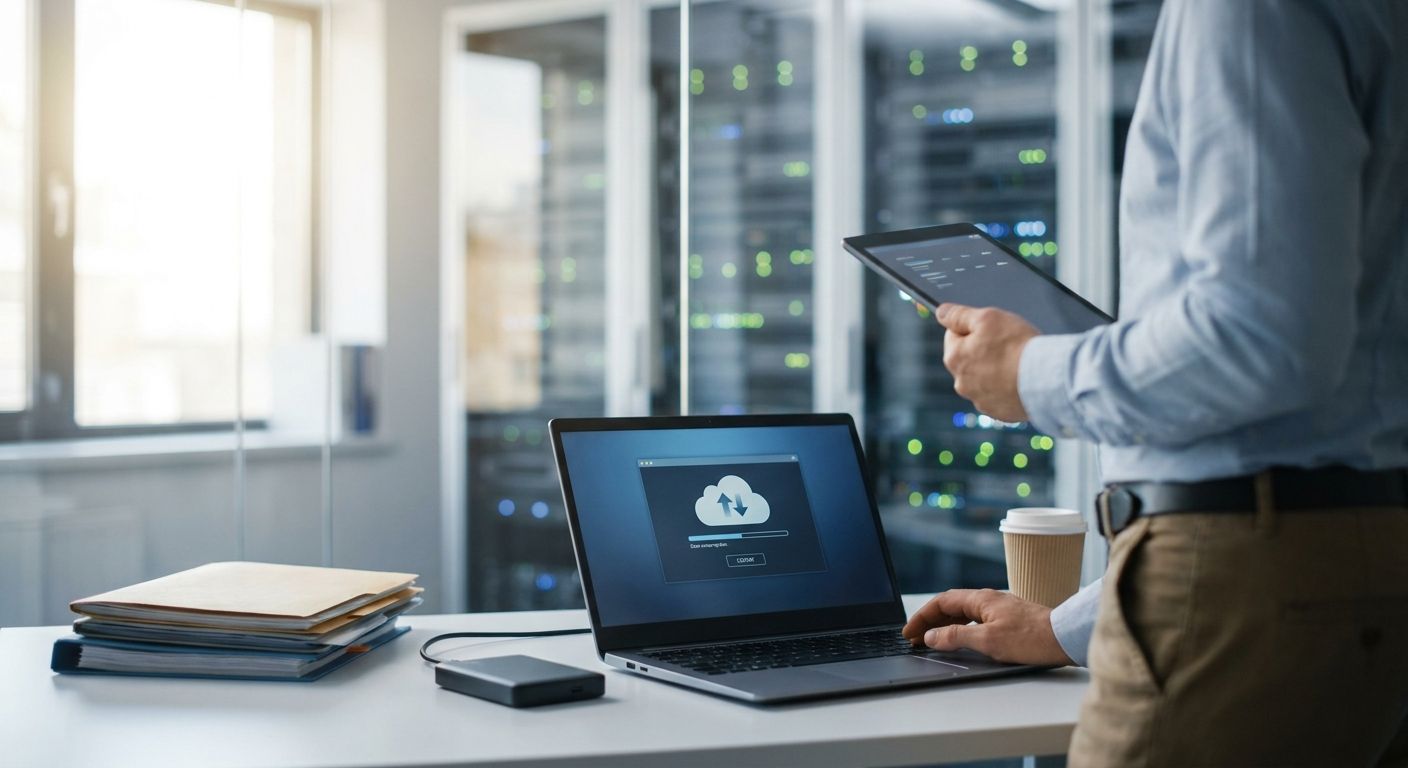
Small and medium businesses need cloud backup software for business file protection because a laptop failure, a ransomware note, or one accidental delete on an ERP export can wipe out a week of billing and inventory data in a single afternoon. What separates this segment from a solo freelancer or a 500-seat company is the mix of systems: a typical SMB runs WINTOUCH POS terminals, a Primavera or Cegid ERP database, and Microsoft 365 mailboxes, all managed by a team too small to have someone watching backup jobs every night.
- Microsoft 365 retention is not backup — it protects against accidental deletion, not license loss or ransomware.
- The 3-2-1 rule (local copy, second local copy, offsite copy) is the baseline architecture for cloud backup software for business in 2026.
- ERP and POS databases need their own nightly backup — file-server backup alone misses transaction history.
- A NAS paired with an offsite cloud copy gives fast local restores plus disaster protection, and VOLL configures both together.
- Untested backups are not backups. Restore tests belong on a calendar, not on a hope.
Why cloud backup software matters for small and medium businesses
VOLL works with Portuguese SMBs running WINTOUCH POS and Primavera or Cegid ERP setups, and the same failure pattern shows up repeatedly: the business assumes Microsoft 365 or a POS vendor already handles backup, and finds out otherwise during an outage. Microsoft's own retention policies for Exchange Online, OneDrive and SharePoint exist to satisfy compliance holds and accidental-deletion recovery — not to replace a real backup once the retention window closes or a license gets cancelled.
There is a compliance angle specific to Portugal, too. Businesses using WINTOUCH or a Primavera/Cegid ERP need to be able to produce SAF-T-PT files for the tax authority on request. If the ERP database behind that invoicing history is not backed up on its own schedule, reproducing years of records after a failure gets expensive fast, in time if not in cash.
How to set up cloud backup software for business file protection
Step 1: Map what data actually needs protection
Before comparing any tool, list what you are actually protecting. Most SMBs protect less than they think they do.
- ERP database (Primavera, Cegid, or WINTOUCH transaction history)
- Microsoft 365 mailboxes, OneDrive and SharePoint libraries
- POS terminal logs and end-of-day reports
- Local file shares or shared network drives
- Accounting exports needed for SAF-T submission
Step 2: Apply the 3-2-1 rule to your backup architecture
The 3-2-1 rule is the standard baseline for cloud backup software for business: three copies of your data, on two different types of media, with at least one copy offsite.
- Keep one working copy on the device or server itself
- Keep a second copy on local storage such as a NAS
- Keep a third copy offsite or in the cloud
- Confirm the offsite copy sits on a different network than the other two
- Use backup credentials separate from your daily admin login
Step 3: Set retention and backup frequency by data type
Not every file needs the same schedule. Financial and transaction data needs tighter retention than a shared drafts folder.
- Run ERP and POS database backups nightly at minimum, more often during peak sales periods
- Back up Microsoft 365 mailboxes on a daily cycle, independent of native retention settings
- Keep at least 30 days of point-in-time recovery for financial data
- Extend retention further for anything tied to SAF-T or tax records
- Write the schedule down so the next person handling IT understands it without asking
Step 4: Back up Microsoft 365 separately from its native retention
Recycle Bin and version history are not a backup plan. Treat Microsoft 365 as a system that needs its own dedicated backup, the same way you'd treat a server.
- Turn on a dedicated backup job for Exchange Online, OneDrive and SharePoint
- Do not rely on native retention or the Recycle Bin alone
- Re-check backup coverage right after any migration of email and files to Microsoft 365, since accounts moved mid-transition can slip through
- Confirm shared mailboxes and Teams files are included, not just individual user accounts
Step 5: Add local NAS as the first line of defense for ERP and POS data
Cloud-only backup is slow to restore from when a database is large. A local NAS gives you a fast first restore, with the cloud copy as the disaster-recovery layer.
- Use a NAS with RAID for immediate local restore of large databases — see NAS storage for business file backup for the setup VOLL configures for ERP and POS environments
- Sync the NAS to an offsite or cloud location on a fixed nightly schedule
- Confirm your connection has enough bandwidth to finish the sync before business hours
- Keep the NAS on its own network segment, separate from POS terminals
Step 6: Test restores on a calendar, not just backups
A backup job that runs successfully every night tells you nothing about whether the restore actually works.
- Run a full restore test at least quarterly
- Time how long a complete database restore actually takes
- Verify file and folder permissions carry over correctly after restore
- Confirm someone other than the original admin can execute the restore alone
Step 7: Assign an owner and put the recovery plan in writing
Backup without an owner degrades into backup that nobody checks.
- Name one person responsible for reviewing backup logs weekly
- Write down where each backup copy lives and how to reach it
- Include vendor or partner contact details in the written plan
- Review the plan whenever you change ERP, POS, or email providers
Cloud backup options for small and medium businesses in 2026
| Option | Best for | Pricing | Key limitation |
|---|---|---|---|
| Microsoft 365 native retention | Recovering a recently deleted file inside the retention window | Included in an existing Microsoft 365 plan | Not a true backup — items are gone once the window closes or the license is cancelled |
| Third-party cloud backup software (Acronis, Veeam, and similar) | Businesses that want backup independent of the productivity suite vendor | Vendor quote | Adds another vendor and console on top of ERP and POS support |
| Local NAS + offsite cloud copy (3-2-1 hybrid) | Businesses running heavy ERP or POS databases that need fast local restores | Request a quote | Needs someone confirming the offsite sync actually completed, not just started |
| Microsoft 365 + NAS backup configured and supported locally | SMBs already on WINTOUCH POS or a Primavera/Cegid ERP license who want one partner handling install and support | Request a quote from VOLL | Takes longer to set up than clicking through a self-serve SaaS trial |
Verdict: a local NAS paired with an offsite cloud copy, configured against your actual ERP and POS databases, beats relying on Microsoft 365 retention alone for business file protection in 2026 — retention answers "can I undo a delete," not "can I recover from a ransomware hit."
Common mistakes small and medium businesses make with cloud backup
- Treating Microsoft 365 retention policies as a full backup — they were never built for that job
- Backing up the file server but never touching the ERP or POS database that actually runs the business
- Storing the only offsite copy in a personal account tied to one employee who eventually leaves
- Never running a real restore test, so the first restore attempt happens during an actual outage
- Skipping backup for POS terminals because the data feels temporary — end-of-day reports and transaction logs are audit material for SAF-T
Set up backup for ERP, POS and Microsoft 365
VOLL configures NAS storage, Microsoft 365 backup and ERP integration as one system.
FAQ
What's the best cloud backup software for business use in 2026?
There is no single best option for every business — it depends on whether your data lives mainly in Microsoft 365, in an ERP database, or across POS terminals. A hybrid setup combining local NAS storage with an offsite cloud copy covers ERP and POS data better than a Microsoft 365-only approach.
Is Microsoft 365 enough as a backup for business files?
No. Microsoft 365 retention and version history protect against accidental deletion inside a limited window, not against ransomware, malicious deletion, or license cancellation. A dedicated backup job separate from native retention is needed for real file protection.
How much does cloud backup software cost for a small business?
Cost depends on data volume, number of users, and retention length, so most vendors quote per business rather than publish a flat price. Request a quote based on your actual ERP, POS and Microsoft 365 footprint rather than a generic plan.
What's the difference between cloud backup and cloud storage?
Cloud storage syncs your current files across devices; cloud backup keeps historical, recoverable versions of those files even after they are deleted or corrupted. A synced folder with no version history is not a backup.
How often should a business back up its ERP or POS database?
Nightly at minimum, and more often during peak sales periods when transaction volume is high. Financial and inventory data changes too fast for a weekly cycle to be safe.
Can I use a NAS instead of a cloud backup subscription?
A NAS alone covers the local half of the 3-2-1 rule but leaves you exposed if the site itself is damaged or the NAS is stolen. Pairing a NAS with an offsite or cloud copy covers both fast local restore and disaster recovery.
Does cloud backup help with SAF-T compliance in Portugal?
Yes, indirectly. SAF-T-PT requires businesses to be able to produce invoicing records on request, and that depends on the ERP database behind WINTOUCH, Primavera or Cegid staying recoverable, which is exactly what a proper backup schedule protects.
What happens to Microsoft 365 files after retention runs out?
Once a file passes the retention window or the account is deactivated, it is generally not recoverable through native Microsoft 365 tools. A separate backup taken before that window closes is the only way to get it back.
One last thing
The backup gap most Portuguese SMBs miss in 2026 isn't the office file server — it's the POS terminal. WINTOUCH transaction logs and end-of-day reports are audit material for SAF-T, and if that data lives only on the terminal itself, one hardware failure erases the trail the tax authority expects you to produce.


