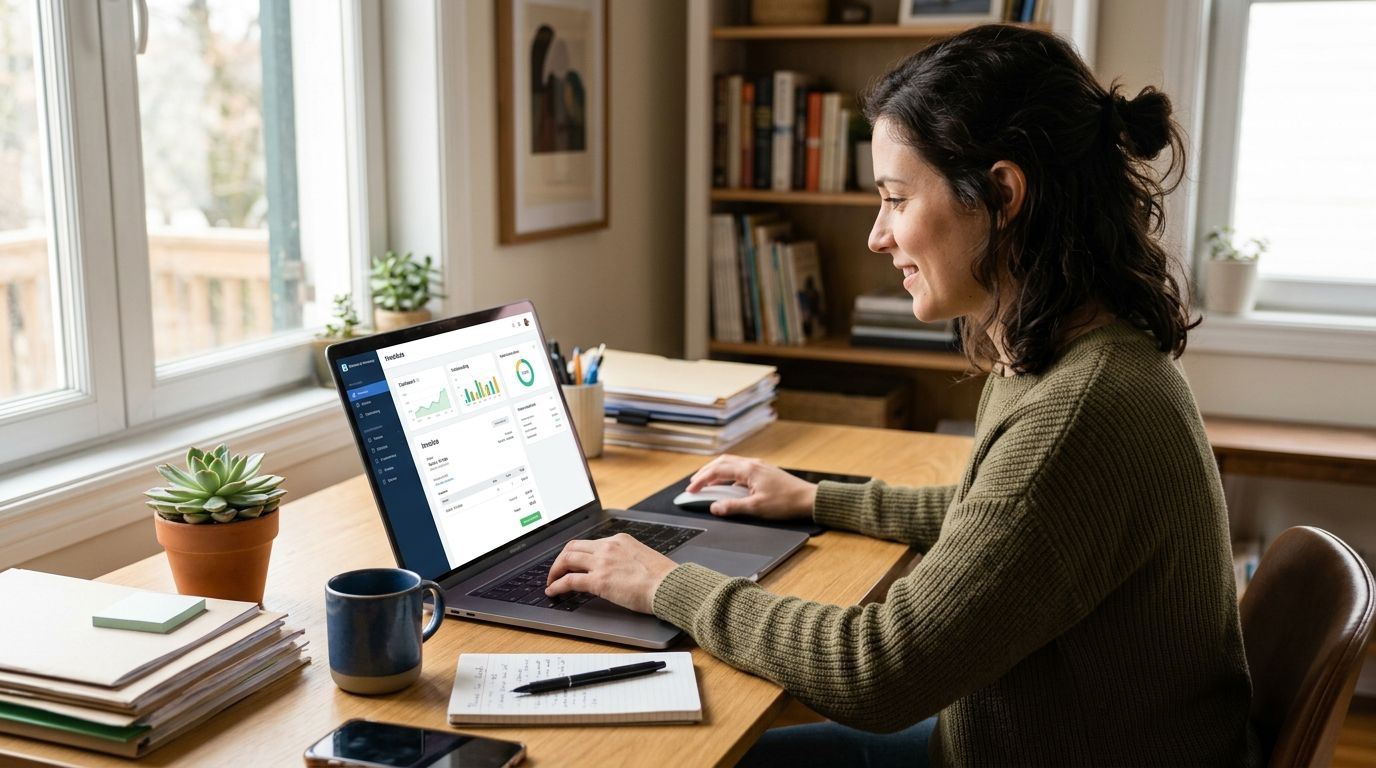
Invoicing software for freelancers and small businesses in Portugal is a system that generates tax-compliant invoices, tracks payments, and reports data to the Autoridade Tributária (AT) — the goal is staying inside SAF-T rules without paying an accountant to check every single document. A solo freelancer issuing recibos verdes has a very different compliance trigger than a five-person retail shop invoicing through an ERP, and the right invoicing software for small businesses (software de faturação para pequenos negócios) depends entirely on which side of that line the business sits.
- Invoicing software for small businesses becomes a legal requirement once turnover crosses AT's certification threshold, not a nice-to-have.
- Portal das Finanças e-Fatura covers solo freelancers below that threshold for free but stays fully manual.
- WINTOUCH ERP invoicing integrates with Primavera and Cegid so small businesses run stock, sales and invoicing from one system.
- Businesses that outgrow spreadsheet invoicing in 2026 should move to certified software before an AT audit forces the switch.
Why invoicing software matters for freelancers and small businesses
Portugal's tax authority does not treat invoicing as optional paperwork — it treats it as a data feed. Once a freelancer or small business crosses AT's certification threshold, invoices have to come from software certified for SAF-T export, not from a Word template or a generic spreadsheet. Below that threshold, the free Portal das Finanças e-Fatura system is legal and works, but it means manual entry for every recibo verde and zero connection to stock, payments, or accounting.
The segment split matters because the two groups buy differently. A freelancer wants the cheapest compliant option that takes ten minutes a month. A small business with a shop counter, a warehouse, or five employees needs invoicing tied to a SAF-T compliant invoicing software for Portuguese businesses setup that also talks to stock control and an accountant's ERP. Treating both groups the same way is how businesses end up re-migrating their invoicing twice in three years.
Step 1: Check whether you legally need certified software
Start here before comparing any tool — this decides everything else.
- Pull last year's declared turnover from your IRS or IRC filing
- Confirm the current AT certification threshold with your accountant, since it is set by regulation and reviewed periodically
- Check whether you invoice consumers (B2C) as well as businesses, since reporting obligations differ
- Flag if you are close to the threshold — crossing it mid-year forces a software switch on short notice
- Note whether you already issue more than a handful of invoices a month; volume alone often makes manual entry the real bottleneck before the legal threshold does
Step 2: List your must-have invoicing features
Write this list before you look at a single product page — it stops feature demos from steering the decision.
- SAF-T (T) export in the exact format AT expects
- Correct handling of Portugal's VAT rates (23%, 13%, 6%) applied per line item
- Recurring or subscription billing if you invoice retainers monthly
- Multi-currency support if you invoice clients outside the eurozone
- A path to connect invoicing with stock, POS, or accounting later, even if you do not need it on day one
Step 3: Decide between a standalone tool and ERP-integrated invoicing
This is where the two segments genuinely diverge. A freelancer with no stock and no employees rarely needs more than certified invoicing plus basic client records. A small business running a shop, a workshop, or a service team benefits from invoicing built into the same system as sales and stock — WINTOUCH POS/ERP covers that, and Microsoft 365 for freelancers and sole traders in Portugal covers the lighter side — email, file storage, and document handling without a full ERP license.
Verdict: freelancers with under a few dozen invoices a month should start with a standalone certified tool; small businesses with stock or staff should start with ERP-integrated invoicing, even if it costs more upfront.
Step 4: Set up automatic and recurring invoicing
Manual invoicing is the single biggest time cost small businesses report once volume climbs past a few clients.
- Configure recurring invoice templates for retainer or subscription clients
- Set automatic due-date and VAT calculations so nothing gets typed twice
- Turn on automatic SAF-T export so month-end reporting is a download, not a manual build
- Schedule automatic reminders for overdue invoices instead of chasing payments by email
- If you're already on Primavera, set up automatic invoicing in ERP Primavera rather than running a separate invoicing tool alongside it
Step 5: Connect invoicing to your point of sale or online store
Businesses selling in person or online lose accuracy the moment invoicing and sales live in separate systems.
- Match every POS sale to an invoice automatically instead of reconciling at month-end
- Sync stock deductions to invoiced items so inventory counts stay accurate
- Pull daily sales totals directly into your accounting export
- Keep online store orders and in-store sales on one invoicing record, not two
Step 6: Plan for scaling before you outgrow your setup
A setup that works for one freelancer or one shop breaks the moment a second employee, a second location, or a second company gets added.
- Confirm your license supports multiple users before you hire
- Check whether adding a second company (a common move for growing freelancers) needs a new license or an add-on
- Ask whether your invoicing system supports multi-branch reporting if you plan to open a second location
- Build in headroom for volume — a tool that's fine at 50 invoices a month can slow down at 500
Step 7: Migrate historical invoices without breaking SAF-T continuity
Switching software mid-year is common and it is where most compliance gaps appear.
- Export a full SAF-T file from the old system before cancelling anything
- Keep sequential invoice numbering continuous across the switch — AT checks for gaps
- Archive at least the legally required retention period of past invoices in a readable format
- Test the new system's export against a real AT submission before relying on it fully
Comparing invoicing options for freelancers and small businesses
| Option | Best for | Key limitation |
|---|---|---|
| Portal das Finanças e-Fatura | Solo freelancers below the certification threshold | Fully manual, no stock or ERP connection |
| Standalone SAF-T compliant invoicing software | Small businesses needing certified compliance without a full ERP | Limited or no stock/inventory features |
| WINTOUCH POS/ERP invoicing | Retail, hospitality, and service businesses with a counter or stock | Requires setting up POS hardware and a license |
| Primavera/Cegid ERP for professional services firms | Growing businesses needing invoicing tied to full accounting | More setup and configuration than a standalone tool |
Buy verdict: freelancers under the certification threshold can stay on the free portal; everyone else should move to certified, ERP-connected invoicing before growth forces the issue.
“If you're still typing invoice numbers into a spreadsheet, you're already non-compliant the day AT decides to look.”
Get an invoicing setup quote
Business pricing quoted without VAT, based on your invoice volume and integration needs.
Common mistakes freelancers and small businesses make
- Assuming the free portal scales indefinitely. E-Fatura works fine at low volume, but it does not warn you when you're approaching the certification threshold — that's an accountant's job, and many freelancers skip the check.
- Ignoring SAF-T export until an audit forces it. Retrofitting export formatting after years of invoices is far harder than setting it up correctly in 2026, before volume builds up.
- Picking a subscription tool with no ERP path. Businesses that plan to grow past one employee often re-migrate invoicing within two years because the cheap tool they started with has no integration route.
- Running invoicing separate from stock or POS. Shops that invoice by hand while running a separate stock system end up reconciling two sets of numbers every month instead of one.
- Missing VAT rate changes across product or service lines. Mixed-rate businesses (a café selling both food and retail goods, for example) misapply a single VAT rate more often than any other invoicing error.
FAQ
What invoicing software do freelancers need in Portugal in 2026?
Freelancers below AT's certification threshold can legally use the free Portal das Finanças e-Fatura system. Above that threshold, certified SAF-T compliant invoicing software is required by law.
Is Portal das Finanças e-Fatura enough for a small business?
It's enough for low-volume solo freelancers but has no stock, POS, or ERP connection. Small businesses with a shop, staff, or growing invoice volume outgrow it quickly.
How much does invoicing software cost for a small business?
Business pricing for certified invoicing and ERP-connected systems is typically quoted without VAT based on user count and modules needed, rather than a fixed sticker price. Get a quote based on your actual invoice volume and integration requirements.
Does invoicing software need to connect to a POS system?
Only if you sell in person or run stock. Service-only freelancers rarely need POS integration, but any business with a counter or warehouse should link invoicing to stock to avoid double reconciliation.
Can I switch invoicing software without losing compliance?
Yes, but export a full SAF-T file from your old system first and keep invoice numbering sequential across the switch. AT checks for gaps in numbering, and a broken sequence is a common audit flag.
What's the difference between Primavera and standalone invoicing software?
Standalone certified invoicing software handles compliant invoices only. Primavera and Cegid ERP tie invoicing to full accounting, stock, and multi-company management, which matters once a business has employees or multiple revenue streams.
Do I need certified invoicing software if I only invoice other businesses?
The certification requirement is based on turnover, not on whether clients are B2B or B2C. Crossing AT's threshold requires certified software regardless of who the invoices go to.
One last thing
The most common failure point isn't picking the wrong invoicing software in 2026 — it's picking the right one too late, after invoice volume has already made manual entry unmanageable and a switch mid-year risks a numbering gap AT will flag. Decide the ERP-versus-standalone question in step 3, not after the fifth month of typing invoices by hand.


