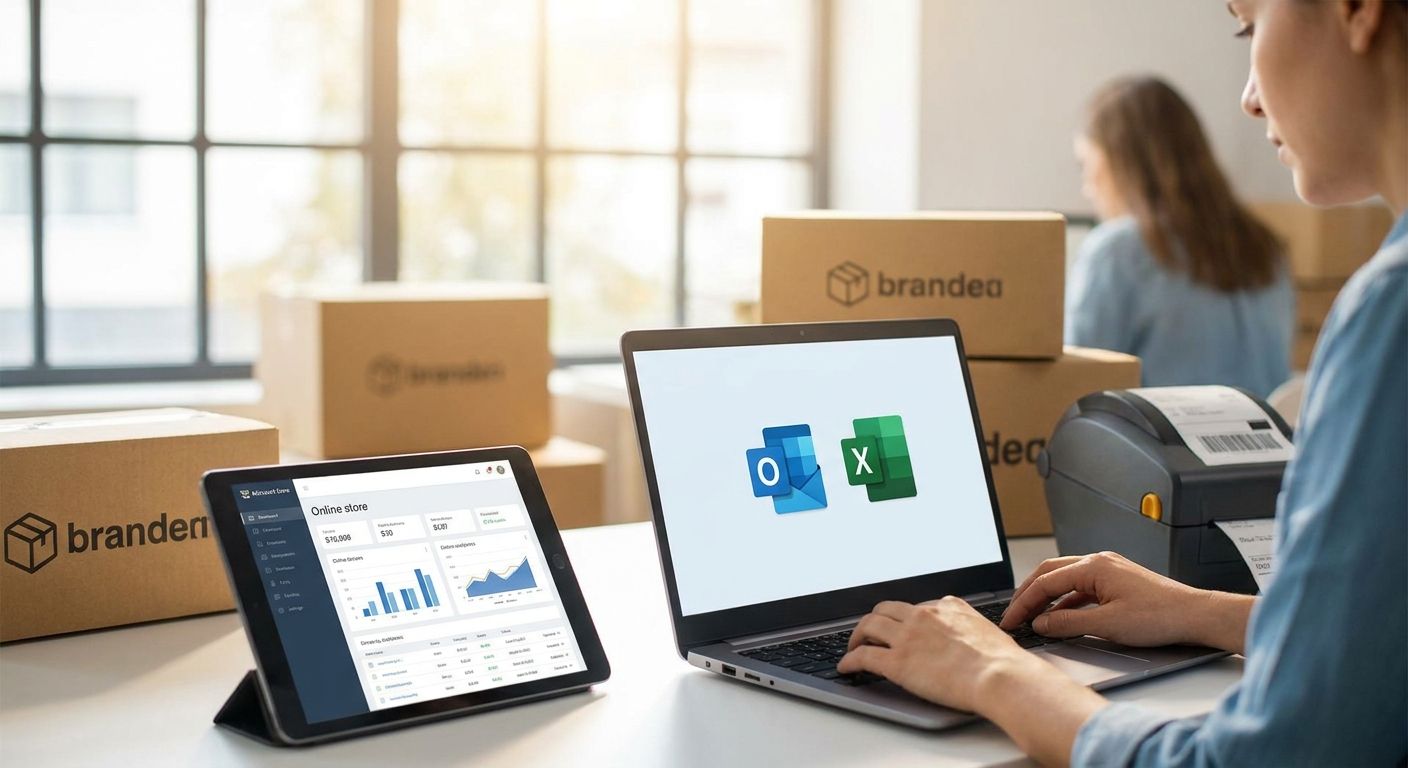
Microsoft 365 for e-commerce businesses bundles business email, cloud file storage, and the full Office app suite under one login, built to keep a warehouse crew, a support inbox, and a remote founder working off the same files. An online store's traffic doesn't clock out at 6pm, and neither does its team — orders land at midnight, suppliers email invoices from three time zones, and someone has to answer a return request from a phone in a delivery van. A fixed office IT setup doesn't fit that shape of work.
- Microsoft 365 Business Standard fits most e-commerce teams once support or fulfillment staff pass 2-3 people.
- OneDrive and SharePoint replace scattered shared drives for supplier invoices, product photos, and shipping manifests.
- Copilot in Outlook and Excel speeds up repetitive customer replies and order-sheet cleanup, but it's a paid add-on on top of the base license.
- Voll sells Microsoft 365 for e-commerce businesses in Portugal with local setup and invoicing support in 2026.
Why Microsoft 365 matters for e-commerce businesses
An e-commerce team is rarely in one building. Support agents answer tickets from home, a warehouse manager scans inbound stock on a tablet, and the person who does the books logs in from a laptop between school runs. Microsoft 365 for e-commerce businesses solves the coordination problem that comes with that spread: one business domain for email, one shared file library instead of five inboxes with attachments, and the same Word, Excel, and Outlook everyone already knows how to use.
The alternative most small stores run on — a personal Gmail account, product photos on someone's laptop, invoices in a WhatsApp thread — works until the person holding the files goes on holiday. Microsoft 365 fixes the single point of failure by putting company files and email under the business, not under one person's device.
Consolidate order and customer email into one business inbox
A store answering customer questions from a personal or generic free-email address looks unprofessional and makes handovers between support staff painful. The manual fix costs nothing but discipline; the faster fix is migrating business email and files to Microsoft 365 once the team outgrows ad-hoc inboxes.
- Set up a shared support alias (support@yourdomain) before adding individual staff mailboxes
- Move order-confirmation and shipping-notification templates into Outlook rules so replies stay consistent
- Turn on shared calendars so returns, restocks, and supplier calls don't collide
- Archive old free-email threads into a searchable folder instead of deleting them
- Set auto-forwarding rules during the migration window so no order slips through
Standardize product, inventory, and supplier files
Spreadsheets scattered across laptops are the most common failure point for growing stores — someone updates stock counts locally, and the version everyone else sees is a week old. The free fix is agreeing on one master file and one naming convention; the durable fix is moving that file into shared cloud storage everyone can open at the same time.
- Store the master product and price list in one shared Excel workbook, not email attachments
- Give suppliers a single upload folder instead of individual email chains for invoices
- Version-lock pricing sheets before promotions so nobody overwrites a discount by accident
- Set folder permissions so warehouse staff see stock files but not payroll or supplier contracts
- Back up shipping manifests automatically instead of relying on manual exports
Automate repetitive customer support and back-office tasks
Most of the email traffic in an e-commerce inbox is repetitive: where's my order, how do I return this, is this in stock. Template replies handle the bulk of it for free. Once volume climbs past what one person can draft by hand, Copilot inside Microsoft 365 drafts first-pass replies and cleans up messy order spreadsheets, though it's billed separately from the base license and worth testing against your actual ticket volume before committing.
- Build 5-10 canned replies in Outlook for the most common ticket types
- Use Excel formulas to flag low-stock SKUs automatically instead of manual checks
- Try Copilot for drafting reply variations, then edit before sending — don't auto-send
- Track which ticket categories eat the most time before deciding automation is worth the add-on cost
- Keep a manual escalation path for anything Copilot drafts that touches refunds or complaints
Lock down customer and payment data with real security controls
An e-commerce store handles more sensitive data than most small businesses realize: customer addresses, order histories, and often payment-provider logins tied to the same email domain. Multi-factor authentication is free and should be non-negotiable on any account with marketplace or payment access.
- Turn on MFA for every account, especially the one linked to your payment processor
- Restrict admin access to the two or three people who actually need it
- Use Business Premium's device management if staff use personal laptops or phones for work
- Set data-loss prevention rules so customer lists can't be emailed outside the company by accident
- Review sign-in logs monthly for logins from unexpected locations
Match your fulfillment desk hardware to your software stack
Software alone doesn't get a package out the door. If Microsoft 365 is standardizing the paperwork side, the physical fulfillment desk needs equipment that keeps pace — shipping label printers built for logistics and e-commerce cut the manual re-typing that happens when order data lives in Excel but labels get handwritten.
- Print shipping labels directly from your order spreadsheet or shipping platform, not by hand
- Keep a second printer on standby during peak sales periods to avoid single-point failure
- Match label size to your courier's requirements before ordering rolls in bulk
- Pair barcode scanning at packing stations with your inventory sheet to catch mis-picks
Decide whether you actually need Teams
Microsoft 365 Business Standard and Premium both include Teams, but plenty of e-commerce teams already run daily communication through Slack, WhatsApp, or Zoom and don't want a second chat app competing for attention. That's a real decision point, not a default — evaluate whether Teams adds anything your team doesn't already have before turning it on for everyone.
- Audit which tool your team actually opens daily before adding another one
- If Slack or Zoom already works, keep Teams disabled rather than running two chat apps in parallel
- Use Teams only for scheduled video calls with suppliers if that's the single use case that matters
- Revisit the decision if support headcount grows past what your current chat tool handles well
Pick the license tier and buy it without guesswork
Once the workflow is mapped out, the tier choice comes down to team size and whether you need desktop Office apps or just the web versions.
| Plan | Best for | Storage/apps | Key limitation |
|---|---|---|---|
| Microsoft 365 Business Basic | Solo sellers running the store from a browser | 1 TB OneDrive, web and mobile Office only | No desktop Word, Excel, or Outlook install |
| Microsoft 365 Business Standard | Small teams needing desktop apps and shared files | 1 TB OneDrive, full desktop Office suite | Includes Teams even if you already run Slack or Zoom |
| Microsoft 365 Business Premium | Stores with staff on mixed personal/work devices | 1 TB OneDrive, device management via Intune | More setup work; needs someone to configure device policies |
| Copilot add-on | High-volume support inboxes and messy order sheets | Layers onto an existing Business Standard or Premium seat | Separate add-on cost stacked on the base license |
Verdict: Business Standard is the right default for most e-commerce businesses in 2026 — it covers desktop Office and shared storage without the device-management overhead Premium adds, and you can layer Copilot on later once ticket volume justifies it.
Compare Microsoft 365 plans for your store
See which tier fits your team size before you buy.
Common mistakes e-commerce businesses make
- Running the store off a personal or free email address long after order volume justifies a business domain — it slows handovers and looks unprofessional to customers.
- Storing product photos and supplier invoices on individual laptops instead of shared cloud folders, so the whole team stalls when one person is unreachable.
- Turning on Teams by default for a support team that already communicates fine through Slack or WhatsApp, adding notification noise instead of removing it.
- Skipping MFA on the account tied to a payment provider or marketplace login — the single highest-value account to protect is often the least protected.
- Buying licenses one at a time as staff join instead of centralizing under one business account, which makes billing and offboarding messy later.
FAQ
What is the best Microsoft 365 plan for an e-commerce business?
Microsoft 365 Business Standard fits most e-commerce teams because it includes desktop Office apps and 1 TB of OneDrive storage per user. Solo sellers running everything from a browser can start on Business Basic and upgrade once they need desktop installs.
Does an online store need Microsoft Teams?
Not if the team already uses Slack, WhatsApp, or Zoom for daily communication. Teams comes bundled with Business Standard and Premium, but leaving it disabled avoids running two chat tools in parallel.
Is Copilot worth it for a small e-commerce team?
Copilot helps draft repetitive customer replies and clean up order spreadsheets, which pays off once support ticket volume is high enough to justify the add-on cost. Below that volume, template replies handle the same work for free.
How much OneDrive storage comes with Microsoft 365 for e-commerce businesses?
Business Standard and Business Premium both include 1 TB of OneDrive storage per user, enough for product photos, supplier invoices, and shipping manifests without a separate storage subscription.
Can Microsoft 365 replace a shared drive for supplier files?
Yes — SharePoint and OneDrive replace ad-hoc shared drives with permission controls, so suppliers or warehouse staff only see the folders relevant to them. Version history also prevents someone overwriting the master price list by accident.
Do I need Business Premium if my staff use personal laptops?
Business Premium adds device management through Intune, which matters if staff access customer data from personal devices. Teams working entirely on company-issued laptops can usually stay on Business Standard.
Where can e-commerce businesses in Portugal buy Microsoft 365 licenses?
Voll sells Microsoft 365 licenses to Portuguese businesses with local invoicing and setup support, alongside the POS and network hardware many stores already run.
One last thing
Microsoft 365 handles email, files, and Office apps, but it doesn't cover Portugal's SAF-T invoicing requirement — that's a separate compliance layer e-commerce businesses selling locally still need to plan for alongside their license setup. Get that piece sorted before the license migration, not after, so your first invoice batch doesn't need reworking.


