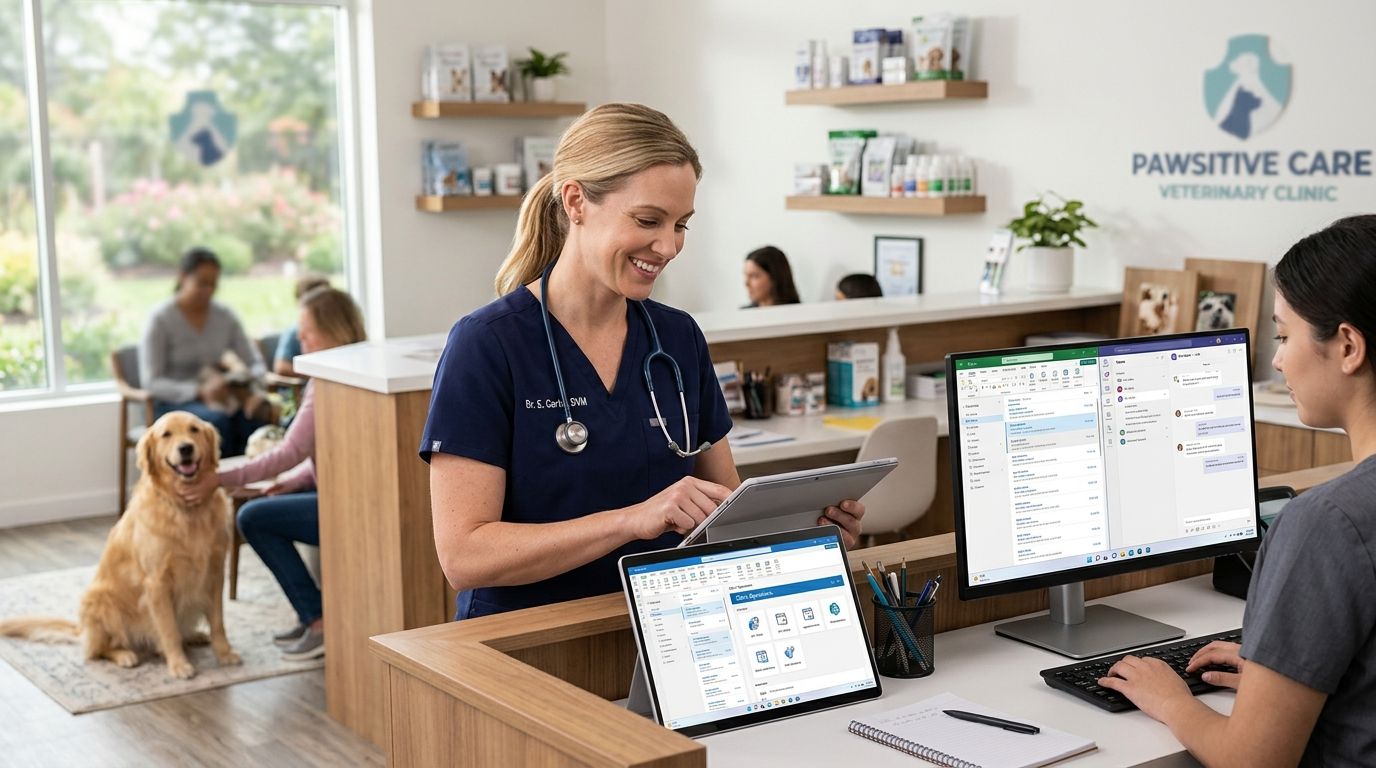
Microsoft 365 for veterinary clinics is a licensing and collaboration setup built around shared reception inboxes, secure patient records, and video consults between vets and specialists — with the goal of cutting missed callbacks and lost lab results. A single-vet practice needs less than a three-location group running overnight emergency shifts, and the plan tier should match that difference, not a generic small-business template.
- Microsoft 365 for veterinary clinics works best on Business Standard once reception uses a shared inbox and vets need Teams video for referrals.
- Voll bundles Microsoft 365 licensing with Primavera ERP integration for clinics running more than one location.
- SharePoint replaces shared network drives for lab results and patient charts once a practice passes 5 staff.
- Hold off on Copilot until the clinic has 10+ licensed users doing repetitive admin work daily.
Why Microsoft 365 matters for veterinary clinics
A veterinary clinic runs on scheduling, client communication, and records that move between reception, the exam room, and an external lab. Email that lives in a personal inbox, or patient files sitting on one receptionist's laptop, breaks the moment that person is out sick or the laptop dies.
Clinics with more than one vet also deal with referral traffic: a general practice sending a case to a specialist needs a fast, secure way to share imaging and history without a USB drive changing hands. Microsoft 365 for healthcare clinics and practices covers the same shared-inbox and SharePoint logic that applies here — veterinary medicine just adds after-hours emergency coverage and, in many practices, a second location.
GDPR still applies to client and payment data even though the patients are animals — owner names, phone numbers, and billing details are personal data under Portuguese and EU rules, and that alone justifies moving off consumer email accounts in 2026.
Update your reception workflow
- Set up one shared mailbox (recepcao@ or agendamentos@) instead of forwarding client emails to a personal inbox
- Give every front-desk staff member delegated access instead of a shared password
- Move appointment confirmations to a calendar the whole team can see, not one person's phone
- Add a shared contacts list for referring vets, labs, and pharmacies
- Turn on read receipts for time-sensitive requests like surgery consent forms
Move patient records and lab results to SharePoint
A folder on one PC is not a records system — if that machine fails, history goes with it. SharePoint gives every workstation access to the same patient files with version history, so a corrected vaccination record does not just overwrite the original silently.
- Structure folders by patient or by case number, not by staff member
- Set view-only access for external lab partners who upload results
- Turn on version history so edits to treatment notes are traceable
- Restrict deletion rights to clinic managers only
- Sync a local copy for the exam-room PC that loses connectivity often
Clinics adding storage beyond the default allowance should check how to add SharePoint storage to a Microsoft 365 subscription before assuming a plan upgrade is the only option — extra storage is often the cheaper fix.
Turn on Teams for referrals and on-call coverage
A vet on call at 11pm needs to reach a colleague or a specialist fast, and a phone call alone leaves no record of what was discussed. Teams handles both the call and the follow-up chat with the case file attached.
- Create a channel per location for daily handoff notes between shifts
- Use Teams video for specialist consults instead of driving imaging across town
- Pin the on-call schedule so any staff member can see who's covering tonight
- Record training sessions for new hires instead of repeating them live
- Skip Teams entirely if the clinic already runs Slack or Zoom day to day — Microsoft 365 without Teams if you already use Slack or Zoom covers that configuration
Standardize devices for house calls and mobile vets
Mobile and farm-visit vets need the same client history and treatment notes on a tablet in a barn that reception has at the front desk. Without that, house-call notes end up on paper and get re-typed later — a second point of error.
- Install Outlook and Teams mobile on every field vet's device, not just office staff
- Enable offline access to patient files for areas with poor signal
- Require a PIN or biometric lock on any device carrying client data
- Set up mobile device management so a lost tablet can be wiped remotely
Connect Microsoft 365 to your practice management software
Most clinics run separate software for scheduling, billing, and inventory. Microsoft 365 does not replace that system — it should sit alongside it, feeding email and file storage into the same client record.
Clinics running Primavera for billing and stock control get more value pairing it with the office suite than treating the two as unrelated purchases — see ERP Primavera for healthcare clinics and practices for how invoicing and client history connect to the same records SharePoint is storing.
Lock down access with multi-factor authentication
A stolen password is the most common way client and financial data leaks out of a small clinic. MFA stops most of that risk for close to zero added cost in staff time once it's configured.
- Require MFA on every account with access to patient or billing data
- Set up conditional access so logins from outside Portugal get flagged
- Remove former employees' access the same day they leave, not weeks later
- Review sign-in logs monthly for repeated failed attempts
Back up client and financial data automatically
Microsoft 365 retains deleted items for a limited window, which is not the same as a full backup. A ransomware event or an accidental bulk delete during a software migration can outlast that window.
- Set an automated backup schedule for mailboxes and SharePoint libraries
- Store a copy outside the Microsoft 365 tenant, not just in the recycle bin
- Test a restore at least once a year, not only when disaster hits
- Document who has authority to approve a data restore
“A clinic with one shared reception inbox and no backup schedule is one bad afternoon away from losing every client record it has.”
Comparing Microsoft 365 plans for veterinary clinics
| Plan | Best for | Key limitation |
|---|---|---|
| Business Basic | Single-vet clinics needing shared email and cloud file storage only | No desktop Office apps installed locally |
| Business Standard | Multi-staff clinics using Teams for referrals and shared calendars | Costs more per user than Basic |
| Business Premium | Clinics handling sensitive client data across multiple devices | Requires IT setup for conditional access and device management |
| Copilot add-on | Practices with 10+ licensed users doing repetitive admin drafting | Adds a per-user cost on top of an existing plan |
Check is Microsoft 365 Copilot worth it for small businesses before adding it to a five-person clinic — the math rarely works below a certain staff count.
Set up Microsoft 365 for your clinic
Get a licensing and ERP integration quote from Voll.
Common mistakes veterinary clinics make
- Running client email through a personal Gmail account — it breaks GDPR compliance and disappears the day the owner changes phones
- Storing lab results on one receptionist's desktop — the file is unrecoverable the day that machine fails
- Buying Business Premium for a single-vet practice — the extra security tier isn't needed until multiple devices and locations are involved
- Skipping MFA because "nobody would target a vet clinic" — client payment data makes any practice a target regardless of size
- Treating Microsoft 365 and the practice management system as unrelated tools — the two should share client records, not duplicate them
FAQ
What's the best Microsoft 365 plan for a veterinary clinic?
Business Standard fits most multi-staff clinics because it includes desktop Office apps, shared mailboxes, and Teams for referral calls. Solo practitioners with no support staff can start on Business Basic and upgrade later.
Is Microsoft 365 better than Google Workspace for a vet clinic?
Microsoft 365 wins for clinics already tied to Windows-based practice management or ERP software because the file formats and Teams integration match that stack more closely. Google Workspace can work fine for a clinic with no legacy software dependencies.
How much does Microsoft 365 cost for a small clinic?
Pricing varies by plan tier and user count, so check current per-user pricing directly with a supplier rather than relying on a fixed figure. A quote request through Voll accounts for the specific staff count and integration needs of the clinic.
Do I need Teams if my clinic already uses WhatsApp for staff communication?
No — Teams adds the most value when referral calls or on-call handoffs need a documented record tied to a patient file. A clinic happy with WhatsApp for informal chat can skip Teams and keep a lighter Microsoft 365 plan.
Can Microsoft 365 connect to Primavera ERP for a veterinary practice?
Yes, clinics running Primavera for billing and inventory typically keep it separate from Microsoft 365 but link client records between the two systems. The integration reduces duplicate data entry between scheduling, invoicing, and email correspondence.
Is Copilot worth it for a small veterinary clinic?
Copilot pays off once a practice has 10 or more licensed users generating repetitive drafting work like client follow-ups or referral letters. Below that headcount, the per-user add-on cost rarely justifies the time saved.
How do I move patient records from paper or local files to Microsoft 365?
Start by creating a SharePoint library structured by patient or case number, then migrate active files first and archive the rest gradually. Version history in SharePoint prevents accidental overwrites during the transition.
One last thing
The clinics that get the most out of Microsoft 365 aren't the ones with the most licenses — they're the ones that turned on MFA and a real backup schedule in the first month, before anything went wrong. That single pair of settings prevents more data loss in veterinary practices than any add-on plan tier does.


