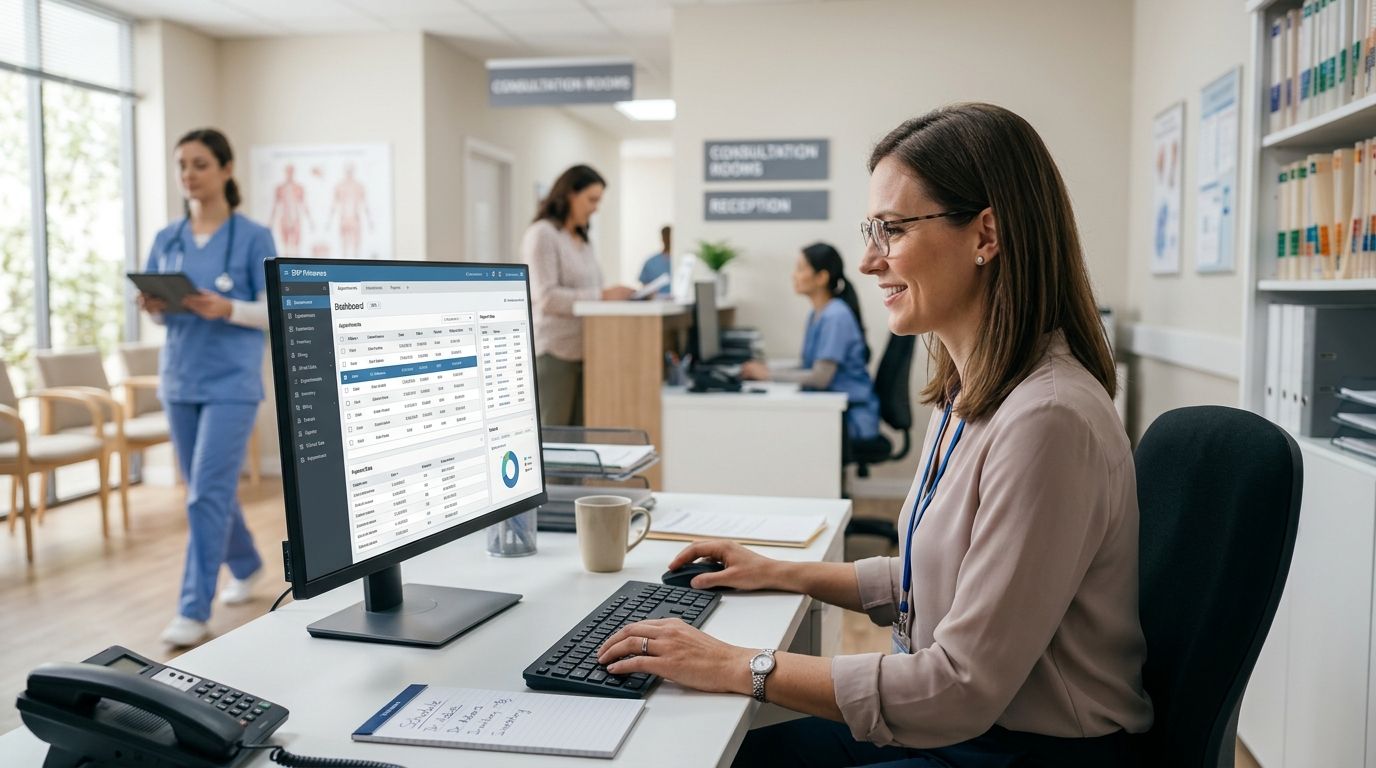
ERP Primavera for healthcare clinics and practices connects patient billing, insurer invoicing, and appointment scheduling into one system built around Portuguese tax rules, replacing the spreadsheet-plus-standalone-till setup most single-practice clinics start with. Clinics running more than one professional or more than one address need licensing and checkout integration that a generic accounting package doesn't handle — that's the gap a correctly configured Primavera setup closes in 2026.
- Primavera Professional fits solo practitioners and clinics with one to five professionals; Primavera Executive handles multi-branch, multi-company setups.
- SAF-T compliant invoicing has to be built into the license from day one — Portugal requires it, it's not optional.
- VOLL connects Primavera to WINTOUCH POS at reception so co-pays post directly into the ledger without manual reconciliation.
- Spreadsheets work for one practitioner; a second professional or a second address is where manual bookkeeping breaks down.
Why ERP Primavera matters for healthcare clinics
A clinic invoices differently than a shop. One patient visit can generate a private co-pay, an insurer claim, and occasionally an SNS referral code, all on the same afternoon. VOLL sells Primavera licenses built for exactly this kind of mixed billing, not a generic small-business package repurposed for healthcare.
Portugal's SAF-T (PT) requirement means any invoicing software touching a clinic's books must export standard tax files on demand, a rule that doesn't bend for healthcare providers. ATCUD codes are mandatory on every invoice issued in the country as of 2026, and a clinic running free-form billing tools risks non-compliant invoices without knowing it until an audit forces the question.
Multi-professional clinics add a second layer. Each physician, physiotherapist, or nutritionist sharing a practice needs their own login, their own commission tracking, and often their own room booking calendar. A shared login in a spreadsheet separates none of that, which is exactly why clinics outgrow manual bookkeeping the moment a second professional joins.
How to set up ERP Primavera for your clinic in 2026
Map your billing and scheduling workflow before you buy anything
- List every payment method you take: private co-pay, insurer direct billing, ADSE, SNS referral codes
- Count how many professionals need their own login and their own commission report
- Flag your two busiest months so the license covers peak appointment volume
- Note which reports your front desk currently builds by hand at month-end
Confirm the Primavera edition matches your practice size
- Check user and company caps in the edition you're considering before signing anything
- Ask whether a second clinic address needs its own company code inside the same license
- Get a written breakdown of what's bundled per professional seat versus what's an add-on
- Adding users and companies to an existing Primavera or Cegid license takes longer through vendor documentation alone than through a specialist walkthrough
Build SAF-T compliant invoicing in from the start, not after
- Confirm the invoicing module exports SAF-T files without a third-party plugin
- Test insurer invoice formats before your first real month-end close, not during it
- Keep private consultation receipts and insurer invoices in the same numbering series
- Check the setup against SAF-T compliant invoicing software for Portuguese businesses before going live
Connect front-desk checkout directly to the ERP
- Route co-pays and private payments into Primavera at the moment of payment, not at day's end
- Drop the standalone till that needs a manual cash-up against a separate spreadsheet
- Confirm the POS-to-Primavera connection runs via API, not a nightly manual export
- VOLL configures this API link for clinics that don't want to manage the integration in-house
Train staff by role, not by department
- Give front desk a short session on payment capture and insurer billing codes
- Walk each professional through their own reporting view once, not in a group session
- Write a one-page cheat sheet covering the ten most common transaction types
Plan for a second location or professional before you need it
- Decide now whether a future second address gets its own company code in Primavera
- Track equipment and consumables per location if the clinic dispenses anything
- Revisit shared calendars and patient communication tools once headcount grows past a handful of staff
Get a Primavera license quote for your clinic
VOLL configures Primavera licensing and WINTOUCH integration for healthcare practices in Portugal.
Primavera options for healthcare clinics in 2026
| Option | Best for | Key limitation |
|---|---|---|
| Manual spreadsheets + separate booking app | A single practitioner just opening a practice | No SAF-T export, no shared login for a second professional |
| Primavera Professional | Clinics with one to five professionals sharing a front desk | Needs the WINTOUCH POS add-on for direct checkout capture |
| Primavera Executive (multi-company) | Multi-branch clinics or groups with several clinic addresses | More setup work, needs a company code per location |
| Cegid-based alternative | Clinics whose accountant already runs the books on Cegid | Fewer healthcare-specific templates available locally than Primavera |
Verdict: solo and small clinics buy Primavera Professional; multi-branch groups need Primavera Executive. Spreadsheets are fine for month one and nowhere past it.
Common mistakes healthcare clinics make with ERP Primavera
- Treating scheduling and billing as two separate systems. The reconciliation gap shows up every month-end and gets worse as the clinic adds professionals.
- Picking software before checking SAF-T compliance. A clinic that finds out mid-audit that its invoicing isn't compliant loses more time than it saved buying cheap.
- Buying one license for multiple clinic addresses without checking company caps. Primavera Professional and Executive handle multi-company setups differently, check before signing.
- Skipping POS integration at reception. A standalone till means someone reconciles cash by hand every night, and small errors compound over a year.
- No backup plan for patient billing records. Financial and scheduling data both need a backup routine separate from whatever the clinical records system already covers.
“If your front desk still reconciles co-pays by hand at closing time, the ERP isn't doing its job.”
FAQ
What's the best ERP Primavera setup for a small healthcare clinic?
Primavera Professional fits clinics with one to five professionals, connected to WINTOUCH POS at reception for direct co-pay capture. Multi-branch groups need Primavera Executive instead.
Is Primavera better than Cegid for healthcare clinics in Portugal?
It depends on what your accountant already runs. Primavera suits clinics needing dedicated healthcare invoicing and multi-professional licensing; Cegid suits practices whose books are already on that platform.
Does a healthcare clinic need SAF-T compliant invoicing?
Yes, Portugal requires SAF-T compliant invoicing regardless of practice size. A clinic that skips it risks issuing non-compliant invoices without knowing it until an audit.
How much does ERP Primavera cost for a clinic?
Cost depends on the number of professionals, companies, and modules a clinic needs. Get a quote calibrated to your clinic's size rather than assuming a flat rate.
Can multiple professionals share one Primavera license?
Each professional typically needs their own login inside the license for separate commission tracking. Check user and company caps on the edition before buying.
How does WINTOUCH POS connect to Primavera ERP?
The connection runs via API, syncing checkout data like co-pays and private payments directly into the Primavera ledger without a manual export step.
What happens if a clinic doesn't use SAF-T compliant software?
The clinic risks issuing invoices that fail Portugal's tax reporting standard, a problem that usually surfaces at audit rather than at the time of billing.
Is Primavera or a spreadsheet better for a solo practitioner?
A spreadsheet works fine for one practitioner in year one. The moment a clinic adds a second professional or a second address, manual reconciliation breaks down.
One last thing
Check that your invoicing software already prints ATCUD codes on every document. Portugal made ATCUD mandatory on invoices, and clinics running informal billing tools often find out they're missing it only when an insurer or Finanças flags a document. A Primavera setup configured for healthcare billing in 2026 handles this automatically; a spreadsheet doesn't.


