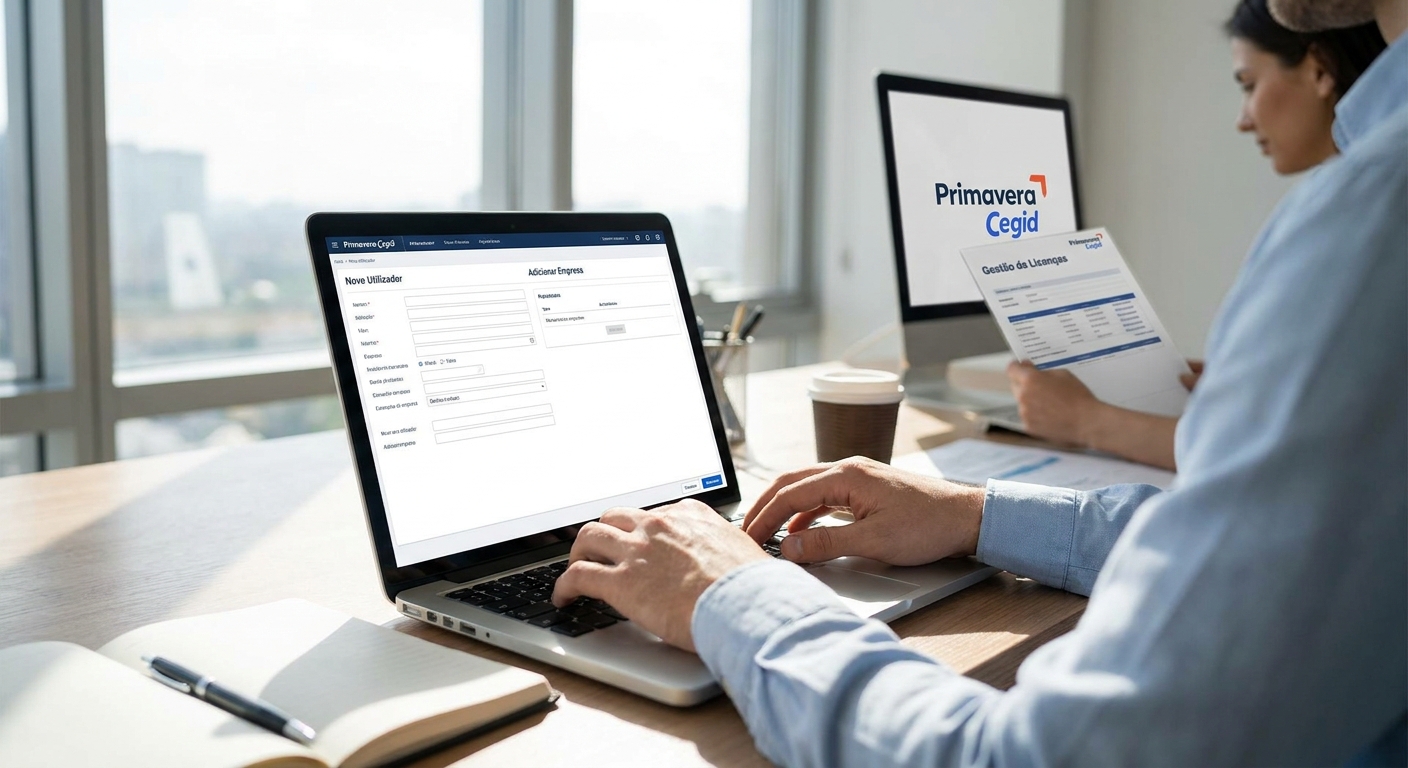
Adding a user or a company to an existing Primavera Cegid license is not a settings toggle inside the software — it's a formal upgrade request that changes your license file, and getting it wrong locks out staff who already had access. Here's the exact 2026 process, what a reseller checks before issuing the new file, and the mistakes that cause the most support tickets.
- A licença adicional primavera cegid always starts with a reseller-issued quote, not a self-service unlock inside the ERP.
- Adding a company changes the license tier when it crosses a module or user threshold — check this before requesting a quote.
- Back up the current .lic file and database before any swap; a failed activation locks out existing users, not just the new one.
- Voll processes standard seat and company additions with quote turnaround inside 24-48h in 2026.
- Never accept an 'unlock code' from an unofficial source — Primavera Cegid voids licenses modified outside certified channels.
Why this matters
Primavera Cegid licenses are provisioned per user and per company, and both numbers are fixed in the license file itself. A retailer opening a second store, or an accounting firm onboarding a new client company, hits this wall fast: the software simply refuses the new login or the new company code until the license is reissued.
Growing Portuguese SMEs run into this constantly in 2026 — a business that licensed 5 users and 1 company two years ago now needs 8 users across 2 companies, and nobody told finance the change takes a purchase order, not a click. Voll handles this as a standard request, but the process still has steps you need to get right before submitting anything.
What you'll need
- Your current license file (.lic) and the activation code tied to it
- The exact user count and company count you're moving to
- NIF and CAE code for any new company being added
- A recent database backup — not optional, this is the step people skip
- Admin access to the Primavera Cegid console to apply the new file
- 24-48 hours of lead time for the quote and reissue cycle
The steps
1. Confirm your current license tier and usage
Open the license details inside Primavera Cegid and note the exact user seats, company count, and module tier you're licensed for today. This matters because vendors quote based on the delta, not the new total — if you're licensed for 5 users and need 7, you're buying 2 seats, not a fresh license. Retailers scaling to a second location often discover the current license was already at its module ceiling, which changes the quote entirely — worth checking against Primavera for retail stores if you're in that situation.
2. Request a formal quote for the additional seats or companies
Submit the new user count and/or company count to your reseller with your existing license reference number. Expect a quote back within 24-48 hours in 2026 for standard additions — anything beyond 10 new seats or a module-tier jump usually needs a short call to confirm pricing and configuration. This step produces the actual purchase order that triggers the license reissue.
3. Verify the new company's fiscal setup before adding it
Every company added to a multi-company license needs a valid NIF and CAE code registered before the license file is generated — Primavera Cegid validates this at activation, and a mismatch is the single most common rejection reason. Manufacturing SMEs adding a subsidiary should confirm CAE alignment against the parent company's setup; see Primavera for manufacturing SMEs for how multi-entity structures typically get configured.
4. Back up the license file and the full database
Copy the current .lic file to a separate location and run a full database backup before touching anything. If the new license file fails to apply — and it happens more often than vendors admit — you need to roll back to the exact state you started from, not a guess. Skipping this step is the top cause of extended downtime during license changes.
5. Apply the new license file
Your reseller sends a new .lic file scoped to the updated user and company count. Replace the old file through the Primavera Cegid license manager, restart the application server, and confirm the license summary screen reflects the new numbers before anyone logs in. Do this outside business hours — the restart briefly drops all active sessions.
6. Test access per user and per company
Log in as each new user and confirm they can see the correct company or companies assigned to them. This is where partial rollouts go wrong: a user gets added to the license but not assigned to the right company profile, so they see an empty workspace and assume the license didn't work.
7. Reconfigure module access per new company
A newly added company doesn't inherit the module permissions of the original one automatically — POS, financial, and stock modules need to be assigned per company inside the admin console. Restaurant groups adding a location often miss this and find the new site can process sales but can't see stock levels; the setup pattern is covered in Primavera for restaurants and hospitality groups.
8. Document the change with your IT or ERP partner
Record the new license reference, user count, company count, and activation date somewhere your team can find it. The next expansion request moves twice as fast when the reseller isn't reconstructing your license history from scratch.
Get a quote for extra users or companies
Standard Primavera Cegid seat and company additions quoted within 24-48h.
Troubleshooting
- License rejected on activation — usually a NIF or CAE mismatch on the new company. Recheck the fiscal registration before resubmitting.
- Existing users locked out after the swap — the new .lic file was scoped incorrectly, often missing an existing user seat. Roll back to the backup and reissue.
- New company not appearing in the dropdown — the license activated but the company profile wasn't created inside the ERP itself; these are two separate steps.
- Permissions not syncing across companies — module access is assigned per company, never inherited. Set it manually for each one.
- Activation code mismatch error — the license file and the activation code sent don't match; this happens when two requests overlap. Confirm you're using the most recent code.
- Slow performance after adding users — check whether the increased user count also needs a database or server resource review; this is a separate conversation from the license itself.
Tools and resources
- Current .lic file and activation code from your last license issue
- Fiscal documentation (NIF, CAE) for any new company
- Primavera for manufacturing SMEs if you're adding a production subsidiary
- A database backup tool with a tested restore process, not just a scheduled export
- Your reseller's direct contact for activation issues — email support loops add days to a 24-48h process
What to do next
If the expansion also means adding a new store or a new branch that needs point-of-sale hardware alongside the ERP change, plan both requests together rather than sequentially — it saves a second configuration pass.
FAQ
How much does a licença adicional primavera cegid cost in 2026?
Cost depends on the number of seats or companies added and your current tier, so pricing is quoted per request rather than published as a flat rate. Get a quote from your reseller with your current license reference for an exact figure.
Can I add a user to Primavera Cegid myself without a reseller?
No. User and company counts are locked inside the license file, and only a certified reseller can generate a new file that Primavera Cegid will accept. Any unofficial unlock voids the license.
How long does it take to add a company to an existing license?
Standard requests are quoted and reissued within 24-48 hours in 2026, provided the new company's NIF and CAE are already registered. Complex module changes can take longer.
Does adding a company change my Primavera Cegid module tier?
It can. Adding a company that needs modules beyond your current tier (financial, stock, POS) triggers a tier upgrade, which changes the quote, not just the user count.
What happens if I add users without backing up the license file first?
If the new license file fails to apply correctly, you have no clean state to restore, which can lock out users who already had valid access. Always back up the .lic file and database first.
Do all users need to be reassigned after a license update?
Existing users keep their access as long as the new license file includes their original seat count. Only new users and new companies need fresh permission assignment.
Is Primavera Cegid licensed per user or per device?
Primavera Cegid licenses are assigned per named user, not per device, which is why every new hire needs a formal seat addition rather than a shared login.
Can one license cover multiple companies with different CAE codes?
Yes, multi-company licenses support different CAE codes per entity, but each company must be registered and validated individually before the license activates it.
One last thing
The request that stalls longest isn't the user seat addition — it's the company addition where the NIF or CAE wasn't validated before the quote went out. Confirm the fiscal registration first, every time, and the 24-48h turnaround actually holds.


