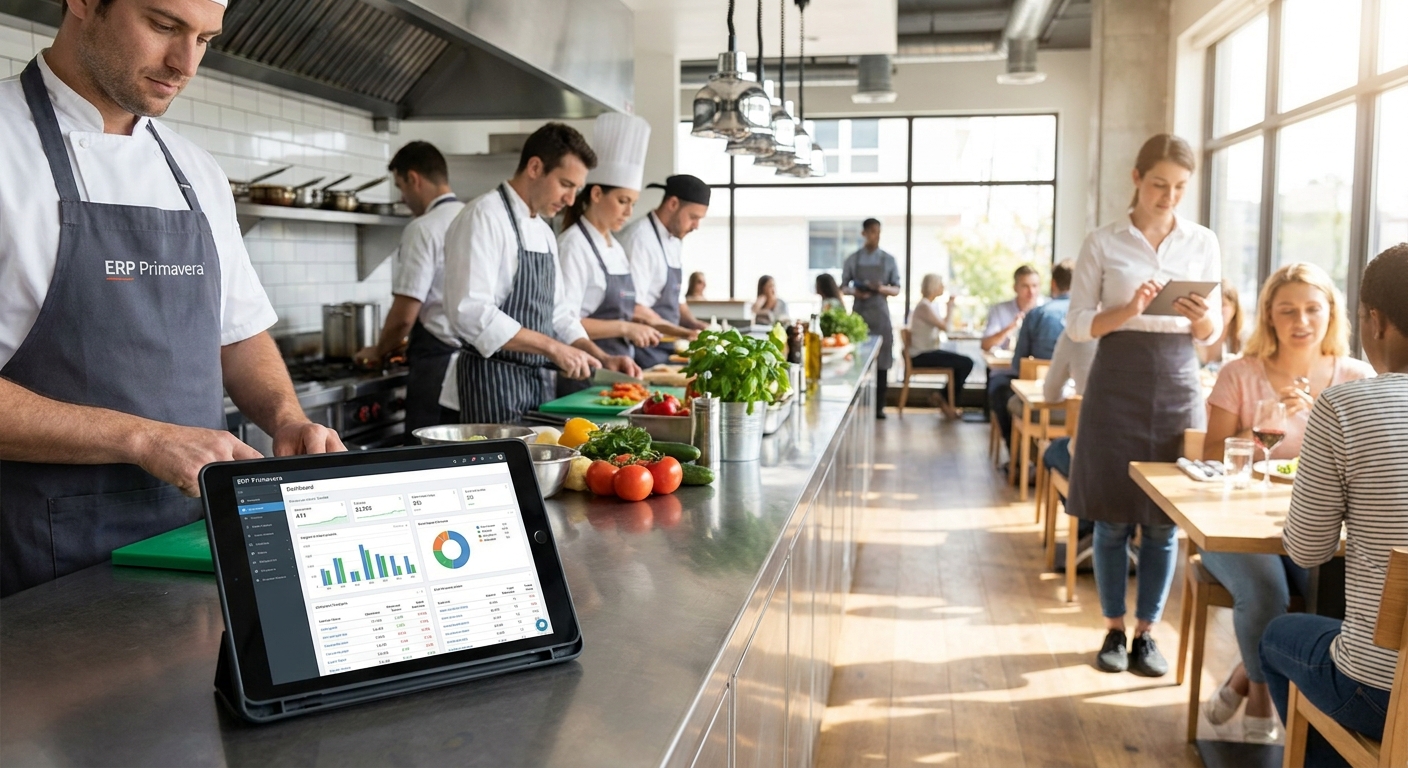
Choosing between WINTOUCH POS, Microsoft 365, and a Primavera-integrated back office is the real decision restaurant and hospitality groups face in 2026, not which ERP logo looks best in a pitch deck. This guide breaks down what actually matters when you're running kitchens, front-of-house, and multi-site accounting on the same numbers, and points to the specific pieces worth buying from Voll.
- WINTOUCH POS integrated with Primavera is the operational core for restaurants running erp primavera para restauração setups in 2026 — Buy.
- Microsoft 365 handles multi-site admin and reporting but is not a substitute for POS-to-ERP sync — pair it, don't replace with it.
- Portuguese fiscal compliance (certified invoicing, SAF-T exports) is non-negotiable — any setup that skips it is a Skip regardless of price.
- Single-location cafes rarely need full Primavera integration; a lighter Microsoft 365 plan often covers the admin load.
- 24-48h delivery on hardware and licenses across Portugal means the bottleneck is usually configuration time, not shipping.
Why this matters
A restaurant group running three locations loses money differently than a single café does — not because the food is worse, but because the numbers from each till have to land in one accounting file without someone re-typing them at midnight. Primavera is the accounting and management backbone most Portuguese hospitality groups already report through; the mistake is treating the POS layer and the ERP layer as separate purchases instead of one integrated system.
Most failed rollouts in this category aren't caused by bad software. They're caused by buying a POS system and an ERP system from two vendors who've never tested the integration between them, then discovering the gap during a busy Friday night in 2026 instead of during setup.
Who this is for
This guide is for owners and operations managers running two or more locations — restaurants, cafés, hotel F&B, or franchise groups — where sales data, stock, and payroll need to reconcile against a Primavera or Cegid back office without manual re-entry. If you're running a single counter with no back-office reporting need, a lot of this is overkill; see the section on what to avoid.
What to look for in ERP Primavera for restaurants and hospitality groups
Real-time POS-to-ERP sync
If sales from the till don't hit the accounting ledger until someone exports a spreadsheet at week's end, you're not running an integrated system — you're running two systems with a manual bridge. Look for POS software built to push transactions into Primavera automatically, not batch-export tools that need a human in the loop.
Multi-location consolidation
A hospitality group with four sites needs one consolidated view of revenue, food cost, and payroll, not four separate Primavera files that get merged manually each month. This is the difference between knowing your numbers on the 2nd of the month versus the 20th.
Certified fiscal compliance
Portugal's tax authority (AT) requires certified invoicing software and SAF-T export capability for commercial operations. Any POS or ERP combination that can't produce a compliant SAF-T file on demand is a liability, not a shortcut — this isn't optional in 2026 and it won't become optional later.
Kitchen and stock control
Food cost is the line item that erodes margin fastest when it's not tracked against actual usage. The system needs to tie ingredient consumption back to recipes and stock levels, not just track finished-item sales.
Offline resilience
Network drops happen — a router reboot, an ISP outage, a bad Wi-Fi day. The POS terminal needs to keep taking orders and syncing once connectivity returns, rather than freezing service until IT shows up.
Implementation and support turnaround
Software that's technically correct but takes six weeks to configure costs you six weeks of manual workarounds. Local installation support and fast delivery — Voll ships licenses and hardware in 24-48h across Portugal — matters more than most buyers budget for.
Get a tailored setup quote
Request pricing for WINTOUCH POS, Microsoft 365, and Primavera integration for your group.
Top picks
WINTOUCH POS integrated with Primavera — the operational core
The spec that matters: WINTOUCH POS sits inside a catalog of more than 200 licensed products built specifically to run POS and ERP integration, not a generic till app bolted onto accounting software after the fact. It handles the front-of-house transaction layer and pushes data into Primavera without manual export.
For a hospitality group juggling multiple sites, this is the piece that determines whether your month-end close takes hours or days. Buy — this is the anchor of the stack for any group running more than one location in 2026.
Microsoft 365 for back-office and multi-site coordination — the coordination layer
Microsoft 365 for restaurant and hospitality groups covers email, shared scheduling, and document collaboration across sites — the admin layer that sits above POS and ERP data rather than replacing either. Managers coordinating rotas and supplier orders across four locations need this more than they need another dashboard.
It's not a substitute for ERP-POS integration, but running it alongside WINTOUCH and Primavera closes the gap between operational data and day-to-day admin. Buy if you're coordinating more than one site; Consider for a single location with light admin needs.
Network equipment for site connectivity — the unglamorous requirement
Every POS terminal, kitchen display, and card reader depends on a network connection that doesn't drop mid-service. Professional-grade routers and switches — the category Voll stocks under Reyee, Teltonika, and Equip — matter more in hospitality than most buyers expect, because a single outage during dinner service costs more than the hardware itself.
This isn't a line item worth cutting to save on commodity hardware. Buy, and treat it as part of the POS install, not an afterthought.
POS hardware terminals — the physical layer
SUNMI terminals are the hardware side of the WINTOUCH deployment — the screen, printer, and card-reader integration staff touch a hundred times a shift. Reliability here isn't optional; a terminal that freezes during a Saturday rush costs more in lost orders than the hardware saves in upfront price.
Buy as part of the integrated POS purchase rather than sourcing generic tablets separately — compatibility with the software stack is the point.
Local implementation and ERP integration service — the piece that determines whether any of this works
Software licenses alone don't configure Primavera mappings, set up SAF-T exports, or train staff on a new till in the middle of a busy season. Local installation and integration support — the kind tied to Primavera and Cegid specifically — is what separates a smooth rollout from a six-week headache.
Buy this alongside the software, not as an optional extra you'll figure out later.
What to avoid
- Generic POS software with no ERP connector. It looks cheaper on the shelf, but every transaction becomes a manual re-entry job for your back office — the cost shows up in staff hours, not the invoice.
- Full multi-site ERP integration for a single counter operation. If you're running one café with no consolidated reporting need, a lighter Microsoft 365 plan for small businesses covers your admin load without paying for consolidation features you won't use.
- Cloud-only setups with no offline fallback. A POS that goes dark the moment Wi-Fi drops is a liability during service, regardless of how good its reporting dashboard looks in a demo.
Verdict comparison table
| Component | Best for | Key requirement met | Verdict |
|---|---|---|---|
| WINTOUCH POS + Primavera | Multi-site groups | Real-time POS-to-ERP sync | Buy |
| Microsoft 365 | Admin coordination across sites | Shared scheduling, email, docs | Buy |
| Network equipment (Reyee/Teltonika/Equip) | Connectivity reliability | Offline resilience | Buy |
| SUNMI POS hardware | Front-of-house terminals | Compatibility with WINTOUCH | Buy |
| Local integration service | Setup and Primavera mapping | Fast, correct configuration | Buy |
| Generic POS, no connector | Nobody in this category | Fails ERP sync | Skip |
FAQ
What is ERP Primavera used for in restaurants?
Primavera is the accounting and management backbone many Portuguese hospitality groups use to consolidate sales, stock, and payroll across locations. It works best when POS software like WINTOUCH pushes transaction data into it automatically instead of relying on manual exports.
Is WINTOUCH POS compatible with Primavera?
Yes, WINTOUCH POS is built for integration with Primavera and Cegid back offices, syncing sales data into the ERP without manual re-entry. This is the setup most multi-location restaurant groups in Portugal run in 2026.
Do single-location cafes need full ERP integration?
No, a single-counter operation with no consolidated reporting need rarely justifies full Primavera integration. A lighter Microsoft 365 plan for small businesses usually covers the admin workload instead.
How much does an ERP Primavera setup cost for a restaurant group?
Pricing depends on the number of locations, POS terminals, and integration complexity, so request a tailored quote rather than assuming a flat rate. Voll prices business licenses without IVA for B2B buyers and quotes per setup.
Is Microsoft 365 enough on its own for a restaurant group?
No, Microsoft 365 handles email, scheduling, and document collaboration but doesn't replace POS-to-ERP transaction sync. Pair it with WINTOUCH POS and Primavera integration rather than treating it as the full stack.
What happens if the POS loses internet connection during service?
A properly configured POS terminal keeps taking orders offline and syncs transactions once connectivity returns. This is why offline resilience should be a hard requirement, not a nice-to-have, when evaluating POS software for restaurants.
Is SAF-T export mandatory for restaurants in Portugal?
Yes, Portugal's tax authority (AT) requires certified invoicing software with SAF-T export capability for commercial operations. Any POS or ERP combination without this is a compliance risk regardless of its other features.
How fast can restaurant POS hardware and licenses be delivered in Portugal?
Voll delivers licenses and hardware across the country in 24-48h, so the usual bottleneck is configuration and staff training, not shipping. Plan implementation time around setup, not delivery.
One last thing
The groups that struggle most with Primavera rollouts aren't the ones with complicated menus — they're the ones who bought POS and ERP from separate vendors and assumed integration would sort itself out later. It doesn't. Get the POS-to-ERP connection right on day one, and everything else — reporting, food cost tracking, multi-site consolidation — falls into place without a second project.


