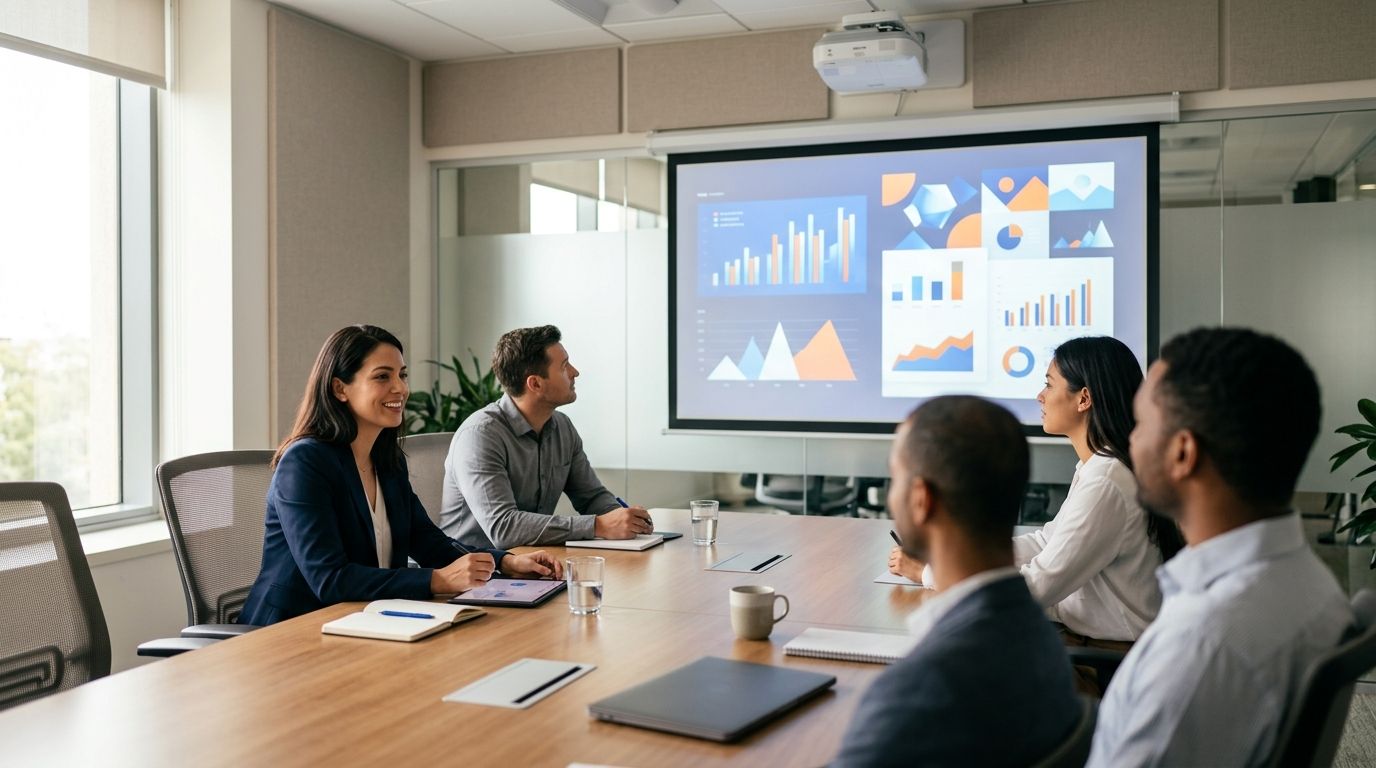
Best overall projector for meeting room use in 2026: a standard-throw laser business projector for a room with a suitable mounting position. Best for a shallow room: short-throw laser. Best for trainers who change rooms: portable LED. Best for detailed technical visuals: 4K laser. Best when ceiling mounting is not an option: ultra-short-throw laser.
- A standard-throw laser projector is the best default projector for meeting room use when mounting and screen placement are fixed.
- Choose short-throw laser for a shallow room; choose portable LED when training moves between rooms.
- Choose 4K laser for detailed visuals, but check whether your presentation source outputs 4K.
- Confirm room dimensions, screen position and connections before choosing any projector type.
Why this matters
A projector that works for video can still make spreadsheet labels difficult to read. In a meeting room, the decision starts with the material people need to see, where they sit and where the projector can go. A training room adds another constraint: the presenter needs to move without blocking the image.
A projector type is not a model recommendation. No projector models, specifications or availability are established in the supplied catalogue information. Voll is a Portuguese B2B IT retailer with local installation and support; confirm its current projector options before treating any type in this guide as an available product. This 2026 ranking compares installation choices, not products claimed to be in stock.
What makes the best projector for a meeting room?
- Readable detail: Use your smallest real spreadsheet labels, not a promotional video, to judge whether the back row can read the screen. Full HD is 1920 × 1080 pixels; 4K UHD is 3840 × 2160 pixels. More pixels help only when the source, screen size and viewing position let people see the difference.
- Room light: Test with the lights in the positions you use during meetings. A bright-looking image in a dark room does not establish that charts will remain legible beside windows.
- Throw distance: Measure from the planned lens position to the screen. The required distance depends on the particular model and image size, so a type name alone cannot confirm fit.
- Presenter position: Check whether someone standing at the front blocks the beam. Short-throw and ultra-short-throw designs address different placement problems; neither removes the need to plan the screen and furniture.
- Connections: List the laptops and meeting-room equipment that must feed the image. If you need 2 HDMI inputs, verify 2 HDMI inputs on the exact model rather than assuming every business projector has them.
- Installation and upkeep: Decide who will mount, align and maintain the unit. Ask Voll to confirm the installation work and support relevant to the projector you actually choose.
For a 100-inch diagonal screen, start with the proposed screen position and use each candidate model’s throw-distance information to check placement. The example screen size is a planning input, not a promise that any type will fill it from your available position.
Projector types at a glance
| Projector type | Best for | Standout feature | Key limitation |
|---|---|---|---|
| Standard-throw laser | Fixed meeting rooms with a workable mounting position | Keeps the projector away from the presenter area | Needs sufficient distance from lens to screen |
| Short-throw laser | Shallow meeting rooms | Produces a large image from a shorter distance than a standard-throw design | Placement still needs careful checking |
| Portable LED | Trainers moving between rooms | Moves with the presenter | Requires repeated setup and room-light checks |
| 4K laser | Rooms presenting detailed technical visuals | Higher-resolution output for suitable source material | Resolution does not fix poor contrast or placement |
| Ultra-short-throw laser | Rooms without a practical ceiling-mount position | Sits close to the display surface | Demands precise surface and furniture planning |
These are projector categories, not ranked models. The default earns first place because a fixed meeting room with enough throw distance does not need to solve the placement problems addressed by the more specialised options. In 2026, check the specifications of an actual model before turning this table into a purchase order.
1. Standard-throw laser: best for a fixed meeting room
A standard-throw projector sits farther from the screen than a short-throw or ultra-short-throw design. In a fixed room, that arrangement keeps the unit out of the presentation area and lets you plan cabling and control around a stable position. It is the default only when the room provides the distance the chosen model requires.
A laser light source makes sense for a room used regularly, but light-source type does not tell you whether small text will be readable. Ask to see the presentation format you actually use at the intended screen size. Then check the model’s throw data against a measured lens position, rather than treating the room length as the full available throw distance.
Standard-throw laser pros:
- Suits a planned, fixed installation.
- Keeps equipment away from the presenter’s immediate working area.
- Offers a straightforward starting point when the room has enough depth.
Standard-throw laser cons:
- Cannot solve a room that lacks the required throw distance.
- A poorly placed unit can put the presenter in the light path.
- Mounting and cable routes need to be decided before installation.
Best for: A dedicated meeting room where the screen and projector positions are fixed.
Verdict: Buy the standard-throw laser type for a fixed room after its throw distance and text readability pass a room-specific check. In 2026, it remains the clearest default in this ranking, not an automatic fit for every ceiling.
2. Short-throw laser: best for a shallow meeting room
A short-throw design creates a given image size from a shorter lens-to-screen distance than a standard-throw design. That makes it the better category when the back of the room is too close to the screen for the standard-throw model you are considering. It can also change where the presenter stands relative to the beam.
Do not buy by the phrase short throw alone. Compare the candidate’s throw information with the intended screen width and the actual mounting position. Check the image from the back row while a presenter stands where they normally would; fitting an image on the wall is not the same as running an unobstructed meeting.
Short-throw laser pros:
- Addresses limited lens-to-screen distance.
- Gives you another placement option in a compact room.
- Fits a fixed setup when its mounting position has been checked.
Short-throw laser cons:
- Still requires model-specific positioning.
- Does not compensate for unsuitable room light or an unreadable source file.
- A change in screen position can invalidate the planned image size.
Best for: A shallow, dedicated room where a standard-throw candidate fails the distance check.
Verdict: Buy short-throw laser when measured room depth is the deciding constraint. Hold if you have not fixed the screen position: you cannot validate throw distance against a moving target.
3. Portable LED: best for training across several rooms
A portable LED projector fits a trainer who carries the presentation setup between rooms. Its main advantage is mobility, not a guarantee of readable slides under every lighting condition. Treat each room as a separate test: screen position, available connections and the light during a real session all matter.
Portability also transfers work from an installer to the presenter. Someone must position the unit, connect the source, focus the image and check that people at the back can read it each time. If one training room hosts nearly all sessions, compare that repeated setup work with a fixed installation before making portability the priority.
Portable LED pros:
- Travels between training locations.
- Avoids committing every room to a fixed projector position.
- Allows one presentation setup to serve different spaces when each space passes a readability check.
Portable LED cons:
- Needs positioning and connection checks at every session.
- Room light can make a setup that worked elsewhere unsuitable.
- Cables and presenter movement need fresh attention in each room.
Best for: Corporate trainers who regularly change rooms rather than presenting from one permanent space.
Verdict: Buy portable LED when moving between rooms is a real requirement and you can test the rooms used. Skip it as the default for a dedicated meeting room; mobility alone does not improve a fixed installation.
4. 4K laser: best for detailed technical visuals
A 4K laser projector belongs on the shortlist when the audience must inspect detailed drawings, dense diagrams or other fine visual material. 4K UHD contains 3840 × 2160 pixels, compared with 1920 × 1080 pixels for Full HD. That difference describes image resolution; it does not establish that every viewer will notice a useful improvement in a particular room.
Check the entire presentation path. The source device, connection, application and projector settings must deliver the intended output, while the screen and viewing positions must make the detail visible. For ordinary slides with large headings, show the real file on both resolution classes before treating 4K as the deciding criterion.
4K laser pros:
- Provides a higher-resolution output option for detailed source material.
- Suits a fixed room used for technical presentations.
- Gives you a clear criterion to test with real drawings or diagrams.
4K laser cons:
- Higher resolution does not correct weak contrast in the room.
- A lower-resolution source will not acquire missing detail because the projector is 4K.
- Placement and screen fit still require model-specific checks.
Best for: Teams presenting detailed technical material to an audience that needs to inspect fine elements.
Verdict: Hold until a side-by-side viewing check shows that the extra detail matters from actual seats. In 2026, resolution is a reason to test a projector, not a substitute for testing the room.
5. Ultra-short-throw laser: best when ceiling mounting is impractical
An ultra-short-throw projector sits very close to its display surface. It is the category to investigate when the room cannot accommodate a practical ceiling-mounted position or the beam path of a conventional installation. Its closeness to the wall changes the placement problem; it does not remove it.
The projected image depends on the exact position of the unit and the suitability of the display surface. Check whether furniture, a wall-mounted screen and the presenter’s working space can coexist. If you need the device to move between rooms, a setup sensitive to position is a poor substitute for testing a genuinely portable option.
Ultra-short-throw laser pros:
- Keeps the projector close to the display surface.
- Offers an alternative when a conventional ceiling position is unavailable.
- Reduces the length of the beam path through the room.
Ultra-short-throw laser cons:
- Requires precise projector-to-surface placement.
- Furniture or a poor display surface can undermine the layout.
- Is not the natural choice for frequent room changes.
Best for: A permanent room where a ceiling mount is impractical and a close-to-wall position can be reserved.
Verdict: Buy only after checking the surface and projector position together. Wait if the furniture plan is still changing; the 2026 purchase decision depends on the completed room layout.
How we ranked these projector types
The ranking starts with the simplest fit for a fixed meeting room, then addresses specific constraints: limited depth, changing rooms, detailed visuals and lack of a practical ceiling position. It uses room fit and readable content, not unverified model specifications, sales figures or a claimed product test. No individual projector is ranked because no model-level evidence was supplied.
Before requesting a shortlist from Voll, send the room dimensions, intended screen position, the material people present and the source devices that must connect. Ask which projector models are currently available and which installation work applies to your room. A recommendation that cannot be checked against those details is not ready for a purchase decision.
Which projector for a meeting room should you choose?
Choose standard-throw laser as the default for a fixed meeting room with a verified throw distance. Choose short-throw laser if room depth rules it out. If training moves between spaces, put portable LED ahead of a fixed setup; if fine technical detail drives the meeting, test 4K laser with the real file and seating positions.
Do not use the ranking to skip the room check. In 2026, the decisive question is whether people can read the intended material in the room’s normal lighting, from their normal seats. Voll can confirm its current options and the local installation or support relevant to a proposed setup; this guide does not claim that any listed projector type is currently in its catalogue.
FAQ
What is the best projector for meeting room use in 2026?
A standard-throw laser projector is the best default for a fixed meeting room with enough verified throw distance. Test real slides from the back row before choosing a model.
Is short throw better than standard throw for a small meeting room?
Short throw is the better category when a standard-throw model cannot produce the planned image from the available distance. Check each candidate’s throw information against the actual screen position.
Should a corporate training room use a portable projector?
Use a portable projector when trainers regularly move between rooms. If training stays in one room, compare the repeated setup work with a fixed installation.
Is a 4K projector necessary for business presentations?
A 4K projector is not necessary for every business presentation. Test it with your real technical files and seating layout before making resolution the deciding factor.
Can an ultra-short-throw projector replace a ceiling-mounted one?
An ultra-short-throw projector is an option when ceiling mounting is impractical. Its close-to-wall position still requires a suitable surface and precise placement.
How do I check whether a projector will fit my meeting room?
Measure the proposed lens-to-screen distance and decide the intended image size. Compare both with the specific model’s throw information before arranging installation.
Does Voll stock the projector types in this guide?
Projector stock is not established by the supplied catalogue information. Ask Voll to confirm current models and installation scope before placing an order.
One last thing
Bring the hardest slide to read, not the most attractive one, to a projector viewing check. If the back row cannot read that slide under normal meeting-room lighting, a sharper-looking promotional image has not answered your buying question.


