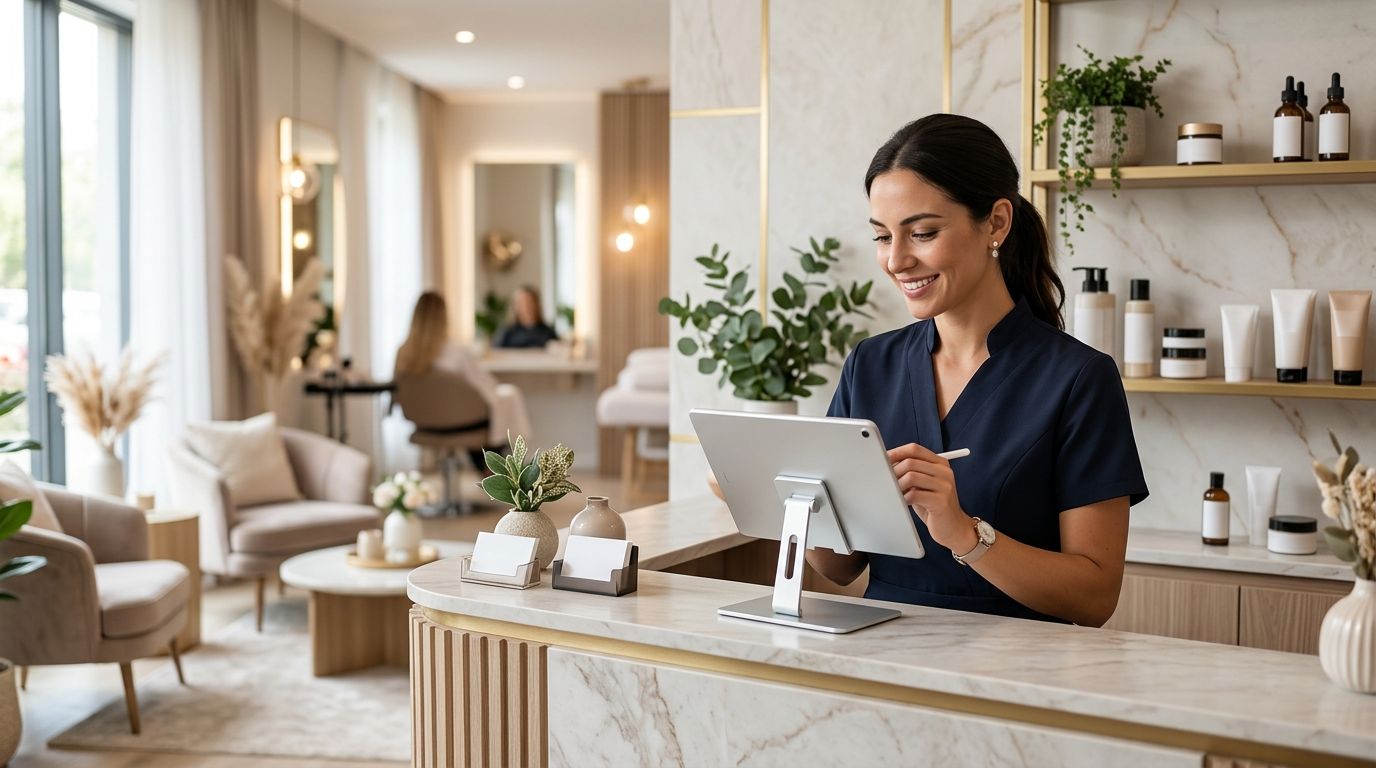
ERP Primavera for beauty salons and spas ties appointment bookings, retail stock, and staff commissions into one back office instead of three disconnected spreadsheets — here's what to set up first in 2026 and where salons lose money when they skip it.
- ERP Primavera for beauty salons and spas works best paired with Wintouch POS: Primavera runs accounting and SAF-T, Wintouch runs bookings and checkout.
- Spreadsheets stop working past 2 locations or 5 staff on commission — reconciliation errors compound monthly.
- SAF-T compliant invoicing is a legal requirement for Portuguese businesses in 2026, and manual tools miss the format.
- API integration between Wintouch POS and Primavera ERP keeps stock and commission data in sync without nightly manual exports.
Why ERP Primavera matters for beauty salons and spas
A salon or spa sells two things at once: a service booked in advance and a retail product sold on impulse at checkout. Most generic accounting software handles neither well — it was not built for a stylist splitting commission on a color service while also ringing up shampoo at the same till.
ERP Primavera solves the back-office side: VAT, supplier invoicing, payroll data, and — critically for 2026 — SAF-T compliant invoicing, which is mandatory for any Portuguese business issuing invoices. What Primavera does not do on its own is manage the front counter: appointment slots, no-show tracking, retail barcodes, gift cards. That is where a POS terminal for hair salons and spas sits between the client chair and the accounting ledger.
Run the two apart and you get a monthly reconciliation headache: retail sales in one system, commissions in a notebook, an accountant chasing missing invoice numbers at quarter close. Run them connected and the commission split, the stock deduction, and the SAF-T entry all come from the same transaction.
Setting up ERP Primavera for beauty salons and spas
Map your service and retail catalog
Before any software decision, separate what you sell into two buckets — services and retail goods — because they behave differently on tax, stock, and commission.
- List every bookable service with its duration
- Tag retail products that get resold (shampoo, wax, skincare)
- Flag combo items such as a cut-and-color package that need split pricing
- Note which items carry different VAT treatment
- Identify products near expiry that need FIFO stock rules
Track staff commissions and split payments
Commission structures in salons are rarely flat. A stylist might earn a different percentage on services versus retail, and a spa might split a single visit across two therapists.
- Set commission tiers per staff member, not per location
- Separate service commission from retail commission
- Record split payments when two staff work one appointment
- Export commission data monthly for payroll instead of re-typing it
Manage appointments, no-shows and cancellations
A spreadsheet calendar breaks down past 10-15 bookings a day. Manual tracking of no-shows means you never actually measure the cost of empty chairs.
- Book by staff member and by room or chair, not just by time slot
- Log no-shows separately from cancellations for reporting
- Set a cancellation window policy and track adherence
- Flag repeat no-show clients automatically
Automate stock reorders for retail and backbar products
Running out of the color line mid-week costs a booked appointment. Overordering ties up cash in shelf stock that expires.
- Set reorder points per SKU based on weekly usage
- Separate backbar consumption used in-service from retail sale stock
- Track supplier lead time against your reorder point
- Run a monthly variance report between expected and actual stock
This is the point where a spreadsheet genuinely stops scaling — once retail SKUs pass 40-50 items across two staff types, manual reorder tracking misses restocks. Wintouch POS handles this stock layer and feeds movement straight into ERP Primavera, so the accounting side sees the same numbers the counter sees.
Connect loyalty programs and gift cards
Repeat visits are the real revenue driver in this segment, and tracking them by hand loses data the moment a client switches staff members or locations.
- Issue gift cards with expiry tracking instead of paper vouchers
- Set loyalty tiers by spend, not visit count alone
- Sync loyalty balances across every till, including a second location
- Report redemption rate monthly to catch dead gift card liability
The loyalty and gift card setup in Wintouch POS covers the counter side; the balance data still needs to land in Primavera so accounting can reconcile outstanding gift card liability.
Handle multi-location and franchise reporting
A single-chair salon can run on one till. A three-location spa group cannot compare staff performance or stock movement without consolidated reporting.
- Run one commission report across all locations, not one per site
- Compare retail attach rate by location, not just total revenue
- Centralize supplier invoicing even when stock ships to separate sites
- Keep one SAF-T export per fiscal period, not one per location
Keep invoicing SAF-T compliant
Every Portuguese business issuing invoices in 2026 needs SAF-T compliant output, and this is where manual or generic invoicing tools fail most often — the format itself, not the amount, gets rejected.
- Confirm your invoicing software exports in the current SAF-T schema
- Check that retail and service invoice lines both carry correct VAT codes
- Archive invoice files per the retention period your accountant sets
- Test one export cycle before your first quarterly filing
Connecting Wintouch POS to Primavera ERP via API removes the manual export entirely — every checkout transaction lands in Primavera already formatted for SAF-T.
Comparing your options for salon management software
| Option | Best for | Key limitation |
|---|---|---|
| Spreadsheet plus manual invoicing | A single-chair salon under 20 bookings a week | Breaks down past 2 staff on commission; no SAF-T automation |
| Standalone POS with no ERP link | A small salon focused only on checkout speed | No consolidated accounting; commission and stock stay manual |
| ERP Primavera plus Wintouch POS integrated | Multi-chair salons and spa groups selling retail | Requires initial setup and staff training on two connected systems |
| Generic accounting software alone | Solo therapists with no retail line | No appointment scheduling, no retail stock tracking |
For any salon or spa running more than one chair or selling retail product alongside services, ERP Primavera integrated with Wintouch POS is the setup to run in 2026 — the spreadsheet-plus-manual-invoice route works only below that threshold.
“If commission is still being calculated from a notebook at month end, the software is not the problem — the missing connection between till and ledger is.”
Common mistakes beauty salons and spas make
- Treating retail and service revenue as one bucket — this hides which side drives profit and breaks commission accuracy.
- Running commissions from memory at month end instead of pulling them from the till in real time.
- Skipping the API connection between POS and ERP and re-typing sales into accounting software by hand, which is where SAF-T rejections start.
- Ignoring backbar consumption in stock counts, so the shelf never matches what was actually used in services.
- Delaying SAF-T format checks until the filing deadline instead of testing one export cycle early.
Connect your salon POS to Primavera
See how Wintouch POS syncs stock and commission data into ERP Primavera.
FAQ
What is ERP Primavera for beauty salons and spas?
It is accounting and management software that handles VAT, invoicing, and payroll data for a salon, usually paired with a POS terminal at the counter for bookings and checkout. In 2026 it also needs to output SAF-T compliant invoices, a legal requirement in Portugal.
Is ERP Primavera better than a standalone POS system for a salon?
They solve different problems: Primavera handles accounting and compliance, a POS system handles bookings and checkout. A salon with more than one chair or a retail line needs both, connected.
How does Wintouch POS connect to Primavera ERP?
Through an API integration that syncs sales, stock movement, and commission data between the two systems automatically. That removes the manual export step most SAF-T invoicing errors come from.
Do small single-chair salons need ERP Primavera?
Below roughly 20 bookings a week with one staff member, a spreadsheet plus basic invoicing software can hold up. Past that, commission tracking and retail stock reconciliation get error-prone fast.
What is SAF-T and why does it matter for salons in 2026?
SAF-T is the standard audit file format Portuguese businesses must use for invoicing. Your invoicing software has to export in that format or filings get rejected, regardless of whether the amounts are correct.
Can ERP Primavera track commissions separately for services and retail?
Yes, when configured with separate commission tiers per revenue type. Most spreadsheet setups fail to split the two, which misstates what each staff member actually earned.
How do multi-location spa groups report across sites?
By consolidating commission, stock, and SAF-T output into one reporting cycle instead of one report per location. That is the main reason multi-site salon groups move off spreadsheets.
Does ERP Primavera handle gift cards and loyalty programs?
The loyalty and gift card logic runs in the POS layer, such as Wintouch POS, while outstanding balances and redemption data feed into Primavera for accounting reconciliation.
One last thing
The most common failure point is not the software choice — it is the gap between checkout and accounting. A salon that connects Wintouch POS to Primavera ERP via API removes the manual re-entry step where SAF-T rejections and commission disputes start in 2026. Fix that one connection before opening a second location.


