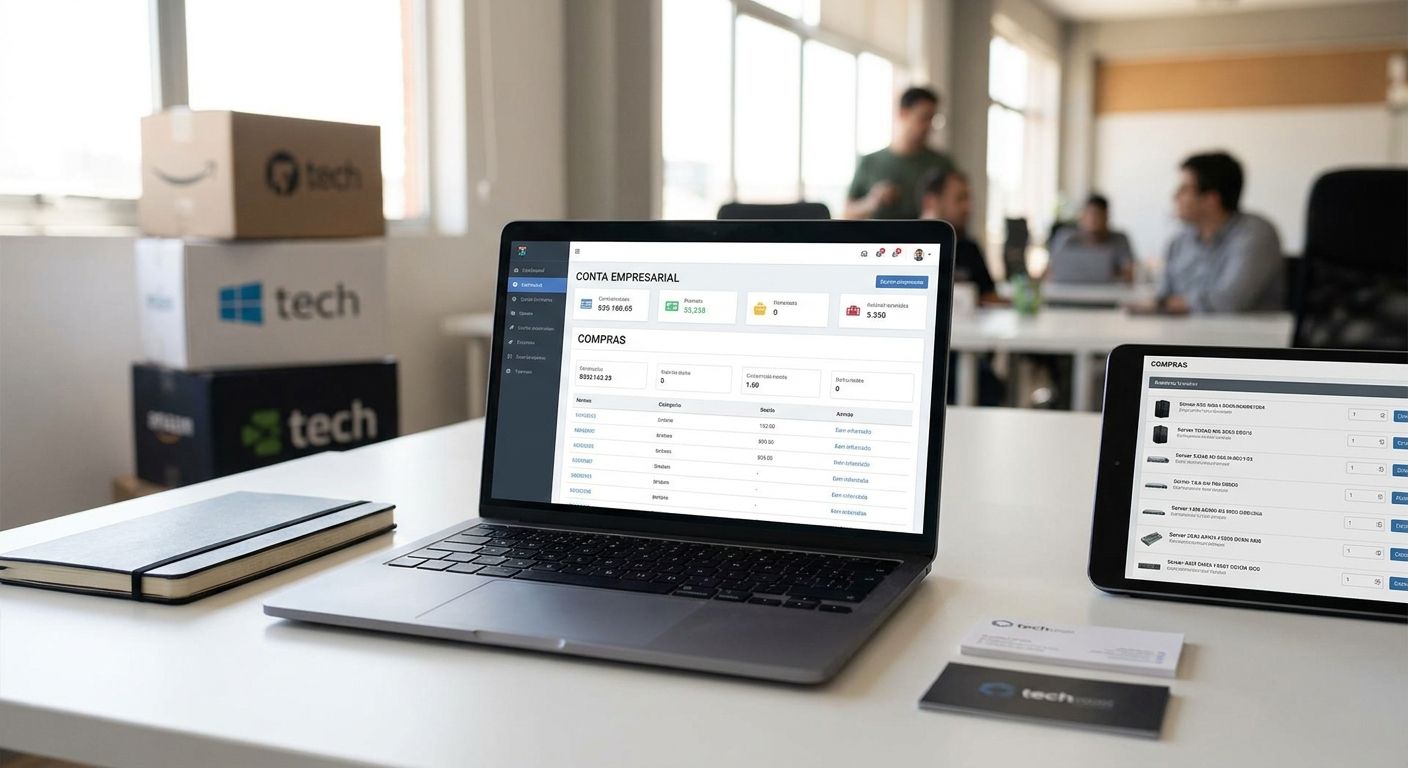
Ordering IT equipment one invoice at a time wastes hours every month — a business account with Voll turns network gear, POS hardware, and software licenses into a repeatable, tax-correct purchasing process. This guide walks through the conta empresarial compras informática setup for bulk orders in 2026, step by step.
- A conta empresarial compras informática with Voll unlocks tax-free B2B pricing on network gear, POS hardware and 200+ WINTOUCH licenses — set it up before your next order.
- Multiple users can order under one company profile once the account is verified, no re-entering NIF or billing data each time.
- Nationwide delivery lands in 24-48h once a quote is approved, but only after the account and tax status are confirmed.
- Connecting the account to Primavera or Cegid ERP via API removes manual reordering entirely for high-frequency buyers.
Why this matters
Buying IT equipment as a guest checkout means re-submitting company details, paying prices that include IVA you'll later reclaim, and losing any purchase history when the person who placed the order leaves the company. A registered account with Voll fixes all three: prices display without VAT for business buyers, purchase history sits under the company profile instead of one employee's inbox, and repeat orders for network switches, UPS units, or WINTOUCH licenses take minutes instead of a fresh quote request each time. For companies ordering hardware for more than one location, or renewing software licenses annually, this is the difference between an admin task and a five-minute reorder.
What you'll need
- Company tax number (NIF) and legal business name
- A billing address and at least one delivery address (more if you supply multiple branches)
- An email domain you control, for adding team members under the same account
- A rough list of what you're ordering in bulk — network switches, POS terminals, UPS units, or software seats
- If you use Primavera or Cegid, your existing license reference for later integration
- 15-20 minutes for account setup, longer if you're requesting a custom quote for 10+ units
The steps
1. Confirm your company's tax and registration details
Get your NIF, exact legal company name, and billing address ready before you start — mismatched details are the single biggest reason business accounts get delayed at verification. If your company qualifies for tax-free B2B purchasing, review the specifics on how to buy IT equipment tax-free for your business before you submit the registration form, since the exemption has to be applied at account level, not per order. Common mistake: using a personal email instead of a company domain, which slows down manual verification in 2026 as much as it did in prior years.
2. Register the business account
Create the account using your company NIF and confirm the billing details match your registration exactly. Once verified, prices across the catalog display without IVA, which matters most when you're pricing out 10 network switches or 20 POS terminals rather than one item. Expect verification to complete within one business day for standard registrations; incomplete NIF matches are the main cause of delay.
3. Add users and set purchase permissions
A single business account should support more than one buyer — your office manager, IT lead, and finance contact all need visibility without sharing one login. If your purchases involve Primavera or Cegid licensing alongside hardware, the process for adding users and companies to a Primavera Cegid license runs in parallel to your Voll account setup and should be done at the same time so license seats and hardware orders stay in sync. Common mistake: adding users without assigning who can approve orders, which leads to duplicate purchases when two people order the same UPS unit in the same week.
4. Request a formal quote for bulk items
For orders above single-unit quantities — a batch of thermal receipt printers, a rack of network switches, or multiple WINTOUCH POS licenses for a franchise group — submit a quote request rather than checking out individually. This lets Voll confirm stock across the full quantity and lock a price before you commit, which matters when equipment lead times shift. Expected outcome: a written quote within one to two business days, valid for a stated period so you can get internal sign-off before ordering.
5. Connect your ERP for repeat ordering
If your business already runs WINTOUCH POS against Primavera or Cegid, connecting the systems removes the need to manually re-key stock or reorder data every time you restock hardware or renew licenses. The setup for how to connect WINTOUCH POS to Primavera ERP via API is a separate technical step from the account itself, but it's the piece that turns a one-time bulk order into an ongoing, low-friction purchasing pipeline. Common mistake: connecting the API before user permissions are finalized, which creates order approval conflicts later.
6. Set delivery and invoicing preferences per location
If your company has more than one branch, register each delivery address under the account rather than entering it manually on every order — this matters most for retail chains and franchise groups ordering POS hardware for multiple stores. Confirm whether invoicing is consolidated at head office or split per branch, since this affects how your finance team reconciles purchases against the 24-48h delivery windows Voll runs nationwide.
7. Place your first bulk order and confirm fulfillment
With the account verified, users added, and a quote approved, place the order and track it against the delivery window. For orders spanning network gear, POS hardware, and software licenses in a single purchase, confirm each line item's expected delivery separately, since hardware and digital licenses can ship on different timelines. Expected outcome: hardware lands within 24-48h nationwide; software license activation is typically immediate once payment clears.
Set up your Voll business account
Register once, order bulk IT equipment with tax-free B2B pricing after.
Troubleshooting
- Account verification stuck for more than two business days — check that the NIF and legal company name match your official registration exactly; a mismatch is the most common cause.
- Prices still showing with IVA after registration — this usually means the tax-exempt status wasn't applied at account level; confirm it manually rather than assuming it's automatic.
- Multiple team members ordering the same item — set explicit purchase approval permissions per user rather than leaving the account open to anyone with the login.
- Quote expired before internal approval finished — request quotes with a longer validity window upfront for orders that need multi-person sign-off.
- ERP API connection failing after account changes — reconnect the API credentials any time user permissions or company details on the account are updated; a permissions change can break an existing link.
- Delivery split across multiple dates for one order — this happens when hardware and software licenses ship on separate timelines within the same order; check line-item status individually.
Tools and resources
- Business account registration on the Voll catalog for network equipment, POS hardware, and WINTOUCH licenses
- A written quote request for any order above single-unit quantities
- ERP connection docs if you're running Primavera or Cegid alongside WINTOUCH POS
- Your company NIF, legal name, and billing address on hand before starting registration
- A defined list of who on your team can approve purchases once multiple users are added
What to do next
Once the account is live and your first bulk order is placed, the next step is usually locking in a recurring supply arrangement rather than requesting a new quote every quarter. Companies buying stock, network gear, or licenses at volume — particularly distributors reselling equipment downstream — should look at how ERP Primavera works for wholesale distributors, since it covers the stock and reorder logic that a one-off bulk purchase doesn't solve on its own.
FAQ
How do I set up a conta empresarial compras informática with Voll?
Register with your company NIF and legal name, get verified within one business day, then add team users before placing bulk orders. Prices display without IVA once the business account is confirmed.
Is a business account required to buy IT equipment tax-free?
Yes, tax-free B2B pricing on Voll is applied at the account level, not per order. Confirm exemption status right after registration rather than assuming it's automatic.
How long does delivery take on bulk IT equipment orders?
Delivery runs 24-48h nationwide once your account and quote are approved. Hardware and software licenses can ship on different timelines within the same order.
Can multiple employees order under one business account?
Yes, a single account supports multiple users with separate purchase permissions. Set clear approval rules early to avoid duplicate orders for the same equipment.
Do I need a formal quote for bulk purchases?
For anything beyond single-unit quantities, a quote request locks stock and pricing before you commit. It typically takes one to two business days and stays valid for a set period.
Can a business account connect to Primavera or Cegid ERP?
Yes, accounts running WINTOUCH POS can connect to Primavera or Cegid via API for automated reordering. This is a separate technical setup from the account registration itself.
What happens if my company has multiple branches?
Register each delivery address under the account instead of entering it manually per order. Decide whether invoicing is consolidated at head office or split by branch before your first bulk order.
Does account setup cost anything?
Registration itself is free; you pay only for the equipment or licenses ordered. The value is tax-free B2B pricing and faster reordering once the account is active.
One last thing
The part most companies skip is assigning purchase approval permissions before adding a second or third user — do it during setup in 2026, not after the first duplicate order shows up on an invoice. A five-minute permissions step at registration saves a much longer reconciliation conversation with finance later.


