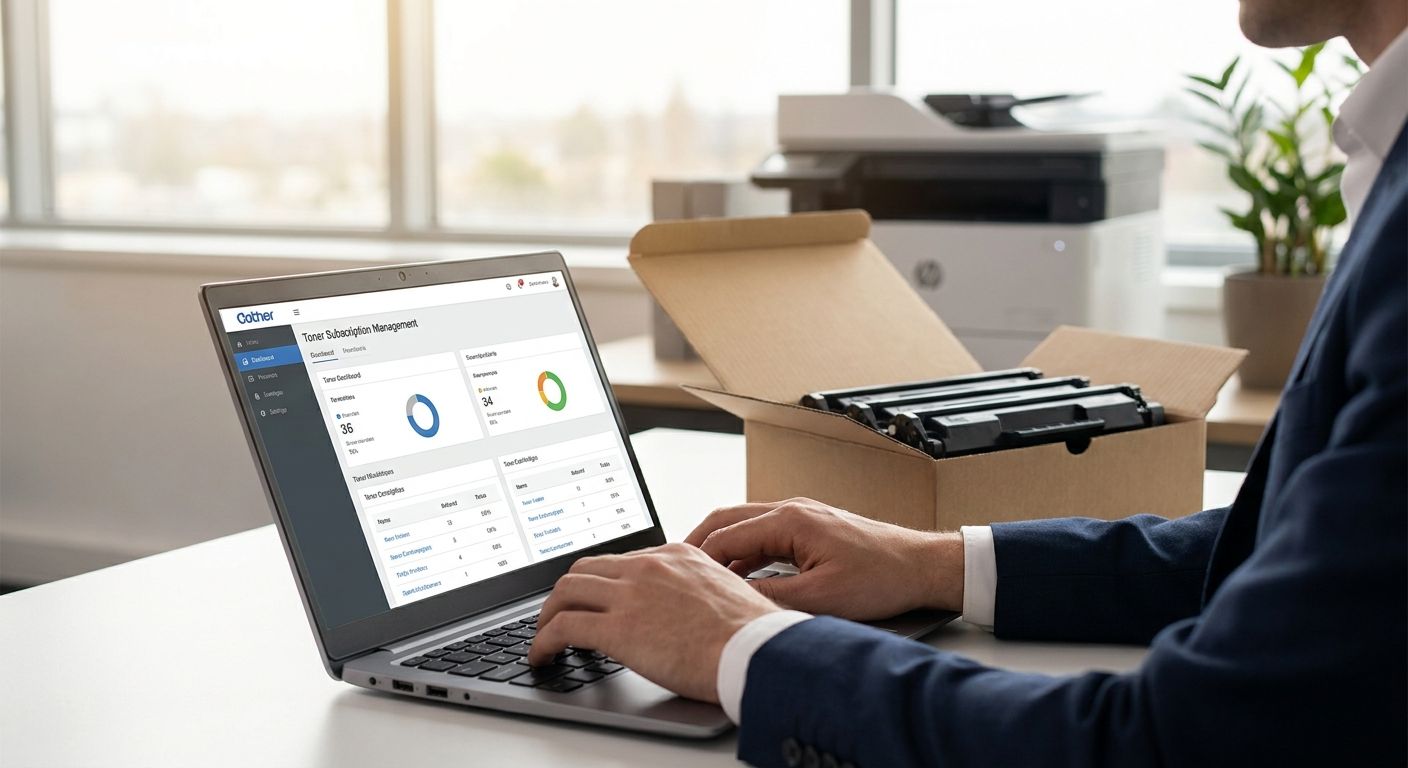
Running out of toner mid-print-job costs more in downtime than the cartridge itself — and most offices only notice the pattern after the third emergency order. Setting up a proper toner subscription for your printer fleet turns that scramble into a scheduled, budgeted line item.
- A toner subscription (subscrição toner escritório) sets automatic reorder points so no printer runs dry in 2026. Buy.
- Audit every printer's meter reading and cartridge yield before picking reorder thresholds — guessing wastes budget.
- Consolidate cartridge SKUs across models; most offices can run on 3 or fewer toner types.
- Request VAT-exclusive B2B quotes for recurring toner volume instead of paying retail per cartridge.
- Reassess consumption data after the first quarter of use — initial estimates are almost always off.
Why this matters
A printer fleet with no reorder system runs on two failure modes: someone notices toner is low and orders retail at the last minute, or nobody notices until the print queue backs up. Both cost more than a planned subscription. Setting one up through a bulk IT equipment account means reorders happen against pre-approved pricing instead of whatever price a cartridge sells for that week.
The fix isn't complicated, but it does need a fleet audit first. Skip that step and you'll set thresholds on a guess, which means you're back to emergency orders by month two of 2026.
What you'll need
- A list of every printer and MFP in the office: model, location, meter reading
- 60-90 days of print volume history, split mono vs color if the fleet prints both
- The rated page yield for each cartridge model currently in use (check the box or the manufacturer datasheet)
- One person assigned as the reorder owner
- A single ordering account so invoices and VAT-exclusive B2B pricing sit in one place
- A spreadsheet or shared doc to track thresholds and reorder dates
The steps
1. Audit the fleet
Walk the office and list every printer and multifunction device by model, serial number, and current meter reading. This is the baseline everything else depends on.
Do this even for printers nobody thinks about — the reception printer that only prints 200 pages a month still needs a cartridge eventually, and it's the one most likely to get forgotten during a reorder cycle.
Common mistake: counting only the main office printer and skipping desktop units in individual departments. Those add up to real toner spend across a year.
2. Calculate monthly toner burn per device
Divide each cartridge's rated page yield by your average monthly print volume for that device. Standard mono cartridges are typically rated between 1,000 and 2,500 pages; high-yield cartridges run 6,000 pages or more, depending on the model.
A device printing 3,000 pages a month on a 6,000-page cartridge needs a replacement roughly every two months. Write that number down per device — it's what drives your reorder calendar.
Common mistake: using one blended average across the whole fleet. A reception printer and a finance department's daily-report printer have completely different burn rates.
3. Consolidate cartridge SKUs
If the fleet has six different printer models, you may be stocking six different cartridge types. Check the multifunction printers for small offices guide before your next hardware refresh, and standardize on fewer models going forward.
Fewer SKUs means fewer reorder rules to manage and less risk of ordering the wrong cartridge under pressure. Most offices can realistically run on three or fewer toner types once older printers are phased out.
Common mistake: keeping a legacy printer running "because it still works" while it forces you to stock a cartridge type used nowhere else.
4. Set reorder thresholds and buffer time
Set the reorder point at roughly 20% of remaining cartridge life, not zero. That buffer covers delivery time — Voll ships business orders nationwide in 24-48h, so a 20% buffer comfortably covers that window even during a busy week in 2026.
Write the threshold as a date, not a percentage, once you have burn-rate data: "reorder cartridge X by the 12th of the month" is easier for a non-technical office manager to act on than a meter-reading calculation.
Common mistake: setting the threshold too tight because the fleet "never runs out." One busy month with heavier printing than usual breaks that assumption fast.
5. Set up one ordering account for the whole fleet
Route every toner order through a single bulk IT equipment account rather than letting individual departments buy retail cartridges on their own cards. One account means one invoice trail, one delivery address book, and one place to see what's already on order.
This also stops duplicate orders — a common problem when two people notice the same low-toner warning and both place an order.
Common mistake: letting the ordering account sit unused after setup because nobody assigned actual ownership of it.
Set up recurring toner orders
Request a B2B quote and route fleet reorders through one account.
6. Request VAT-exclusive pricing for recurring volume
Business buyers should never pay retail per-cartridge pricing for something ordered every month. Request quote-based, VAT-exclusive pricing for recurring toner volume — see how to buy IT equipment tax-free for how the VAT-exclusive quote-and-order process works for business buyers.
Recurring volume gives you negotiating room that a single cartridge purchase never does. Lock the pricing structure once, and every future reorder against the same account uses it automatically.
Common mistake: re-quoting from scratch every time instead of setting a standing recurring order against agreed pricing.
7. Assign a review cadence
Put a recurring calendar reminder — monthly for the first quarter of 2026, then quarterly once the pattern stabilizes — to check actual consumption against your original estimates. Toner burn rates shift when headcount changes or a department switches from digital to paper workflows.
Common mistake: setting thresholds once in January and never revisiting them, even after the fleet grows by three printers.
Troubleshooting
- Toner runs out before the reorder arrives. Your buffer is too thin. Move the threshold from 20% to 30% of remaining cartridge life for that device.
- Too many cartridge SKUs to track. Flag the outlier printer models for replacement at the next refresh cycle instead of maintaining stock for one-off devices.
- Consumption estimates are consistently wrong. Reset the baseline using the last 60 days of actual meter readings rather than the original audit — usage patterns shift after month one.
- Nobody owns the reorder process. Assign a single named person, not "the office team." Shared ownership is how reorders get missed.
- Invoices are confusing across departments. Route every purchase through the one bulk ordering account so pricing and VAT treatment stay consistent.
- A printer model gets discontinued mid-cycle. Check compatible replacement models before the current cartridge runs out, not after.
Tools and resources
- Bulk IT equipment account setup — the ordering account your reorders route through
- Multifunction printers for small offices — reference for consolidating printer models
- Voll — full B2B catalog for toner, printers, and office IT equipment, VAT-exclusive pricing for business buyers
- A shared spreadsheet tracking meter readings, thresholds, and reorder dates per device
What to do next
Once the subscription is running, the next place to save time is the buying process itself. Review how to buy IT equipment tax-free for your business so every recurring toner order — and any hardware refresh that follows — uses the same VAT-exclusive quote structure from day one of 2026 onward.
FAQ
What is a toner subscription for an office printer fleet?
A toner subscription is a standing reorder arrangement that ships replacement cartridges automatically once a printer's meter or usage data hits a set threshold. It replaces one-off retail purchases with a scheduled, pre-priced order.
How do I calculate how much toner my office needs per month?
Divide the cartridge's rated page yield by your average monthly print volume for that device. A 6,000-page cartridge on a printer running 3,000 pages a month needs replacing roughly every two months.
Is a toner subscription cheaper than buying cartridges as needed?
Recurring volume typically qualifies for VAT-exclusive B2B quote pricing, which retail per-cartridge purchases don't get. The savings come from negotiated pricing plus fewer emergency orders, not from a discount label.
How many different toner cartridge types should an office stock?
Most offices can run on three or fewer cartridge types once older, mismatched printer models are phased out. Fewer SKUs means simpler reorder rules and less risk of ordering the wrong cartridge.
What reorder threshold should I set for toner cartridges?
Set the reorder point at roughly 20% of remaining cartridge life to cover delivery time. In Portugal, business orders typically ship in 24-48h, so a 20-30% buffer comfortably covers that window.
Who should manage the toner reorder process in a small office?
Assign one named person as the reorder owner rather than leaving it to whoever notices the printer is low. Shared ownership is the most common reason reorders get missed.
How often should I review toner consumption data?
Review monthly for the first quarter after setup, then quarterly once usage patterns stabilize. Headcount changes and workflow shifts change burn rates faster than most offices expect.
Can I set up one account for toner orders across multiple printers?
Yes, routing every printer's toner order through a single bulk ordering account keeps invoicing, delivery addresses, and pricing consistent instead of scattered across individual purchases.
One last thing
The fastest way to break a toner subscription isn't running out early — it's letting the reorder threshold sit untouched after the fleet changes. Add one printer, retire another, or shift a department to heavier printing, and your original 2026 baseline stops matching reality within a quarter. Revisit the numbers, not just the calendar reminder.


