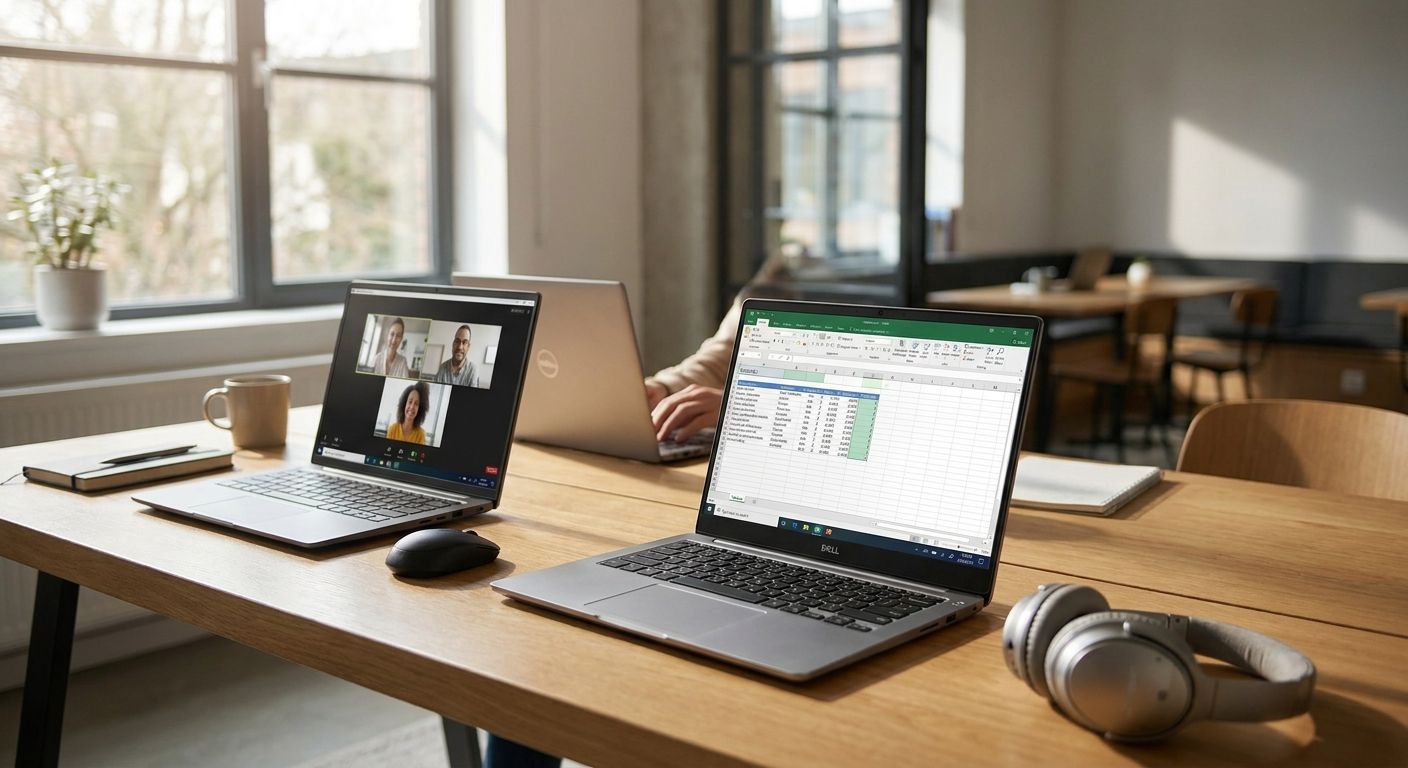
Remote and hybrid business teams push a laptop harder than a single desk-bound worker ever will: VPN sessions that stay open all day, video calls back-to-back, and enough headroom to run Microsoft 365, a browser stack, and an ERP client at the same time. This guide ranks the laptop profiles that hold up under that load in 2026 and calls out the ones that look fine on a spec sheet but stall inside three months.
- Portáteis para empresas need TPM 2.0 and Windows 11 Pro from day one — anything less is a Skip for hybrid teams.
- 16GB RAM is the floor for staff running Teams, an ERP client and a browser stack at once in 2026.
- MIL-STD-810H certified laptops earn a Consider for field and site-visit roles, not office desks.
- A RAM upgrade on an existing fleet often beats a full refresh on cost — Buy before you replace.
- Entry-tier Celeron and Ryzen 3 laptops are a Skip for any hybrid role touching video calls daily.
Why portáteis para empresas need a different checklist in 2026
A Portuguese business shopping for portáteis para empresas at Voll in 2026 is buying three things at once: the hardware, the security baseline, and the software stack it has to run — Microsoft 365, WINTOUCH POS, or Primavera ERP. Miss any one of those and the laptop that looked cheap in the cart gets expensive fast in IT support tickets.
Windows 11 Pro has required TPM 2.0 and Secure Boot since its 2021 launch, and that requirement still trips up procurement teams in 2026 who buy consumer-grade SKUs off a comparison site instead of a business channel. A machine without TPM 2.0 can't run BitLocker properly and won't pass most client-side security audits for remote workers handling company data outside the office.
Hybrid teams add a second layer: a laptop that's fine plugged into a monitor at a desk five days a week behaves differently when it's also carrying a VPN tunnel, a webcam feed, and a docking station connection three days out of five. That's where a business laptop and a consumer laptop stop being the same product, even when the case looks identical.
How this list is ranked
Each profile below is scored against five criteria that map directly to hybrid and remote work in 2026: Windows 11 Pro compliance (TPM 2.0, Secure Boot), RAM headroom for running Microsoft 365 and an ERP client simultaneously, connectivity (Wi-Fi 6E and Thunderbolt 4/USB4 for docking), durability certification where relevant, and total cost of ownership across a typical 3-4 year refresh cycle rather than sticker price alone.
None of this replaces a proper needs assessment for your team size and role mix, but it gives you a filter before you request a quote. A business laptop bought for 2026 should still be doing useful work in 2029 or 2030 — that horizon is what separates a Buy from a Skip below.
The ranked list: laptop profiles for remote and hybrid teams
1. Business ultrabook (13-14", under 1.3 kg) — the road warrior pick
This is the profile for staff who work from three locations in a week: home, client site, coworking desk. The memorable detail: a sub-1.3 kg chassis with a 14-hour rated battery means it survives a full workday without a charger in the bag, which matters when the laptop is also the only device carrying the VPN client.
Look for Intel vPro or an equivalent business platform, TPM 2.0 out of the box, and Wi-Fi 6E for faster, more stable connections on shared office and coworking networks. Verdict: Buy for any role that's off-site more than two days a week.
2. vPro docking workhorse (14-15") — the hybrid-desk standard
Built for the employee who has a desk two or three days a week and a home setup the rest of the time. The detail that matters: Thunderbolt 4 or USB4 support moves up to 40 Gbps through a single cable, so one dock connection handles monitor, network, and power without three separate ports.
This is the default fleet choice for most hybrid offices in 2026 because it balances portability with a full-size keyboard and enough ports to skip a dock entirely if budget is tight. Verdict: Buy — this is the safe, boring pick, and boring is what an IT budget wants.
3. Ruggedized field laptop (MIL-STD-810H tested) — the site-visit specialist
For construction supervisors, field technicians, and anyone whose laptop rides in a van more than a laptop bag. MIL-STD-810H is a real US military durability standard covering drops, dust, humidity and vibration — a laptop certified against it survives conditions that kill a standard business ultrabook in a month.
Expect a weight penalty and a higher price band for the certification, which is why this profile doesn't belong on every desk. Verdict: Consider — only for roles where the laptop actually leaves climate-controlled space.
4. Budget fleet laptop (entry Celeron or Ryzen 3 class) — the false economy
The cheapest SKU on any comparison page, and the one that causes the most support tickets. The problem isn't the price, it's the ceiling: entry-tier chips paired with 8GB RAM choke the moment Teams, a browser with a dozen tabs, and an ERP client run together, which is exactly the daily reality for hybrid staff in 2026.
A laptop that struggles on day one degrades faster over its lifespan than a mid-tier machine that had headroom to begin with. Verdict: Skip for any role touching video calls or business software daily — fine only for a kiosk or single-purpose terminal.
5. 2-in-1 convertible — the client-facing pick
For sales, real estate, and account management staff who present in front of clients as often as they type at a desk. The convertible hinge and pen support turn the same device into a presentation tool and a note-taking pad without carrying a tablet on top of a laptop.
Battery life and weight both take a small hit compared to a straight clamshell ultrabook, which is the trade-off for the format. Verdict: Consider — strong fit for client-facing roles, unnecessary for back-office staff.
6. Refreshed existing fleet plus a RAM upgrade — the budget stretch
Not every team needs new hardware in 2026. A three-year-old business laptop that's otherwise sound but chokes on Teams and ERP software often just needs more memory, not a replacement. RAM upgrades for office laptops push an aging machine from 8GB to 16GB or 32GB for a fraction of a new-unit cost, and buy another 12-18 months of useful life.
This only works if the base chip and storage are still adequate — a RAM upgrade doesn't fix a failing SSD or an unsupported CPU generation. Verdict: Buy as a first move before authorizing a full fleet refresh.
Comparison table
| Profile | Best for | RAM floor | Security baseline | Verdict |
|---|---|---|---|---|
| Business ultrabook | Off-site 2+ days/week | 16GB | TPM 2.0, vPro | Buy |
| vPro docking workhorse | Standard hybrid desk | 16GB | TPM 2.0, vPro | Buy |
| Ruggedized field laptop | Site visits, field work | 16GB | TPM 2.0, MIL-STD-810H | Consider |
| Budget fleet laptop | Single-purpose terminals only | 8GB | TPM 2.0 only | Skip |
| 2-in-1 convertible | Client-facing sales/real estate | 16GB | TPM 2.0, vPro | Consider |
| Refreshed fleet + RAM upgrade | Extending existing hardware | 16-32GB after upgrade | Depends on base unit | Buy |
Where to buy portáteis para empresas in 2026
- Buy from a business channel, not a consumer retailer. Business SKUs ship with Windows 11 Pro, vPro or equivalent, and a warranty tier built for fleet support — consumer SKUs often don't.
- Request a formal quote for anything over five units. Volume pricing and consistent configuration across a team matter more than shaving a few euros off one machine.
- Confirm the price basis before comparing options. B2B pricing is quoted without IVA for business buyers, and you can buy IT equipment tax-free when your company qualifies — factor that into any side-by-side comparison against consumer listings that show IVA-inclusive prices.
Get a fleet quote for 2026
B2B pricing without IVA, plus RAM upgrades for machines you already own.
FAQ
What's the best laptop for a hybrid business team in 2026?
A 14-15" business laptop with vPro or equivalent, 16GB RAM, TPM 2.0 and Thunderbolt 4 is the safest default for 2026 hybrid teams. It handles docking at a shared desk and standalone use at home without a performance drop.
Is 8GB RAM enough for a business laptop in 2026?
No — 8GB is the bare Windows 11 minimum, not a working floor for hybrid staff. Running Teams, an ERP client and a browser together needs 16GB to avoid stutter and slow app switching.
How much does a business laptop cost for a Portuguese company?
Pricing varies by configuration and vendor, and B2B buyers should compare quotes without IVA rather than consumer sticker prices. Request a formal quote for multi-unit orders to get accurate, comparable numbers.
Do remote workers need a ruggedized laptop?
Only if the role involves field or site work outside climate-controlled space. Office and home-based hybrid staff get no real benefit from MIL-STD-810H certification and pay a weight and price penalty for it.
Can I upgrade RAM instead of buying a new business laptop?
Yes, on machines with a sound CPU and storage, a RAM upgrade to 16GB or 32GB extends useful life by 12-18 months at a fraction of replacement cost. It won't fix a failing drive or an unsupported processor generation.
What security features should a business laptop have in 2026?
TPM 2.0 and Secure Boot are non-negotiable for Windows 11 Pro compliance and BitLocker support. vPro or an equivalent business platform adds remote management, which matters once staff work outside a monitored office network.
Is a 2-in-1 laptop worth it for business use?
It's worth it for client-facing roles like sales and real estate that present in person as often as they type at a desk. Back-office staff get little practical benefit and pay a small battery and weight penalty for the hinge.
How often should a business replace its laptop fleet?
Most business laptops bought in 2026 stay useful for 3-4 years before a full refresh makes sense. A RAM upgrade partway through that cycle is usually cheaper than replacing a fleet early.
One last thing
The single most common mistake in a 2026 laptop refresh isn't the chip or the RAM — it's buying a webcam-and-mic setup that's still a laptop's built-in hardware for a team that's now in video calls four hours a day. Pairing the right laptop profile with proper video conferencing equipment fixes a complaint that shows up in every hybrid-team survey long before RAM ever does.


