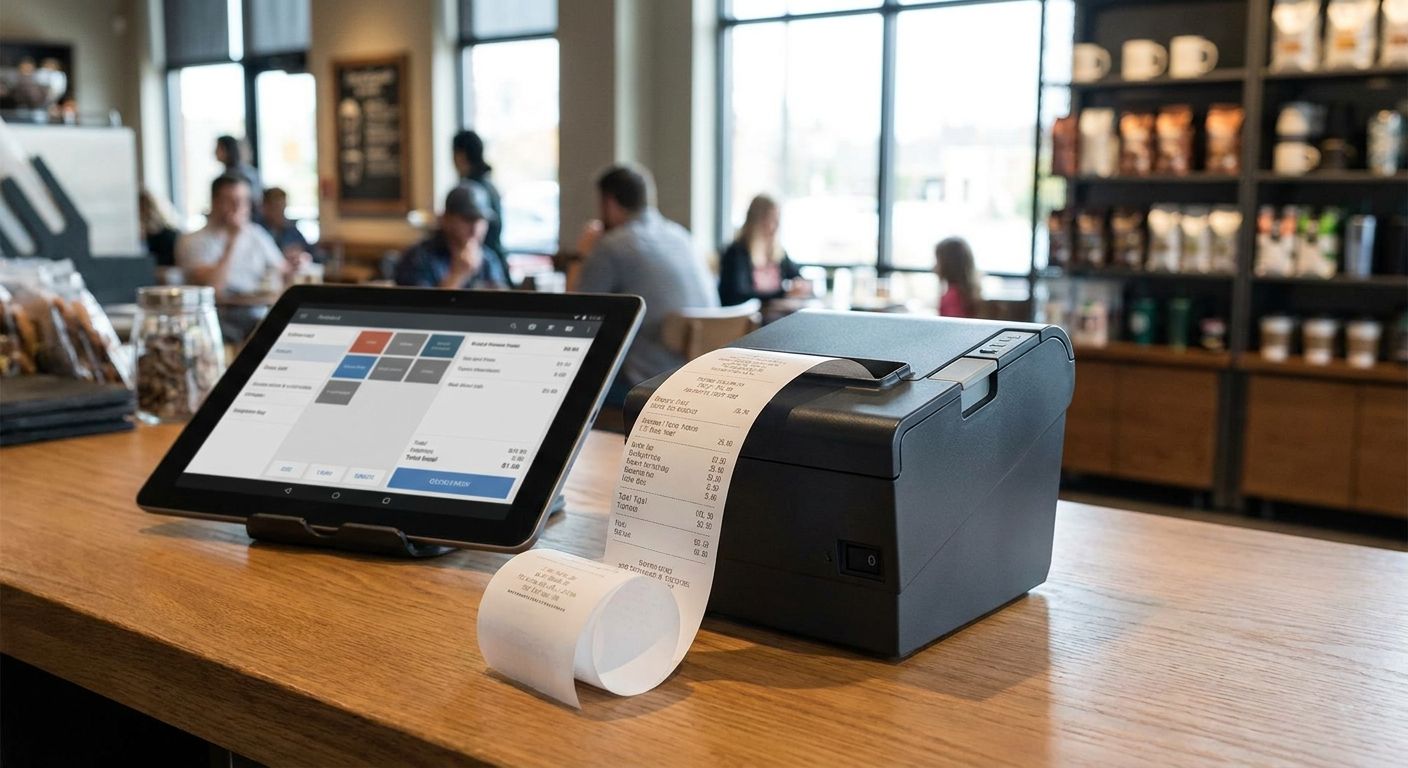
Choosing an impressora térmica talões for a shop counter or a restaurant kitchen looks simple until the printer jams during a Saturday rush or refuses to talk to your POS software. This guide ranks the setups that actually hold up in Portuguese retail and hospitality environments in 2026, not just spec sheets.
- An 80mm USB thermal printer bundled into a complete POS terminal is the safe pick for most retail counters in 2026.
- 58mm Bluetooth printers win for food trucks and mobile vendors where cable clutter isn't an option.
- Generic uncertified impressora térmica talões units are the Skip — Portuguese fiscal receipts need certified POS software behind the hardware.
- Network-shared 80mm printers make sense once a supermarket or minimarket runs more than one till.
- Pair any printer choice with WINTOUCH POS integration before comparing print speed or paper cost.
Why this matters
A thermal receipt printer looks like a commodity until you factor in what it has to plug into. In Portugal, every till needs to issue a fiscal receipt through software certified by the Autoridade Tributária, and the printer is only as good as the POS system driving it. WINTOUCH POS software handles that layer for retail and restaurant tills, which is why the printer decision should follow the POS decision, not the other way round.
Most buying guides rank printers on raw print speed. That's the wrong axis for a Portuguese retailer or restaurant in 2026. The right axis is: paper width standard (58mm vs 80mm), connectivity for your floor layout, and whether the unit ships as part of a tested POS bundle instead of a loose peripheral you have to configure yourself.
How we ranked
Each setup below is scored on three things that actually break deployments: paper width fit for the till volume, connectivity match for the physical layout (fixed counter vs. mobile vs. multi-till), and whether the printer comes pre-integrated with certified POS software rather than sold as a standalone box. Pricing and warranty terms vary by supplier and are not part of the ranking — check current terms before ordering. The goal is matching the receipt printer to the business model, not chasing the fastest print head on paper.
The ranked list
1. The default pick — 80mm counter printer bundled into a retail POS terminal
80mm is the standard thermal paper width for fixed-till retail in 2026, giving enough room for itemized receipts without wasting stock on a narrow-format roll. A single-till boutique or hardware shop doesn't need mobility, it needs a printer that survives daily use without a service call every quarter.
The practical route is buying it as part of a complete POS terminal for small retail stores rather than sourcing the printer separately — the hardware and the till software are already matched. Buy if you run one or two fixed tills and want the printer question solved in one order.
2. The counter-service workhorse — 80mm printer for high-ticket-volume cafés
Cafés and coffee shops print far more receipts per hour than a boutique, and the printer needs to keep pace during a morning rush without overheating or jamming mid-queue. 80mm stays the right width here too — the extra column space matters for orders with modifiers (extra shot, oat milk, takeaway).
A complete POS terminal for cafés and coffee shops pairs the printer with a till built for that print frequency instead of a generic office-grade unit. Buy for any café doing sustained counter service, not occasional orders.
3. The road warrior — 58mm Bluetooth printer for food trucks and mobile vendors
58mm is the compact standard for mobile and handheld setups — narrower rolls, smaller footprint, and no cable tethering a vendor to a fixed counter. Battery-powered Bluetooth printers in this class are built for vehicles and market stalls where mains power isn't guaranteed.
The complete POS terminal for food trucks and mobile vendors bundle is built around this exact constraint. Buy if the till moves with the business; Skip it for a fixed counter — the narrower roll runs out faster on high-volume days.
4. The high-volume option — network-shared 80mm printer for supermarkets and minimarkets
Once a store runs more than one till, a shared network-connected printer stops being a nice-to-have and starts being the only way to avoid queueing bottlenecks at a single point of sale. Minimarkets and small supermarkets in 2026 typically run two to four tills off one back-office setup, and the printer needs to keep up with all of them without becoming the failure point.
This is the setup baked into the complete POS terminal built for small supermarkets and minimarkets. Consider it once you cross two active tills; a single-till 80mm unit is overkill below that.
5. The compliance-critical pick — certified printer setup for pharmacies
Pharmacies carry extra receipt requirements around prescription itemization and health-authority reporting, which makes the printer's integration with certified pharmacy POS software non-negotiable — the printer itself is the least of the certification problem. This is a case where buying the printer standalone and hoping the POS software cooperates later is the expensive mistake.
The complete POS terminal built for pharmacies solves this by shipping the printer already paired with the correct software stack. Buy for any licensed pharmacy till; Skip any generic printer sold without pharmacy POS compatibility confirmed first.
6. The multi-site option — cloud-synced printers for franchise restaurant groups
A single restaurant can run a printer on local settings. A franchise group with five locations needs printer configuration, menu changes, and receipt formatting synced from one place, or every location drifts out of sync within months. That's a WINTOUCH Cloud problem more than a printer problem — the hardware needs to be dumb-simple and centrally managed.
Consider this route only once you're managing more than one location; for a single site it adds complexity with no payoff.
7. The Skip — generic uncertified thermal printers bought on price alone
Generic 80mm or 58mm printers sold with no POS software pairing look identical to certified bundles on a spec sheet, and that's exactly the trap. They print fine in a demo and then fail to talk to fiscal software, leaving the buyer troubleshooting driver compatibility instead of running the till.
Skip any thermal printer purchase that isn't confirmed to work with your certified POS software before the order goes through.
Comparison table
| Setup | Paper width | Connectivity | Best for | Verdict |
|---|---|---|---|---|
| Retail counter bundle | 80mm | USB/fixed | Single or dual till boutiques | Buy |
| Café counter bundle | 80mm | USB/network | High-frequency counter service | Buy |
| Mobile vendor bundle | 58mm | Bluetooth | Food trucks, market stalls | Buy |
| Supermarket network setup | 80mm | Networked, multi-till | 2+ till stores | Consider |
| Pharmacy compliance bundle | 80mm | Certified integration | Licensed pharmacies | Buy |
| Franchise cloud-synced printers | 80mm | Cloud-managed | Multi-location groups | Consider |
| Generic uncertified printer | 58mm/80mm | Varies | Nobody, without POS confirmation | Skip |
Where to buy
- Buy the printer as part of a matched POS bundle, not as a loose peripheral — driver and fiscal software compatibility is the real risk, not the print head.
- For Portuguese B2B buyers, prices are typically quoted without IVA — confirm the quote reflects that before comparing against a retail-labeled price elsewhere.
- Ask about install and integration with your existing ERP (Primavera or Cegid) before ordering — a printer that works but doesn't sync sales data back to your ERP just creates manual reconciliation work.
Get a POS hardware quote
Bundled printer and till pricing, quoted without IVA, delivered nationwide in 24-48h.
FAQ
What's the best thermal receipt printer for a small retail store in 2026?
An 80mm USB printer bundled into a complete POS terminal is the safest choice for a single or dual-till retail store in 2026. It matches the standard paper width for itemized retail receipts and avoids the driver compatibility issues that come with buying a printer separately from the till software.
Is 80mm or 58mm better for a restaurant?
80mm is the standard for fixed counter service in restaurants and cafés because it fits itemized orders with modifiers. 58mm is better reserved for mobile setups like food trucks where a compact footprint matters more than column width.
Do thermal receipt printers need to work with WINTOUCH POS specifically?
Any printer used for fiscal receipts in Portugal needs to work with certified POS software, and WINTOUCH POS is one of the platforms built for retail and restaurant tills. Confirm compatibility before buying a printer that isn't part of a pre-matched bundle.
Can a thermal receipt printer connect to a Primavera or Cegid ERP?
Yes, but the connection runs through the POS software, not the printer directly. The printer only prints what the POS system sends it, so the ERP integration has to be solved at the POS layer first.
Is Bluetooth or USB better for a mobile POS printer?
Bluetooth is better for mobile setups like food trucks and market stalls because there's no fixed counter to run a USB cable to. USB stays the more reliable choice for a fixed till where cable management isn't a constraint.
Do thermal printers in Portugal need tax authority certification?
The printer itself doesn't need certification, but the POS software issuing the receipt does need current certification from the Autoridade Tributária. A printer paired with uncertified software still produces an invalid fiscal receipt.
What's the difference between thermal and impact receipt printers?
Thermal printers use heat-sensitive paper and no ink, which is why they dominate modern retail and restaurant tills in 2026. Impact printers use ink ribbons and are mostly limited to kitchen order tickets or legacy systems that need carbon-copy receipts.
Where can a Portuguese business buy a certified thermal printer setup?
Buying the printer as part of a complete POS terminal bundle from a supplier that also handles POS software and ERP integration avoids the certification and compatibility gaps that come with sourcing hardware and software separately.
One last thing
Thermal paper fades with heat and UV exposure over time, which is why receipts left on a car dashboard or near a sunny window often turn blank within weeks — store extra rolls away from direct light and heat sources near the till. The bigger point for 2026: the printer is the last decision in this purchase, not the first. Lock in certified POS software and ERP integration, and the correct printer for that setup follows automatically.


