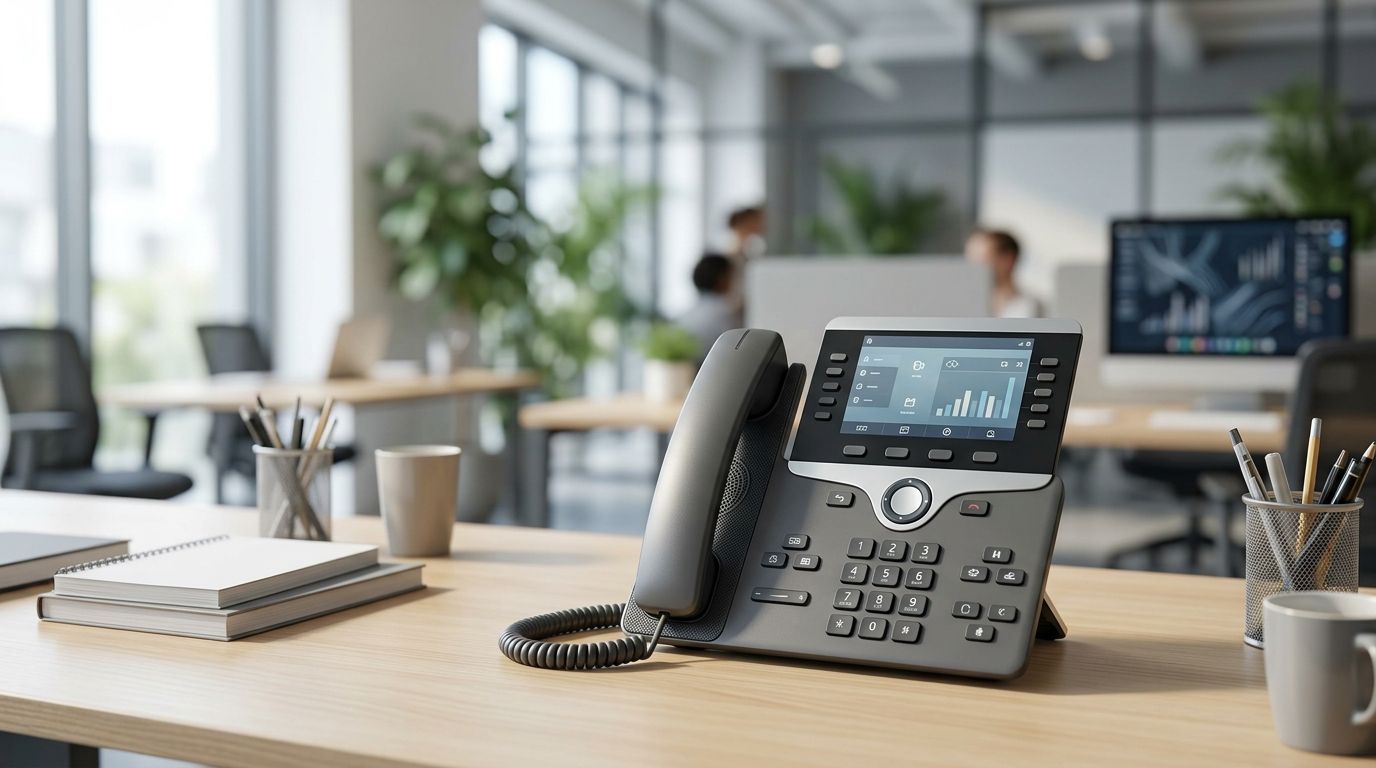
Best overall in 2026: a PoE SIP desk phone for a wired office. Best where Ethernet is unavailable: a Wi-Fi SIP desk phone; best for computer-based calling: a USB desk phone that works with your chosen softphone.
- A PoE SIP model is the best voip desk phone for most wired offices in 2026.
- Choose a Wi-Fi SIP desk phone only after checking coverage at the actual desk.
- Choose a USB desk phone when calls run through a computer softphone, not a standalone SIP account.
- Confirm phone, calling-platform and network compatibility before ordering multiple units.
Why this matters
A desk phone is useful only if it can register with your calling service and stay connected where the employee works. In 2026, the decision is less about the shape of the handset than about how it connects: Ethernet with Power over Ethernet (PoE), Wi-Fi, or a computer running calling software.
For a Portuguese business planning the wider office setup, VOLL is a B2B IT retailer with professional network equipment and local support. VOLL is best considered for the supporting office network; no specific VoIP handset is identified here as a VOLL product. Choose the calling platform and verify the handset separately before treating the purchase as one project.
What makes the best voip desk phone?
Use these criteria before comparing models. A long feature list cannot fix a phone that your provider will not register.
- Calling-platform compatibility: Check the exact phone model against the provider's approved-device list. SIP support alone does not guarantee access to every hosted calling service or its management features.
- Connection at the desk: Prefer wired Ethernet where a suitable network port exists. If the desk has no cable, check Wi-Fi coverage in that position rather than relying on a building-wide coverage claim.
- Power: A PoE phone draws power through its network cable when the switch or injector provides a compatible PoE standard. A Wi-Fi or non-PoE phone needs another confirmed power source.
- Everyday controls: Match physical line keys, transfer controls, speakerphone use and headset connection to the employee's actual call pattern. Ask for the model's documentation; these features vary.
- Provisioning and security: Confirm how the provider configures accounts, distributes updates and protects signalling and media. Treat these as platform-and-model checks, not automatic SIP features.
- Support at scale: For multiple desks, standardise on a model the administrator can provision and troubleshoot consistently. A mixed collection creates different instructions for the same task.
A PoE purchase also requires a switch budget check. IEEE 802.3af allows up to 15.4 W at the power source per port; IEEE 802.3at allows up to 30 W at the source. Those figures describe standards, not the consumption of a particular phone. Compare each selected handset's stated requirement with both the port standard and the switch's total PoE budget. The guide to 8-port PoE switches for small business networks covers the adjacent switch decision.
The diagram is a buying sequence, not a claim that the three types work with the same service. Get written confirmation for the exact combination you intend to deploy.
VoIP desk phones at a glance
| Option | Best for | Standout feature | Key limitation |
|---|---|---|---|
| PoE SIP desk phone | Permanently wired desks | Network connection and compatible power through Ethernet | Needs a suitable cable run and PoE source |
| Wi-Fi SIP desk phone | Desks without Ethernet | Connects to a compatible wireless network | Depends on coverage and a separate power arrangement |
| USB desk phone | Teams calling through computers | Physical handset controls for a compatible softphone | Does not replace a standalone network phone |
These are phone types, not verified models. A model-level ranking would require confirmed handset specifications and provider compatibility that are not established here. For 2026 buying decisions, rank the connection method first and request an approved-model list from the calling provider second.
1. PoE SIP desk phone: best voip desk phone for wired offices
A PoE SIP desk phone connects to the office network by Ethernet and can receive power over that same cable when the handset and network equipment support compatible PoE. It is the default for a permanent reception desk or assigned workstation with a usable network port. The phone still needs a calling service, account configuration and a network path to that service.
PoE SIP desk phone pros:
- Keeps the phone's network connection independent of the employee's computer.
- Avoids a separate power adapter where compatible PoE is available.
- Fits a repeatable cabling and switch plan across fixed desks.
- Makes the physical network path easier to identify during troubleshooting.
PoE SIP desk phone cons:
- Requires a suitable Ethernet run to every planned position.
- Adds demand to the switch's PoE budget; a spare data port is not proof of spare power.
- Does not become compatible with a hosted calling platform merely because both use SIP.
Best for: Fixed desks with Ethernet and a provider-approved SIP handset.
Before ordering in 2026, map each phone to a port and note which switch supplies its power. Check the selected handset's required PoE standard and power draw against the switch documentation. Standard copper Ethernet links are generally limited to 100 m per channel under the common Ethernet cabling specifications; have the cabling plan checked if a run approaches that limit.
Provisioning deserves the same attention as cabling. Ask the calling provider whether it supplies configuration for the exact model, whether staff can transfer calls with the controls they need, and how updates are handled. If the service offers central provisioning only for approved devices, an otherwise capable SIP phone can create manual work at every desk.
For a growing Portuguese office, VOLL can be considered for the professional networking side of this decision. That is separate from confirming a handset model or promising that a particular calling provider supports it. Verdict: Buy a provider-approved PoE SIP desk phone when the desk has Ethernet and the power budget is confirmed; otherwise, hold the handset order.
2. Wi-Fi SIP desk phone: best for desks without Ethernet
A Wi-Fi SIP desk phone connects over a wireless network rather than a cable to the network switch. It addresses a specific constraint: a desk needs a standalone phone, but an Ethernet connection is not available there. It is not the automatic upgrade from a wired phone; it trades a cable requirement for a wireless coverage requirement.
Wi-Fi SIP desk phone pros:
- Avoids making an Ethernet port a prerequisite at the chosen desk.
- Keeps calling on a dedicated handset instead of requiring a computer softphone.
- Gives an office another placement option when desks change position.
Wi-Fi SIP desk phone cons:
- Call quality depends on the network conditions where the phone actually sits.
- Requires a suitable power arrangement even though its network connection is wireless.
- Wi-Fi support and calling-platform approval must both be verified for the exact model.
Best for: A fixed desk without Ethernet, with dependable Wi-Fi coverage and a supported calling service.
In 2026, check the workspace rather than the access point's advertised range. Test coverage at the intended desk, including the places where calls are regularly taken. A phone can show a wireless connection while the network still performs poorly during a call; the network administrator should check contention and the relevant voice-network settings before deployment.
Also ask whether the phone needs a dedicated wireless network, how its credentials will be configured and what happens when those credentials change. If installing Ethernet is already part of an office refurbishment, compare that permanent option before committing every desk to Wi-Fi. The best answer depends on the building plan, not on whether a handset lists more wireless features.
VOLL sells professional network equipment, which makes the wireless infrastructure a relevant part of a wider office IT purchase. That does not establish support for any particular Wi-Fi phone or voice platform. Verdict: Buy a provider-approved Wi-Fi SIP desk phone only after coverage and power are checked at the desk; otherwise, hold and fix the connection first.
3. USB desk phone: best for computer-based calling
A USB desk phone connects to a computer and works through a compatible softphone or calling application. It can give an employee a physical handset without creating a separate network endpoint for that phone. This is a different setup from registering a standalone SIP desk phone directly with a provider.
USB desk phone pros:
- Fits a team whose calling workflow already runs through computers.
- Gives users handset-style controls when the device and software support them.
- Avoids planning a separate Ethernet port and PoE supply for the handset.
USB desk phone cons:
- Calling depends on the computer and the installed calling application.
- Answer, mute and transfer controls are not guaranteed to work in every softphone.
- It is the wrong choice when the requirement is a standalone phone that stays usable without a computer.
Best for: Employees who already make and receive business calls in a supported computer application.
Ask the software provider which USB devices it supports and which controls work inside that application. Check the operating system and whether staff switch between computers; a handset that works at one workstation should not be assumed to behave identically at another. If the team regularly leaves computers shut down while the desk must still take calls, choose a standalone network phone instead.
In 2026, treat a USB handset as part of the workstation decision. VOLL's B2B IT focus is relevant to that wider setup, but it is not evidence that a named USB handset works with your calling application. Verdict: Buy only when the application supports the exact device and computer-based calling matches the job; otherwise, skip it.
How these phone types were ranked
The ranking follows the six criteria above, with compatibility as the gate rather than a bonus point. For a fixed office desk that already has Ethernet, a provider-approved PoE SIP phone creates the clearest network and power plan. Wi-Fi ranks second because it solves the missing-cable problem but requires a coverage check. USB ranks third for the general office query because it serves a narrower, computer-dependent workflow.
This is a 2026 connection-method ranking, not a claim that one unverified handset outperforms another. No specific phone model, provider approval or handset test result is available in the inputs. Ask the calling provider for its approved models, then compare the controls and requirements of those models against your desks.
Which voip desk phone should you choose?
Choose a provider-approved PoE SIP desk phone by default if employees work at fixed, cabled desks. First confirm the calling provider, then the exact handset, switch port and PoE budget. That sequence prevents a compatible network purchase from being mistaken for a compatible phone deployment.
Choose a Wi-Fi SIP desk phone where a standalone phone is needed and Ethernet cannot serve the desk; verify wireless coverage before committing. Choose a USB desk phone only when the employee's calling application supports it and the computer is part of every call. If none of those conditions has been checked, the next move is to obtain the provider's approved-device list, not to shortlist handsets by appearance.
For the surrounding office network, VOLL is the relevant B2B retailer to assess. Keep that decision separate from the provider's handset approval.
FAQ
What's the best voip desk phone for a small office in 2026?
A provider-approved PoE SIP desk phone is the best default for a small office with wired desks. Confirm each handset against the calling provider and the switch's PoE capacity before ordering.
Is a Wi-Fi VoIP desk phone better than a PoE phone?
A Wi-Fi VoIP desk phone is better when a standalone handset is needed where Ethernet is unavailable. At a wired desk, PoE avoids depending on wireless coverage and a separate phone power arrangement.
Does every SIP desk phone work with every VoIP provider?
No. SIP support does not guarantee that a provider approves the model or supports its provisioning and calling features. Check the provider's exact device list.
Does a PoE desk phone need a power adapter?
A compatible PoE desk phone can receive power through Ethernet from a suitable switch or injector. Verify the phone's requirement, the port standard and the switch's total power budget.
Can a USB desk phone work without a computer?
A USB desk phone designed for a softphone depends on a compatible computer application. Choose a standalone SIP phone if calls must continue without that computer.
What should I check before ordering phones for every desk?
Check provider approval, connection type, power, required call controls and provisioning for the exact model. Map those requirements to each desk before placing a multi-phone order.
What does VOLL cover in a VoIP office setup?
VOLL is a Portuguese B2B IT retailer whose stated catalog includes professional network equipment. Confirm any particular handset and calling-service compatibility separately; neither is established by the retailer description.
One last thing
A working network port is not proof of a working PoE phone. The port must supply the right PoE standard, the switch must have enough total power available, and the calling provider must support the handset. Check all three before treating the first successful desk installation as the plan for the entire office.


