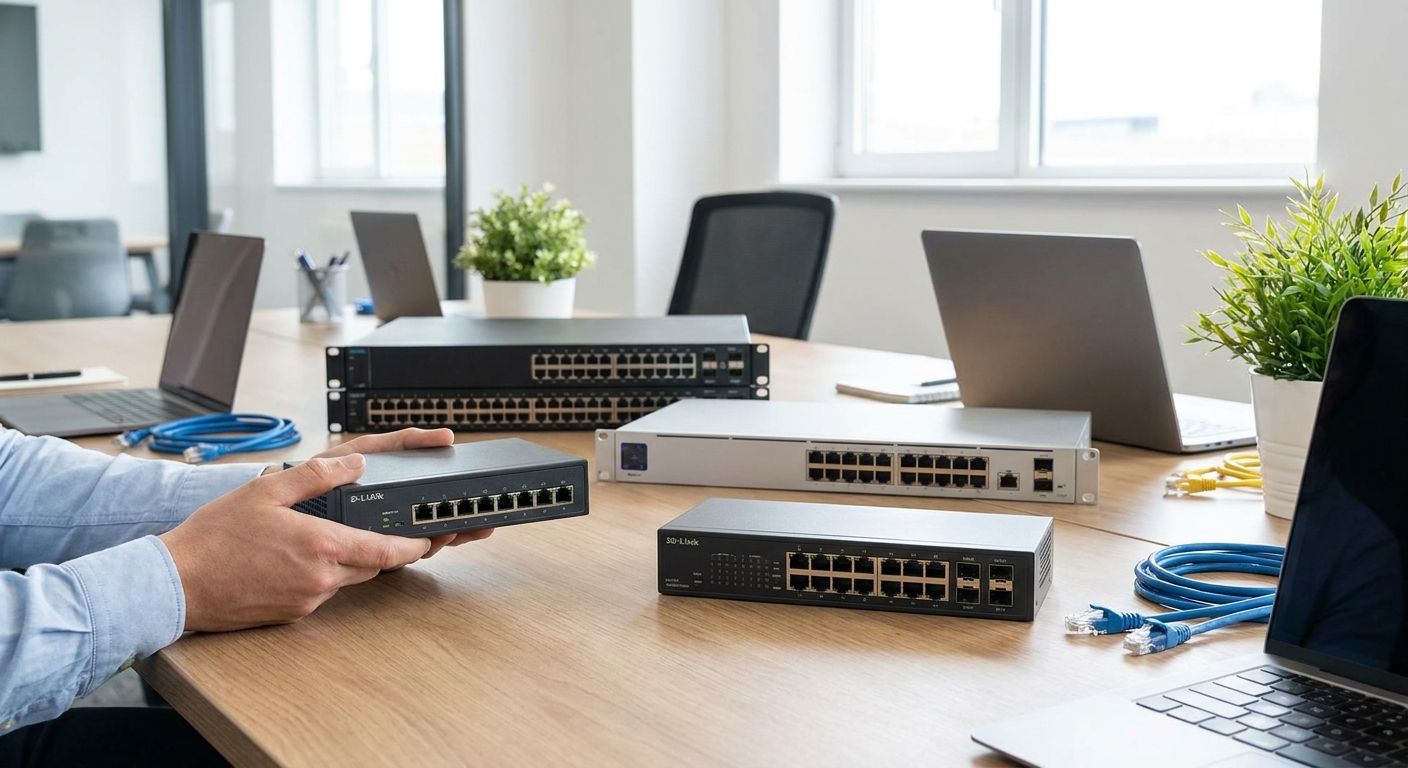
Office network switch sizing comes down to port count and power budget, not square footage: count every wired device on the floor, add roughly 20% headroom for growth, then round up to the nearest standard tier — 8, 16, 24, or 48 ports. The number most buyers miss is the PoE budget: each access point, IP phone, or camera draws 15.4W to 30W from the switch, and a switch with plenty of ports but a thin power budget will run out of PoE long before it runs out of jacks.
- Offices under 10 wired devices need an 8-port switch; 24-48 port units cover growing teams through 2026 and beyond.
- PoE+ budget (30W per port under IEEE 802.3at) matters more than raw port count once APs, phones and cameras are on the network.
- Knowing how to choose network switch for office setups starts with a device count, not a room size or employee headcount.
- Managed switches with VLAN support earn their cost past 16 ports or once POS, guest Wi-Fi and staff traffic share one network.
- Voll stocks Reyee and Equip network switches sized from small offices to multi-floor buildings, with local installation support.
Why this matters
A switch that's too small forces you to daisy-chain unmanaged switches off other switches — a setup that kills throughput and makes troubleshooting a guessing game. A switch that's oversized wastes budget on ports and PoE capacity that sit unused for years.
The mistake most offices make in 2026 is buying by employee count instead of device count. A 15-person office with four IP phones, two access points, and a networked printer needs more ports and PoE budget than a 15-person office running everything over Wi-Fi with laptops only. Browsing Voll's catalog of network switches for growing offices makes the port-tier jumps obvious: 8 to 16 to 24 to 48, each roughly doubling capacity and price.
Getting the tier wrong isn't just an inconvenience. Undersized PoE budgets cause access points to drop out under load, and running out of ports mid-project means an emergency order instead of a planned one.
How do you choose the right network switch for office size?
Match the switch tier to device count first, then confirm the PoE budget covers every powered device with room to spare. The table below maps typical Portuguese office sizes to switch specs based on standard IEEE PoE budget tiers (130W, 250W, 370W, 740W) common across managed switch product lines.
| Office size | Wired devices | Switch tier | PoE budget needed | Uplink speed |
|---|---|---|---|---|
| Small (1-10 people) | Up to 8 | 8-port | 60-130W | 1 Gbps |
| Growing (10-30 people) | 15-25 | 16-24 port | 130-250W | 1-2.5 Gbps |
| Larger (30-75 people) | 30-50 | 24-48 port, managed | 250-370W | 2.5-10 Gbps |
| Multi-floor / warehouse | 50+ | Stacked 48-port + core switch | 370-740W+ | 10 Gbps uplink |
Count ports the way an installer would: every desk drop, every access point, every IP phone, every printer, every camera, every NAS or server. Wi-Fi-only devices don't count — they connect through the access points, which do.
Small office: 8-port switch
An 8-port switch covers a small office running fewer than 10 wired devices — typically two to three desks, one access point, and a printer. Best for single-room offices or a back-office setup behind a retail counter.
PoE+ models in this tier usually budget 60W to 130W total, enough for one or two access points plus an IP phone or camera. Unmanaged 8-port switches cost less but give you no VLAN segmentation, no traffic prioritization, and no remote diagnostics — fine for a five-person office, risky once POS terminals and staff Wi-Fi share the same cable run. Verdict: buy unmanaged for under 5 devices, buy managed PoE+ for anything with a camera or access point attached.
Growing office: 16 to 24-port switch
A 16 to 24-port switch fits an office moving from 10 to 30 employees, where desk counts, printers, and two or three access points push past what an 8-port unit can handle. Best for offices adding a second meeting room, a reception desk, or a small server closet.
This tier is where managed switches start paying off. VLANs separate guest Wi-Fi from the accounting system; QoS settings keep video calls from stuttering when someone starts a large file transfer. Voll's PoE network switches for IP camera installations sit in this range when a business adds surveillance alongside standard office networking. Verdict: buy managed with VLAN support once you're running more than one access point or any security camera.
Larger office: 24 to 48-port switch with PoE+
Offices with 30 to 75 people typically need a 24 to 48-port managed switch, often with a second unit for redundancy or floor separation. Best for multi-department offices, call centers, or a single floor of a larger building.
At this size, PoE+ budgets of 250W to 370W are standard, and 10 Gbps uplinks between switches and the core network stop being optional — a 1 Gbps uplink becomes the bottleneck long before the switch ports do. Verdict: buy PoE+ managed with a 10 Gbps uplink; skip anything without stacking support if you expect to add a second switch within two years.
Why network switch sizing varies
- Number of PoE devices — every access point, IP phone, or camera pulls from a shared power budget, not just a port.
- VLAN and segmentation needs — POS networks, guest Wi-Fi, and staff traffic often need to stay logically separate on the same switch.
- Uplink speed to the core network or internet gateway — a fast switch behind a slow uplink doesn't deliver the throughput the port count suggests.
- Growth plans over 2-3 years — adding 20% headroom now avoids a forklift upgrade in 2027 or 2028.
- Redundancy requirements — offices running POS or security systems that can't go offline often need a second switch or a stackable model.
- Cable plant condition — a switch upgrade paired with old or undersized cabling won't deliver the speed gains on paper.
Do I need a managed switch or an unmanaged switch for an office network?
A managed switch is worth the extra cost once you're running more than one VLAN, any PoE camera, or guest Wi-Fi alongside internal traffic. Unmanaged switches work fine for a handful of desks with no security or segmentation needs, but they offer no visibility when something goes wrong.
How many PoE ports do I need for office Wi-Fi access points and IP phones?
Count one PoE port per access point, per IP phone, and per PoE camera, then check the switch's total PoE budget against that count at 15.4W to 30W per device. A switch with enough ports but an undersized PoE budget will power some devices and silently drop others under load.
What's the difference between a 24-port and 48-port switch for office use?
A 48-port switch simply doubles the connection capacity of a 24-port unit, but the real difference is usually the PoE budget and uplink speed that come bundled with the larger tier. Offices splitting across two floors or adding a server room typically outgrow 24 ports faster than they outgrow the PoE budget.
Size your office switch the right way
Get a port count and PoE budget check before you order hardware.
FAQ
What's the best network switch size for a small office in 2026?
An 8-port switch covers most offices with fewer than 10 wired devices in 2026. Add a 16-port unit if you're running two or more access points or planning to hire within the year.
Is a managed switch better than an unmanaged switch for office use?
A managed switch is better once VLANs, guest Wi-Fi, or PoE cameras are part of the network. Unmanaged switches are cheaper but give no traffic control or remote diagnostics.
How much PoE budget does an office network switch need?
Office switches typically need 60W to 370W of PoE budget depending on how many access points, IP phones, and cameras are connected. Each device draws 15.4W to 30W under standard PoE+ specifications.
Do I need a 10 Gbps uplink for an office network switch?
A 10 Gbps uplink matters once you're running 24 or more ports with heavy file transfers, video conferencing, or a NAS on the network. Smaller offices under 20 devices rarely need more than a 1 Gbps or 2.5 Gbps uplink.
Can I mix PoE and non-PoE devices on the same switch?
Yes, PoE switches supply power only to devices that request it, so non-PoE devices connect normally without drawing from the power budget. This makes mixed setups with printers, phones, and desktops straightforward on one switch.
How many years does an office network switch typically last?
Most managed office switches stay in service 5 to 7 years before bandwidth or PoE demands outgrow them. Buying with 20% port headroom in 2026 extends that window closer to the higher end.
What happens if I undersize my office network switch?
Undersized switches force daisy-chaining through extra unmanaged units, which drops throughput and complicates troubleshooting. PoE devices are the first to fail when the power budget runs short, often intermittently rather than all at once.
One last thing
The port count on the box is rarely the number that limits an office network — the uplink speed between switches is. A 48-port switch feeding a 1 Gbps uplink into the router chokes exactly the same way an 8-port switch does once video calls, cloud backups, and POS traffic run at the same time. Check the uplink spec before the port count; it's the number installers check first and the one most spec sheets bury at the bottom.


