Small business owners buy firewalls the way they buy insurance — reluctantly, and usually after something already went wrong. This guide ranks the firewall categories that actually fit a small office network in 2026, tells you which one to buy, and which to skip.
- Router-integrated firewalls cover most single-site small offices in 2026 — buy, don't overspend on a dedicated appliance.
- Cloud-managed NGFW boxes like FortiGate or SonicWall TZ earn their cost once you have 20+ devices or compliance requirements.
- Open-source firewalls (pfSense/OPNsense) save money but need an IT person on staff or on retainer — skip if you don't have one.
- Multi-location retailers and franchises need site-to-site VPN on top of any firewall pick, not instead of it.
- The best firewalls for small business in 2026 are the ones matched to device count, not the ones with the longest spec sheet.
Why this matters
A firewall is the first thing that decides whether a ransomware scan bounces off your network or gets a foothold. Small businesses get targeted precisely because they're assumed to have none of this configured properly, and a router shipped straight from an ISP rarely has more than default settings turned on.
The mistake most small businesses make isn't skipping a firewall entirely — it's buying one sized for a business three times their headcount, or relying on a consumer router that was never built for business traffic. Voll stocks business-grade networking gear — Teltonika routers, Reyee access points, Equip switches — and most of that hardware already ships with built-in firewall and VPN functionality, which covers a large share of small offices before you ever need a dedicated appliance.
How this list is ranked
This ranking follows the firewall categories described in NIST's SP 800-41 guidelines on firewall architecture, matched against what a typical small business network actually looks like in 2026: one to three locations, 5 to 50 devices, a mix of Wi-Fi and wired endpoints, and at least some remote or hybrid staff. Categories are scored on setup complexity, ongoing management burden, and whether the security level matches the size of business buying it — not on which vendor has the biggest marketing budget.
Each entry below carries a straight verdict: Buy, Hold, Wait, or Skip. There's no neutral middle ground here — a firewall recommendation that hedges isn't useful to a founder trying to make a decision this week.
The ranked list
1. Router-integrated firewalls — the practical default
The hook: this is what already sits on your desk if you bought a business router in the last two years. Business-grade routers, including Teltonika models, ship with stateful packet inspection, port filtering, and basic VPN support built into the firmware rather than sold as an add-on.
What it does: filters inbound and outbound traffic at the router level, blocks unsolicited connections, and lets you set up a site-to-site or remote-access VPN without a second box. For a single-location office with fewer than 30 devices, this is functionally a firewall — you just have to turn the settings on.
Why now: 2026 has pushed more small businesses into hybrid setups, and a router firewall with VPN support handles that without a second purchase. Voll's page on Teltonika business routers covers the models that hold up for delivery fleets and mobile teams, which is the same firmware doing the firewall work in a fixed office.
Verdict: Buy for single-site offices under 30 devices with no compliance mandate.
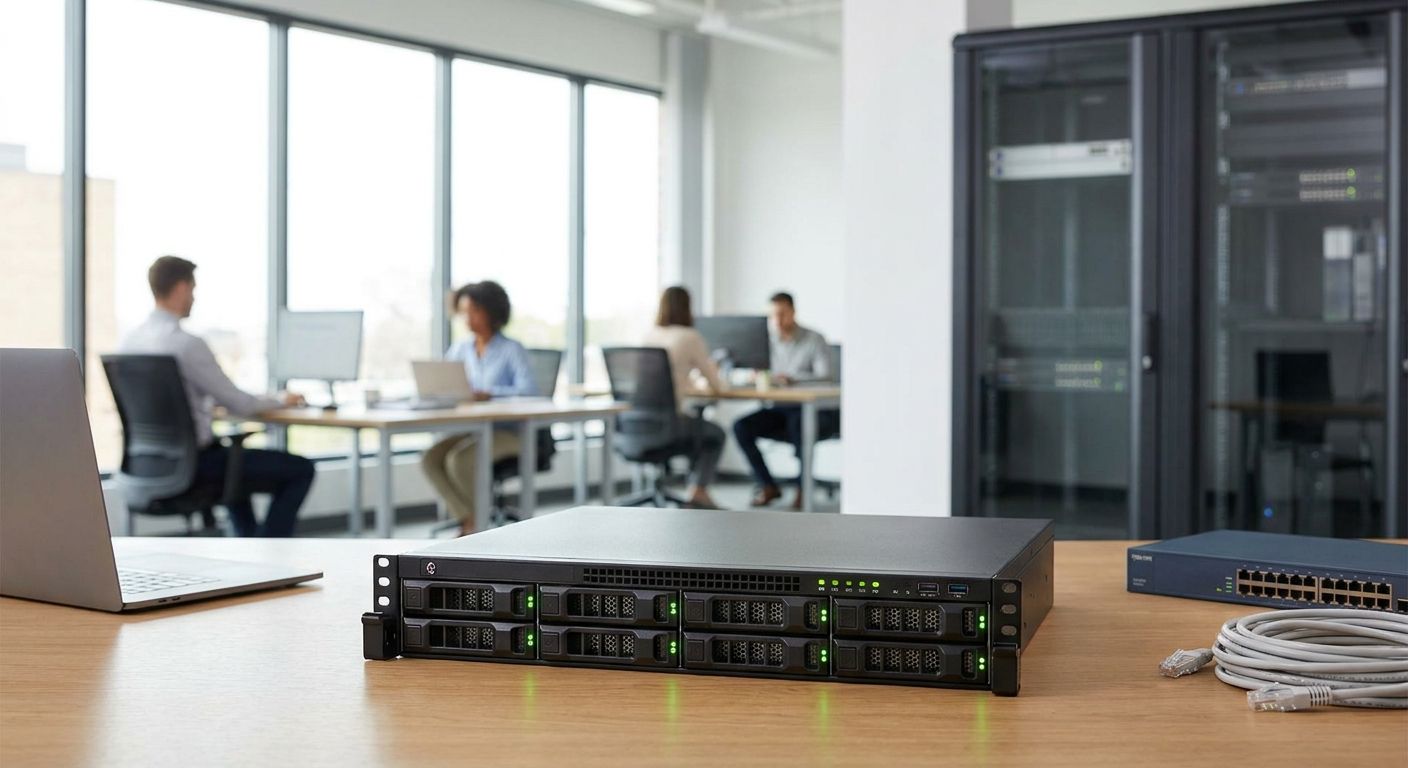
2. Dedicated NGFW appliances (FortiGate, SonicWall TZ class) — the enterprise-grade pick
The hook: this is the box IT consultants default to because it's hard to get fired for recommending it. Next-generation firewall appliances add deep packet inspection, intrusion prevention, and application-level filtering on top of basic port blocking.
What it does: inspects traffic content, not just headers — it can block a malicious file hidden inside an allowed connection, not just the connection itself. That level of inspection matters once you're running point-of-sale systems, storing customer payment data, or answering to an insurance or compliance questionnaire.
Why now: cyber-insurance underwriters in 2026 increasingly ask specific questions about firewall type during renewal, and a router firmware answer doesn't always satisfy them. If that's your situation, the extra cost buys you a checkbox you actually need.
Verdict: Buy if you handle card data, health records, or are renewing cyber insurance; Hold otherwise — it's overkill for a five-person office.
3. Cloud-managed simple firewalls (UniFi-style) — the DIY favorite
The hook: this is the pick for the owner who wants to see the network from a phone app without hiring anyone. Cloud-managed firewalls pair with the same vendor's access points and switches under one dashboard, and rule changes push out in seconds rather than requiring console access.
What it does: gives you visibility — device lists, bandwidth graphs, blocked-connection logs — in a format non-technical staff can actually read, at the cost of some of the deeper inspection features found on enterprise NGFW boxes.
Why now: 2026's small business owners increasingly manage IT themselves between other jobs, and a dashboard that doesn't require a CLI is the difference between a firewall that gets configured and one that gets ignored after week one.
Verdict: Buy if you have no dedicated IT staff and want self-service management; Skip if you already have router-integrated coverage from a business router — you'd be paying twice for the same job.
4. Open-source firewalls (pfSense, OPNsense) — the budget technical pick
The hook: the option with zero license fee and the steepest learning curve. Both platforms run on commodity hardware and offer the same rule granularity as commercial NGFW products, without a subscription attached to every feature.
What it does: full firewall, VPN, and traffic-shaping control, configured entirely through a web UI that assumes you already know networking terminology like NAT and VLAN tagging.
Why now: with hardware and licensing costs both up across 2026 supply chains, the appeal of a no-license firewall is real — but only if someone on staff, or on retainer, actually knows how to maintain it.
Verdict: Buy only with an IT person on staff or contract; Skip if the router in category 1 already covers your device count — the maintenance overhead isn't worth it for a small office.
5. Firewall-as-a-service (ISP or MSP managed) — the hands-off pick
The hook: someone else watches the logs and you get a monthly invoice instead of a box to configure. The provider hosts and manages the rule set remotely, patches it, and calls you when something needs attention.
What it does: removes the configuration and patching burden entirely, in exchange for less direct control over rule changes and a recurring fee instead of a one-time hardware cost.
Why now: for a business with no IT hire and no plan to get one in 2026, paying monthly for management beats leaving a self-managed firewall unpatched for a year.
Verdict: Consider if you have zero internal IT capacity and can absorb a recurring cost; Skip if you're comfortable managing category 1 or 3 yourself — you're paying for a service you don't need.
“A firewall sized for the business you'll be in three years is money wasted on the business you are today.”
Comparison table
| Type | Setup effort | Ongoing management | Best fit | Verdict |
|---|---|---|---|---|
| Router-integrated | Low | Low | Single-site, under 30 devices | Buy |
| NGFW appliance | Medium-High | Medium | Compliance, card data, insurance | Buy / Hold |
| Cloud-managed (UniFi-style) | Low | Low | No IT staff, self-service | Buy |
| Open-source (pfSense/OPNsense) | High | High | On-staff IT, tight budget | Buy / Skip |
| Firewall-as-a-service | Low | None (outsourced) | Zero internal IT capacity | Consider |
A firewall is only half the network. Pair whichever category you pick with a proper office Wi-Fi network setup — a firewall doing its job on a Wi-Fi network with weak access-point placement or shared guest passwords still leaves an open door.
Get your network security sorted
Request a quote for firewalls, routers, and network gear sized to your business.
Where to buy
- Buy from a reseller that installs, not just ships. A firewall sitting in its box unconfigured protects nothing — confirm setup and rule configuration are part of the deal before you pay.
- Match it to what's already on the network. A new firewall that doesn't talk cleanly to your existing switches and access points creates blind spots — check compatibility before ordering, not after.
- Request a formal B2B quote, not a retail checkout. Business buyers in Portugal should see pricing without IVA and get delivery timelines confirmed upfront — most professional IT resellers quote 24-48h delivery on network hardware once the order is placed.
FAQ
What is the best firewall for a small business in 2026?
For most single-site small businesses in 2026, a router-integrated firewall on a business-grade router covers the job without extra hardware cost. Businesses handling card data or renewing cyber insurance usually need a dedicated NGFW appliance instead.
Is a router firewall enough for a small business, or do I need a separate box?
A business router's built-in firewall is enough for offices under roughly 30 devices with no compliance requirement. Add a dedicated appliance only once you're storing sensitive customer data or answering insurance questionnaires about network security.
How much does a small business firewall cost to run?
Router-integrated and cloud-managed firewalls add no separate hardware cost since they're built into equipment you already need. Dedicated NGFW appliances and firewall-as-a-service both carry either an upfront hardware cost or a recurring management fee on top.
Is pfSense good enough for a small business firewall?
pfSense and OPNsense match commercial NGFW rule granularity at no license cost, but both require someone who understands NAT, VLANs, and firewall rule logic to configure and maintain them. Without that skill on staff or on retainer, the maintenance risk outweighs the savings.
Do I need a firewall if I already use a VPN?
Yes — a VPN encrypts traffic between locations or remote staff, it doesn't filter or inspect what comes in from the open internet. Multi-location businesses need both a firewall at each site and site-to-site VPN connectivity between them.
What's the difference between UTM and NGFW?
UTM (unified threat management) bundles firewall, antivirus, and content filtering into one simpler appliance, while NGFW adds deeper packet inspection and application-level control. Small offices generally get by on UTM-level features; businesses with compliance needs lean toward full NGFW.
Can a firewall stop ransomware on its own?
A firewall blocks a large share of unsolicited inbound connections that ransomware uses to spread, but it doesn't stop malware delivered through a phishing email a staff member opens. Firewall coverage needs to sit alongside staff training and endpoint protection, not replace them.
How often should a small business firewall's firmware be updated?
Firewall and router firmware should be checked for updates at least quarterly in 2026, since vendors regularly patch newly discovered vulnerabilities. Firewall-as-a-service plans handle this automatically, which is the main reason businesses without IT staff choose them.
One last thing
The firewall itself stops network-level attacks — it does nothing about a staff member clicking a phishing link, which is still the entry point behind most small business breaches. Buy the right box from the list above, then spend the next hour making sure staff know what a suspicious email attachment looks like — that hour matters more than the difference between category 1 and category 2 on this list.


