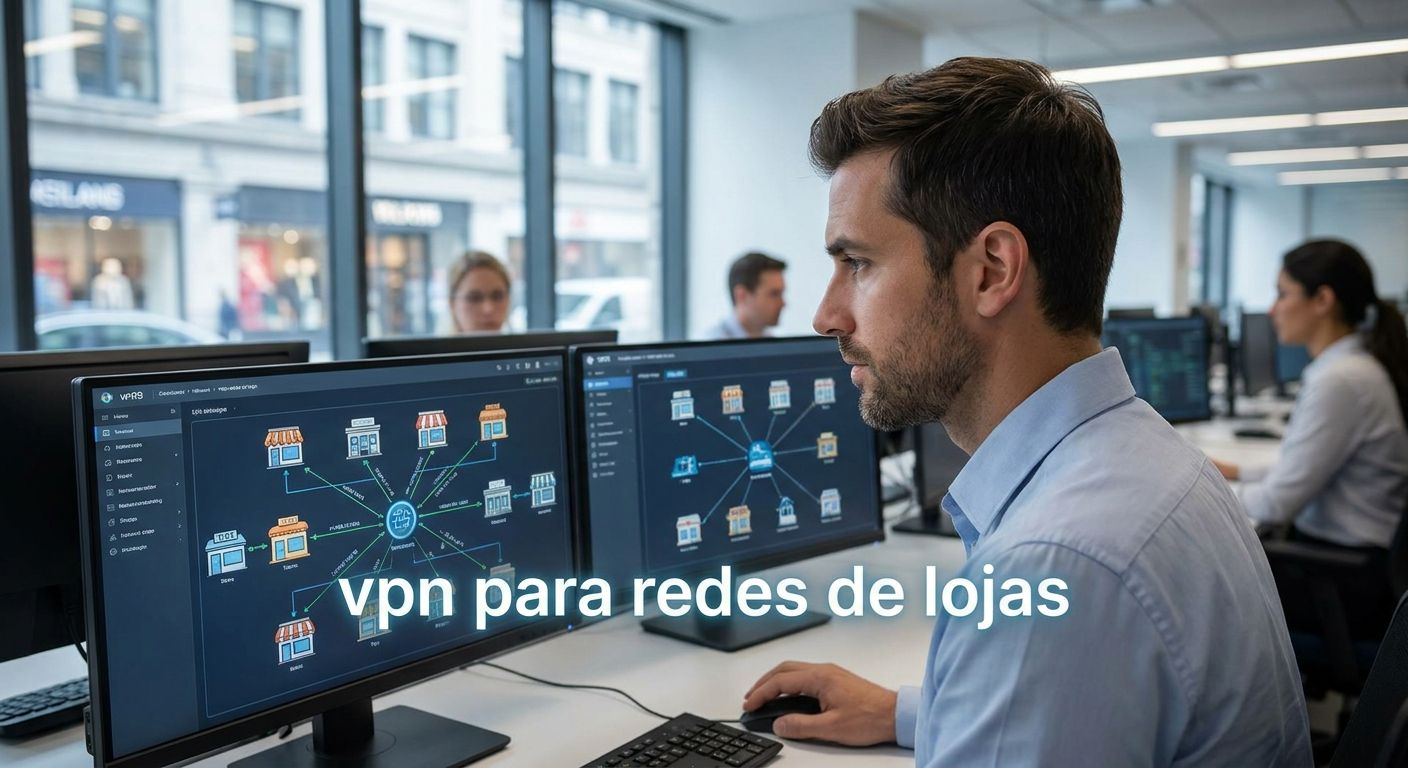
A single branch losing its internet connection for twenty minutes doesn't just annoy one cashier — it can freeze card payments, break stock sync with the warehouse, and leave the ERP with a gap it has to reconcile manually later. Retail chains running on a flat, unsegmented network feel this pain every time a router hiccups, and in 2026 that pain is entirely avoidable with the right VPN setup.
- Site-to-site VPN with dual-WAN failover is the safe pick for vpn para redes de lojas with 5+ branches - Buy.
- Cloud-managed SD-WAN suits chains opening stores every quarter in 2026 - Consider.
- Software-only VPN clients per device are a Skip past three stores; management collapses fast.
- Guest Wi-Fi needs its own VLAN, separate from the POS network, not just a separate password.
- ERP sync between WINTOUCH POS and Primavera or Cegid needs a stable tunnel, not any VPN that happens to connect.
Why this matters
A retail chain isn't one network problem, it's the same network problem repeated at every address. Each store needs a stable link back to head office for stock, sales reporting, and ERP posting, and each store is also a potential entry point if the network isn't segmented properly.
The cost of getting this wrong shows up in three places: lost sales when a POS terminal can't reach the payment gateway, stock discrepancies when a branch's sales don't sync to Primavera or Cegid overnight, and support tickets that eat hours because nobody can see all the branches from one dashboard. A VPN built for a single-location shop doesn't solve any of this at scale.
Who this is for
This guide is for the person running IT for a Portuguese retail chain with anywhere from three to fifty-plus physical stores — often a finance or operations lead wearing the IT hat, not a dedicated network engineer. If your stores run WINTOUCH Cloud for multi-location retail chains synced to a central Primavera or Cegid ERP, the connectivity layer between those stores decides whether that sync actually works in practice or just on paper.
What to look for in a VPN for retail chains
Site-to-site tunnels that scale past your current store count
A VPN configured for three stores today has to work at ten without a redesign. Site-to-site tunnels that scale mean adding a branch is a router shipment and a config push, not a network rebuild — and in 2026, chains that plan for this from store two save real setup time by store six.
Dual-WAN failover, not a single cellular backup as an afterthought
One internet line per store is a single point of failure. A router with a second WAN path — fibre plus a 4G or 5G SIM — switches over automatically when the primary line drops, usually within seconds to under a minute, so the till keeps processing cards instead of going offline mid-queue.
Native compatibility with your POS and ERP stack
A VPN that connects fine but chokes on the traffic pattern your POS actually generates is worse than useless. If a branch runs WINTOUCH POS posting to a central Primavera or Cegid instance, the tunnel needs to hold a stable, low-latency connection during peak hours, not just pass a ping test.
One console to manage every branch
Logging into ten different router interfaces to push one firmware update doesn't scale past three stores. Centralized management — one dashboard showing every branch's link status — is the difference between catching a dead connection in minutes and finding out from an angry store manager an hour later.
Local installation and support
A VPN diagram means nothing if nobody configures it correctly on-site. Chains that lean on local installation and support close new stores faster than ones stuck coordinating a remote technician across time zones or a support queue with no local presence.
Top picks: VPN setups for multi-branch retail
1. Site-to-site VPN with business-grade routers — the safe pick A dedicated router at each branch (professional-grade gear such as Reyee, Teltonika, or Equip lines) builds an encrypted tunnel back to head office, with dual-WAN failover as standard on most current models. This is the setup that keeps ERP Primavera for retail stores synced overnight even when one branch's fibre line goes down. Buy for chains running five or more branches in 2026.
2. Cloud-managed SD-WAN — the scalable pick Instead of configuring each router by hand, SD-WAN pushes network policy from one central dashboard, so a new store can be live on the corporate VPN within hours of the hardware arriving, not days. It costs more per site than plain site-to-site VPN and only pays off once you're opening stores regularly. Consider it if you're adding three or more locations a year; otherwise it's overkill.
3. Software-only VPN client per device — the shortcut Installing a VPN app on each POS terminal or laptop looks like the cheapest option because there's no router hardware to buy. It has no network-level segmentation, no failover, and breaks down fast once more than one device per store needs the connection. Skip past three stores — the management overhead outweighs anything you saved on hardware.
4. 4G-only router as the sole connection — the pop-up pick For a temporary stand, a seasonal kiosk, or a mobile vendor, a single 4G/5G router with a VPN client can be enough to reach the ERP without waiting for a fixed line installation. It has no redundancy, so a dead cell signal takes the whole location offline. Consider for pop-ups and short-term locations; skip it for any store you plan to keep open past a season.
What to avoid
- Consumer routers advertising "VPN support" — most only pass through someone else's VPN traffic; they don't build a real site-to-site tunnel your ERP can rely on.
- Personal VPN apps as a substitute for a business network — a subscription VPN app hides your IP address, it doesn't segment a POS network from guest Wi-Fi or give you branch-level visibility.
- One flat network for POS, back office, and guest Wi-Fi — this is a security gap first and a PCI compliance problem second; a card breach at one branch shouldn't be able to spread to the rest of the chain.
Get a network setup built for your stores
Voll designs and installs multi-branch VPN connectivity across Portugal.
Verdict comparison table
| Setup | Best for | WAN failover | Central management | ERP/POS sync | Verdict |
|---|---|---|---|---|---|
| Site-to-site VPN (business routers) | 5-30 branches | Yes | Per-router or centralized | Stable | Buy |
| Cloud-managed SD-WAN | Chains opening 3+ stores/year | Yes | Yes | Stable | Consider |
| Software VPN client per device | 1-3 stores testing the model | No | No | Fragile | Skip past 3 stores |
| 4G-only router | Pop-ups, temporary stands | Single link only | No | Workable short-term | Consider for pop-ups only |
If the crank on your decision keeps stalling on cost, remember this: a dropped branch connection during peak hours isn't an IT ticket, it's a missed sale that never comes back.
“A dropped branch connection during peak hours isn't an IT ticket, it's a missed sale that never comes back.”
FAQ
What is the best VPN setup for a retail chain with multiple stores in 2026?
Site-to-site VPN with dual-WAN failover on business-grade routers is the best fit for most Portuguese retail chains in 2026. It scales from a handful of stores to dozens without a redesign and keeps the connection to your ERP stable during peak hours.
Is site-to-site VPN better than a personal VPN app for retail branches?
Yes, a site-to-site VPN is built for this and a personal VPN app isn't. A consumer VPN app hides one device's IP address; it doesn't segment your POS network from guest Wi-Fi or give you visibility across branches.
How many stores justify moving to cloud-managed SD-WAN over standard site-to-site VPN?
SD-WAN starts paying off once you're opening three or more stores a year, because it lets you push configuration to a new site from a central dashboard instead of setting up each router by hand. Below that pace, plain site-to-site VPN is cheaper and just as reliable.
Does a VPN slow down WINTOUCH POS transactions between stores and the ERP server?
A properly sized business VPN adds negligible delay to WINTOUCH POS transactions posting to Primavera or Cegid. Slowdowns usually trace back to an undersized router or a single unreliable internet line, not the VPN protocol itself.
Can guest Wi-Fi share the same VPN tunnel as the POS network?
No, guest Wi-Fi should sit on its own VLAN, separate from the POS and back-office traffic. Mixing the two puts card payment data on the same network segment as unmanaged customer devices, which is a security risk most retail chains can't afford.
How much does dual-WAN failover cost to add to a retail branch?
Cost depends on the router model and whether a second SIM data plan is added on top of the existing line, so it varies branch by branch. Ask for a quote based on your store count and current network gear before assuming a number.
Does Voll install VPN equipment for retail chains in Portugal?
Voll supplies professional network equipment, including Reyee, Teltonika, and Equip lines, with installation and local support for multi-branch retail setups. Delivery runs 24-48h across continental Portugal on stocked gear.
What happens to sales if a branch's internet connection drops without failover?
Without failover, card payments and any cloud POS function stop working until the line is restored, and that downtime is a lost sale, not a delayed one. A second WAN path, even a basic 4G SIM, is usually enough to keep the till running while the main line is fixed.
One last thing
The part of a VPN setup that fails most often in retail chains isn't the tunnel itself, it's the VLAN that was supposed to separate guest Wi-Fi from the POS network on launch day and quietly got merged back together six months later when nobody was watching. Check that split before you check anything else in 2026 — it's the cheapest fix on this whole list and the one most chains skip.


