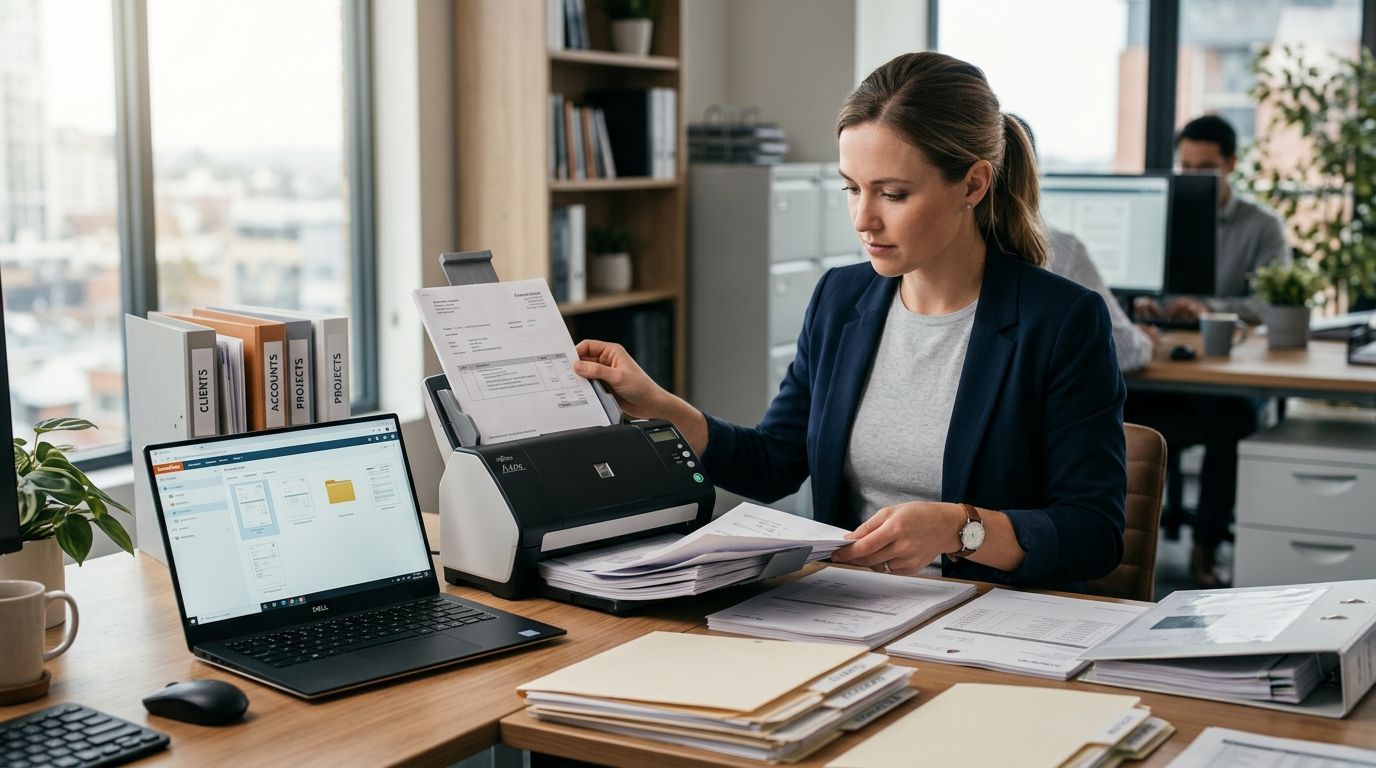
Professional services firms buying document scanners for business records need throughput that matches invoice and contract volume, not consumer flatbed speed. Accounting, legal, and consulting practices in Portugal generate stacks of signed contracts, supplier invoices, and client files that eventually have to live in an ERP or a compliance-ready archive — and the scanner you pick determines whether that process takes minutes or hours per batch.
- Desktop duplex scanners with 30+ ppm throughput are the right call for professional services firms scanning business records daily in 2026.
- All-in-one MFPs work for firms under 50 documents a day; anything higher needs a dedicated document scanner.
- OCR accuracy on stamped invoices depends on scanning at 300 DPI minimum — lower resolution breaks searchable-PDF workflows.
- Scanned records feeding Primavera or Cegid ERP need consistent file naming before import, not after.
- Portuguese tax law requires accounting records to be kept for 10 years, so backup redundancy is not optional.
Why document scanners matter for professional services firms
A law firm or accounting practice doesn't just need paper off the desk — it needs a searchable, auditable record trail that survives a tax inspection. Portuguese businesses are required to retain accounting records for 10 years under CIRC, and paper archives that thick become a liability the moment a client requests a document from five years back and nobody can find the box.
Digitizing business records also feeds directly into invoicing compliance. Firms already running SAF-T compliant invoicing software still need scanned copies of supplier invoices, signed contracts, and expense receipts that never arrive in digital form to begin with. The scanner is the bridge between paper that walks in the door and the digital archive the tax authority and the client both expect.
Step 1: Audit your paper volume and document types
Before buying anything, count what actually crosses your desk in a week. A 12-person accounting firm and a 3-person notary office have completely different scanning needs, and guessing leads to buying either too little machine or way too much.
- Count average daily pages across invoices, contracts, and correspondence
- Separate single-sided from double-sided (duplex) documents
- Flag oversized items — A3 contracts, blueprints, ID cards — that need special handling
- Note how many documents arrive stapled or bound and need prep time
- Identify which documents legally require the original kept on paper
Step 2: Choose scan resolution and format for compliance
Resolution decides whether OCR can actually read a stamped invoice or a faded contract signature later. 300 DPI is the practical floor for business records; anything lower and searchable-PDF text recognition starts missing characters on small print.
- Scan at 300 DPI minimum for text documents, 600 DPI for signatures and stamps
- Save as searchable PDF/A, the archival format tax auditors and courts accept
- Batch-scan by document type, not by client, to keep OCR templates consistent
- Pick a machine with automatic document feeder (ADF) rated for daily volume
- Where scanning is bundled into daily office use, a unit from multifunction printers for small offices covers print, copy, and scan without a second device on the desk
Step 3: Set up OCR and searchable PDF workflow
A scanned file that isn't OCR-processed is just a picture of a document — you can't search it, and neither can your team six months from now.
- Run OCR at the point of scan, not as a separate batch job later
- Standardize file naming: date, document type, client or supplier reference
- Use folder structures that mirror your ERP's document categories
- Spot-check OCR accuracy on the first batch before scanning hundreds more
Step 4: Integrate scanned files with ERP or accounting software
This is where scanning stops being paper management and becomes part of the accounting workflow. A scanned invoice sitting in a random folder is worthless if the finance team still re-keys the amounts by hand.
- Map scanned document folders to import paths your ERP recognizes
- Firms running Primavera ERP for professional services firms can attach scanned PDFs directly to the matching invoice or contract record
- Verify OCR text extraction lines up with the fields your ERP expects (invoice number, date, amount)
- Set a weekly reconciliation check between paper originals received and files imported
Step 5: Establish retention and backup policy
One scanner failure or one ransomware hit should never mean losing 10 years of accounting history. Redundant storage is the difference between an inconvenience and a compliance breach.
- Keep at least two copies of scanned archives on separate storage systems
- Automate nightly backups instead of relying on manual copy jobs
- Firms without a backup routine yet should look at cloud backup software for business file protection rather than a single local drive
- Set retention rules that match the 10-year Portuguese accounting record requirement
- Test restore procedures once a quarter — an untested backup is a guess, not a plan
Step 6: Train staff on the scanning workflow
A fast scanner with an inconsistent operator undoes all the OCR planning. Staff scanning 40 invoices a day need a routine they don't have to relearn each time.
- Write a one-page scanning checklist per document type
- Assign a single owner for file naming consistency
- Review scan quality weekly for the first month, then monthly after
- Rotate scanning duty so it's not a single point of failure when someone is out
Set up bulk IT equipment for your firm
Order scanners and office hardware on a business account with orçamento pricing.
Comparison: scanner options for professional services firms
| Scanner type | Best for | Key limitation | Verdict |
|---|---|---|---|
| Portable duplex scanner | Field staff scanning contracts on-site | Limited daily volume, small feed tray | Buy for mobile teams |
| Desktop high-volume scanner | Back-office teams digitizing invoice batches daily | Needs dedicated desk space and a wired PC connection | Buy for firms over 50 pages/day |
| All-in-one MFP with scan-to-PDF | Small offices needing print, copy, and scan in one unit | Slower per-page scan speed than dedicated scanners | Buy for low-volume offices |
| Mobile scanning app (phone camera) | Ad-hoc scanning of receipts and single pages | Poor OCR accuracy on multi-page or skewed documents | Skip for archival use |
Common mistakes professional services firms make
- Scanning at low DPI and finding out months later that OCR can't read stamped invoices or faint signatures.
- Skipping consistent file naming before the batch goes into Primavera or Cegid, leaving finance staff to re-sort everything manually.
- Relying on the scanner's local drive as the only backup, which fails the moment the machine dies or gets replaced.
- Shredding paper originals too early, before confirming the scanned copy actually opens and reads correctly.
- Treating scanning as a one-time project instead of a daily habit, which lets the paper backlog rebuild within a quarter.
FAQ
What's the best document scanner for a professional services firm in 2026?
A desktop duplex scanner with automatic document feeding and 30+ pages-per-minute throughput is the right pick for firms scanning invoices and contracts daily in 2026. Lower-volume offices can rely on a multifunction printer's built-in scanner instead.
Is a multifunction printer scanner good enough for business records?
Yes, for offices scanning under roughly 50 pages a day an all-in-one MFP with scan-to-PDF handles business records fine. Higher volume firms need a dedicated scanner because MFP scan speed is slower per page.
How much storage do digitized business records need?
Storage needs depend on volume and scan resolution, but a firm archiving thousands of PDF pages a year should plan for expandable storage rather than a fixed local drive. Cloud backup and NAS options both scale more easily than a single desktop.
Do scanned invoices meet SAF-T requirements in Portugal?
Scanned invoices support SAF-T compliant record-keeping but the underlying invoicing software still needs to generate SAF-T files correctly. Scanning covers the archival copy; it doesn't replace SAF-T compliant invoicing at the point of sale.
How long must Portuguese businesses keep scanned accounting records?
Portuguese tax law under CIRC requires accounting records to be kept for 10 years. Scanned copies need a backup and retention policy that matches that window, not just a folder on one computer.
Can Primavera ERP import scanned PDF documents directly?
Primavera ERP can attach scanned PDF files to matching invoice or contract records once the document is OCR-processed and named consistently. The import step works best when the scanning workflow already mirrors the ERP's document categories.
What resolution should I scan business documents at?
300 DPI is the minimum for readable text and reliable OCR on business documents. Documents with stamps, signatures, or fine print benefit from 600 DPI instead.
Should I back up scanned records locally or in the cloud?
Keep at least two copies on separate storage systems, ideally one local and one cloud-based. Relying on a single local drive is the most common cause of lost archives when hardware fails.
One last thing
The firms that get digitization right don't buy the fastest scanner first — they fix file naming and OCR settings first, because a fast scanner producing unsearchable PDFs just moves the paper problem into a digital folder nobody can search either. Get the naming convention right on the first batch of 2026 invoices, and every batch after that is nearly free of rework.


