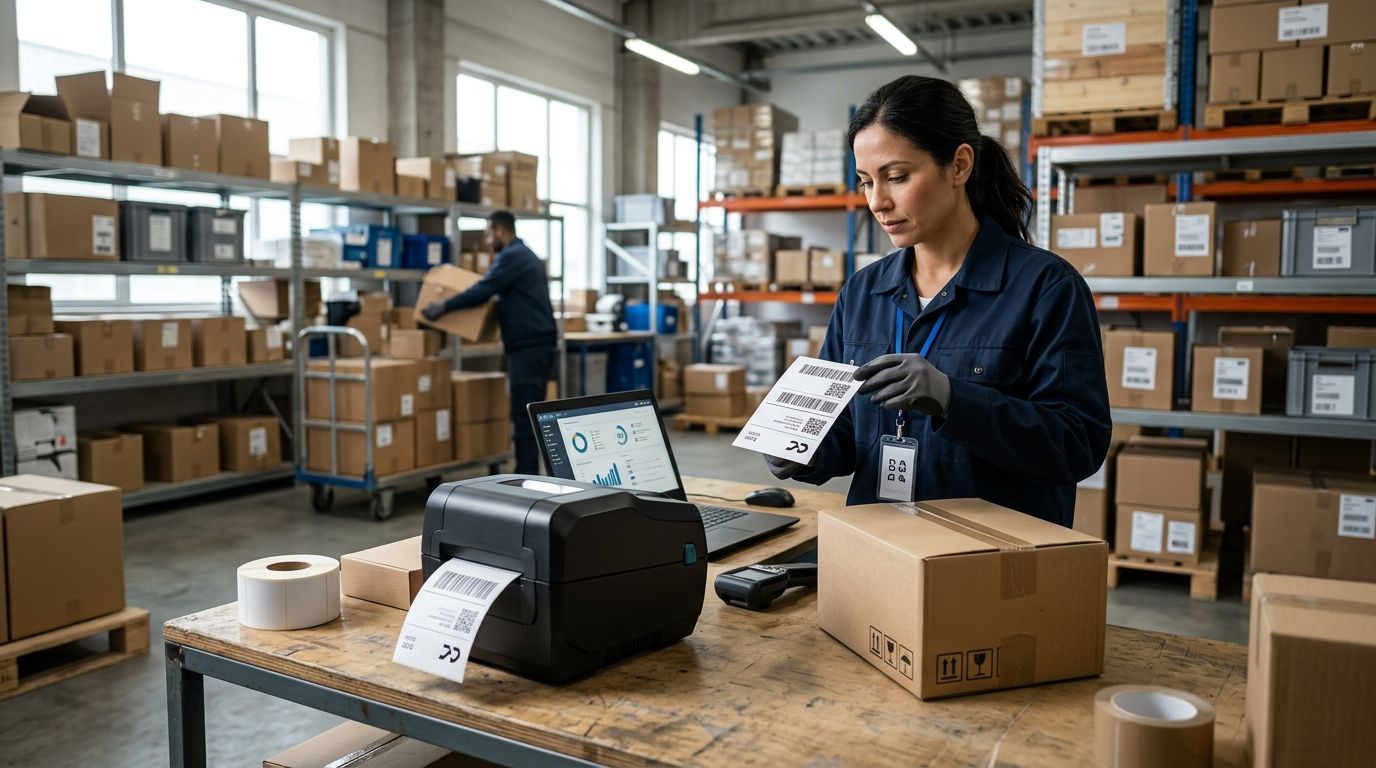
Retailers and warehouse teams don't need the same label printer, and buying the wrong one wastes money on ribbon, downtime, or a device that can't survive a forklift aisle. This guide ranks the five label printer types that cover 2026 retail and warehouse operations, with a clear pick for each use case.
- An all-in-one POS label printer wired into WINTOUCH is the best overall label printer for retail chains in 2026.
- Industrial thermal transfer models win for warehouse asset tags and anything exposed to heat, light, or handling.
- Desktop direct thermal printers are the budget label printer pick for small shops printing shelf and price tags only.
- Mobile Bluetooth label printers fit route sales and delivery teams who label on the move.
- Resolution matters more than most buyers think: 203 dpi covers standard barcodes, 300 dpi is needed for small text and dense codes.
Best overall: the all-in-one POS label printer integrated with WINTOUCH and Primavera. Best for warehouse logistics: the industrial thermal transfer label printer. Best budget option: the desktop direct thermal label printer for shelf and price tags.
Why this matters
A label printer looks like a commodity until it fails mid-shift. Direct thermal heads fade under supermarket lighting within months, thermal transfer ribbons run out at the worst possible moment, and a printer that isn't wired into your POS or ERP means someone is re-typing SKUs by hand. In 2026, the printer choice is really a choice about print technology, duty cycle, and whether the device talks to your WINTOUCH POS or Primavera setup without a workaround.
Get this wrong and the cost isn't the printer itself — it's the labor hours spent reprinting faded tags or manually keying barcodes because two systems don't sync.
What makes the best label printer for retail and warehouse use
- Print technology — direct thermal (no ribbon, cheaper, fades over time) vs thermal transfer (ribbon-based, durable, higher upfront setup)
- Resolution — 203 dpi handles standard barcodes and shipping labels; 300 dpi is required for small text, dense 2D codes, or jewelry-size tags
- Connectivity — USB and Ethernet for fixed counters, Bluetooth or Wi-Fi for mobile and route-sales use
- Duty cycle — how many labels per shift before the print head or mechanism is under strain
- POS/ERP integration — whether the printer drives directly from WINTOUCH or Primavera without a manual export step
- Environmental rating — dust and moisture resistance for warehouse floors versus a clean retail counter
Label printers at a glance
| Printer type | Best for | Standout feature | Key limitation |
|---|---|---|---|
| All-in-one POS label printer | Retail chains on WINTOUCH POS | Direct ERP/POS integration | Not built for warehouse durability |
| Industrial thermal transfer | Warehouse asset and shelf tagging | Ribbon-based, high duty cycle | Ribbon replacement adds a consumable to manage |
| Desktop direct thermal | Small retail price tags | No ribbon, low maintenance | Labels fade with heat and sunlight over months |
| Mobile Bluetooth | Route sales and delivery | Battery powered, pairs with handhelds | Narrower label width, slower per-label speed |
| High-volume industrial engine | Multi-warehouse distribution centers | Rated for continuous high-throughput runs | Oversized and costlier for a single store |
1. All-in-one POS label printer: best label printer for retail chains on WINTOUCH POS
This category covers label printers wired directly into a POS terminal so price tags, shelf labels, and barcode stickers print from the same screen a cashier uses to ring up sales. It removes the manual export step between inventory software and the label itself, which matters most for stores running more than a few hundred SKUs.
All-in-one POS label printer pros:
- Prints directly from WINTOUCH POS without a separate design step
- Shares the same network drop as the till, simplifying setup
- Works well for shops that already run Primavera or WINTOUCH inventory data
All-in-one POS label printer cons:
- Not designed for outdoor or high-dust environments
- Duty cycle is lower than a dedicated industrial unit
Best for: single-location and small-chain retailers running WINTOUCH POS. Verdict: Buy if your inventory already lives in WINTOUCH or Primavera and you want price tags without a manual export step.
2. Industrial thermal transfer label printer: best label printer for warehouse asset and shelf tagging
Thermal transfer printers use a ribbon to bond ink onto the label, which is why the print survives handling, moisture, and warehouse lighting far longer than direct thermal. This is the standard choice for pallet tags, bin labels, and anything that needs to stay legible for months rather than weeks.
Industrial thermal transfer pros:
- Print resists fading under warehouse lighting and handling
- Higher duty cycle suits multi-shift operations
- Pairs naturally with shipping label printers for logistics and e-commerce workflows
Industrial thermal transfer cons:
- Ribbon is a recurring consumable to track and reorder
- Higher upfront setup cost than a basic desktop unit
Best for: warehouses and distribution points running pallet, bin, or asset labeling daily. Verdict: Buy for any warehouse floor where labels need to survive more than a few weeks.
If a label printer can't survive dust and repeated handling on a warehouse floor, it has no business being there.
3. Desktop direct thermal label printer: best label printer for small retail price tags
Direct thermal printers heat the label paper directly with no ribbon, which keeps maintenance low but means the print fades over time when exposed to heat or direct sunlight. For shelf tags and short-shelf-life price labels replaced every few weeks, that trade-off rarely matters.
Desktop direct thermal pros:
- No ribbon to buy, track, or replace
- Lower purchase and running cost than thermal transfer
- Simple setup for a single till or back office
Desktop direct thermal cons:
- Print fades under heat or sunlight within months
- Not suitable for long-term asset or outdoor tags
Best for: small shops and boutiques printing shelf and price tags that turn over regularly. Verdict: Buy if your labels get replaced within a few months anyway — skip it for anything that needs to last.
4. Mobile Bluetooth label printer: best label printer for route sales and delivery
Battery-powered and Bluetooth-paired, this category is built to clip onto a belt or sit in a delivery van and print on demand. It pairs naturally with handheld terminals used for route sales, field service, or door-to-door delivery confirmation.
Mobile Bluetooth pros:
- Untethered from a fixed counter or power outlet
- Pairs with SUNMI-style handheld terminals already used for route sales
- Fast enough for one-off labels between stops
Mobile Bluetooth cons:
- Narrower label width limits use for large shipping labels
- Battery life becomes a factor on long routes
Best for: delivery drivers, route sales reps, and field teams labeling on the move. Verdict: Buy for mobile teams; Skip it as a primary counter printer — it's a companion device, not a replacement.
5. High-volume industrial print engine: best label printer for multi-warehouse distribution centers
This is the top of the range: built for continuous, high-throughput printing across multiple shifts, often feeding automated packing lines rather than a single operator. It's the right call only when print volume genuinely justifies the footprint and setup.
High-volume industrial engine pros:
- Rated for continuous multi-shift operation without performance drop
- Handles the highest label-per-hour throughput in this list
- Fits distribution centers running handheld barcode scanners for warehouse inventory at scale
High-volume industrial engine cons:
- Oversized and costlier for a single retail location
- Overkill if your volume doesn't already stretch a standard unit
Best for: multi-warehouse operations printing thousands of labels per shift. Verdict: Buy only at genuine distribution-center volume; Wait if a standard thermal transfer unit still has headroom.
How we ranked these
Each category was scored against the six criteria above — print technology, resolution, connectivity, duty cycle, POS/ERP integration, and environmental rating. Items compete on distinct use cases rather than a single leaderboard, because a retail counter and a warehouse floor have different failure points.
Which label printer should you choose in 2026?
If you run a single store on WINTOUCH POS, the all-in-one POS label printer removes a manual step between inventory and shelf tags. If you're tagging pallets or bins in a warehouse, go thermal transfer — direct thermal won't survive the environment. Multi-warehouse operations printing at real volume should size up to the high-volume industrial engine rather than running a standard unit past its duty cycle.
Get a label printer quote for your business
Business pricing, ERP integration, and delivery in 24-48h across Portugal.
FAQ
What's the best label printer for retail in 2026?
For retail chains already running WINTOUCH POS, an all-in-one POS label printer wins because it prints shelf and price tags directly from the same system used at checkout. Small independent shops with lower volume are fine with a desktop direct thermal printer.
What's the best label printer for warehouse operations?
Industrial thermal transfer label printers are the standard for warehouse asset, bin, and pallet tags in 2026 because the ribbon-based print resists fading under handling and warehouse lighting. Multi-warehouse operations printing at high volume should consider a dedicated high-volume industrial engine instead.
Is thermal transfer better than direct thermal for label printers?
Thermal transfer print lasts longer because a ribbon bonds the ink to the label, while direct thermal print fades over months of heat or light exposure. Direct thermal is cheaper to run when labels get replaced within weeks anyway.
How much does a label printer cost in 2026?
Cost depends on print technology, resolution, connectivity, and duty cycle, so there's no single figure that applies across categories. Request a quote against your specific volume and use case rather than comparing list prices alone.
Can a label printer integrate with WINTOUCH POS or Primavera ERP?
Yes, all-in-one POS label printers are built to print directly from WINTOUCH POS without a manual export step. Integration with Primavera-based inventory data follows the same principle: the label pulls from live stock records instead of a separate design file.
What resolution do I need for barcode labels: 203 dpi or 300 dpi?
203 dpi covers standard 1D barcodes and shipping labels without issue. 300 dpi is needed for small text, dense 2D codes, or tags on small items like jewelry where every millimeter of clarity matters.
Do I need a ribbon for a label printer?
Only thermal transfer printers need a ribbon; direct thermal printers heat the label paper directly with no ribbon at all. Choose ribbon-based thermal transfer when labels need to survive months of handling, and skip it for short-lived shelf tags.
How fast can a label printer be delivered in Portugal?
Standard delivery for business IT equipment across Portugal runs 24-48h once an order is placed. Confirm lead time at checkout since it can vary by stock and location.
One last thing
The single biggest mistake buyers make in 2026 isn't picking the wrong print technology — it's buying a label printer that never talks to their POS or ERP, which quietly reintroduces manual data entry that the rest of the store already eliminated. Before comparing print speed or resolution, confirm the printer connects to WINTOUCH or Primavera out of the box.


