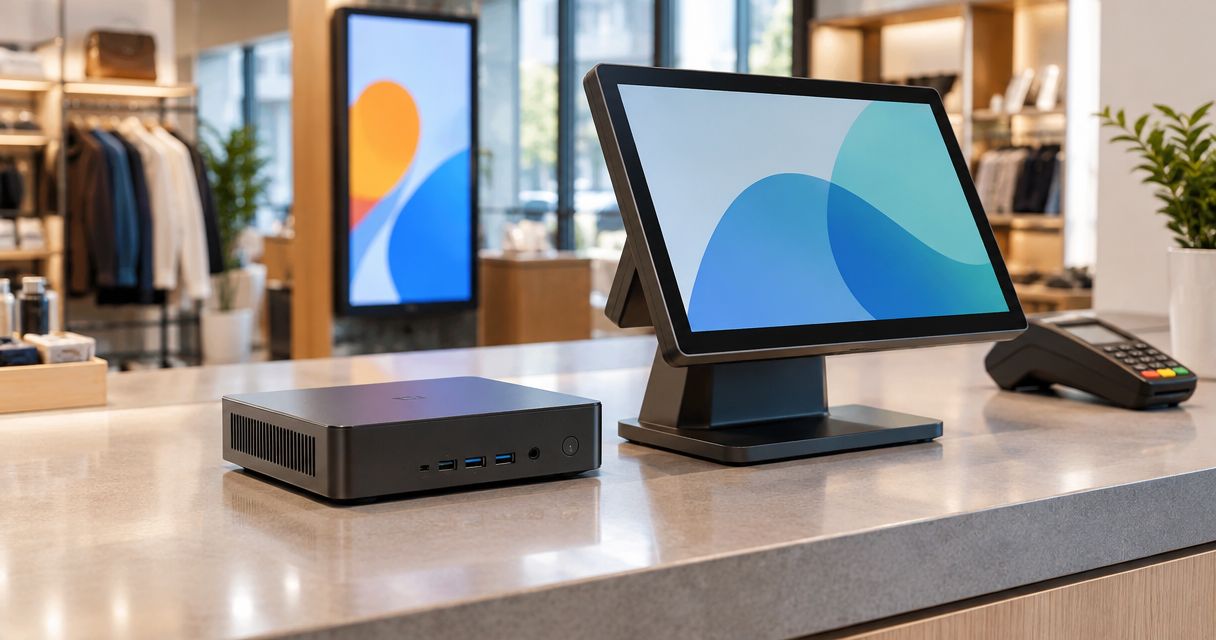
Best overall in 2026: a business-grade Windows mini PC for a staffed retail counter. Best for unattended digital signage: a commercial signage player. Best budget option: a consumer mini PC you already own, provided it passes the same software and connection checks. For a Portuguese business buying the computer alongside POS software and network equipment, VOLL is a practical sourcing point, but the right hardware choice starts with the workload.
- A business-grade Windows mini PC is the best mini PC for retail counter software when compatibility is confirmed.
- A commercial signage player is the better choice when a screen only displays scheduled content.
- Reuse an existing consumer mini PC only after checking software, display and peripheral connections.
- VOLL suits Portuguese businesses sourcing retail IT alongside POS software and network equipment.
Why this matters in 2026
A counter computer and a signage player can look similar, but they have different jobs. The counter machine must run the chosen POS application and connect to the devices staff use to complete sales. A signage device must reliably show the intended content on the intended display. Buying by case size alone misses both requirements.
For a 2026 retail rollout, write down the software, connected devices, display arrangement and installation location before comparing mini PCs. VOLL sells business IT, including WINTOUCH POS/ERP licenses and network equipment, but no particular mini PC model or POS compatibility is specified here. Treat compatibility as a check to complete, not a feature to assume.
What makes the best mini PC for a retail counter?
Use these criteria before considering a model. A specification matters only when it matches the application and the equipment already selected.
- Software compatibility: Confirm the operating system and version required by the POS or signage application. Check whether its supplier specifies a supported processor architecture.
- Peripheral connections: List the receipt printer, barcode scanner, cash drawer interface, payment equipment and displays you intend to use. Confirm each device's connection method against the proposed computer; do not assume that a USB port alone establishes software compatibility.
- Display output: Match the computer's output, the cable and the display's input. Full HD is 1920 × 1080 pixels; 4K UHD is 3840 × 2160 pixels. Verify the resolution and refresh rate supported by the complete connection, not just a port label.
- Network connection: Decide whether the location calls for wired Ethernet, Wi-Fi or both. Gigabit Ethernet refers to a 1000 Mbps link standard; the actual connection still depends on the rest of the network.
- Installation environment: Check the available space, airflow, mounting method and access for maintenance. A sealed or fanless design is a selection requirement for some sites, not a universal advantage.
- Administration: Ask how the device will receive updates, restart after an interruption and be replaced if it fails. A workable recovery process matters more than unused computing power.
Do not buy a mini PC for its size until the POS application and every checkout peripheral have a confirmed connection path. That rule eliminates more unsuitable choices than a processor shortlist.
Mini PC options at a glance
These are device categories, not tested product models. The ranking is a decision guide for 2026 deployments; no model-specific performance or compatibility is implied.
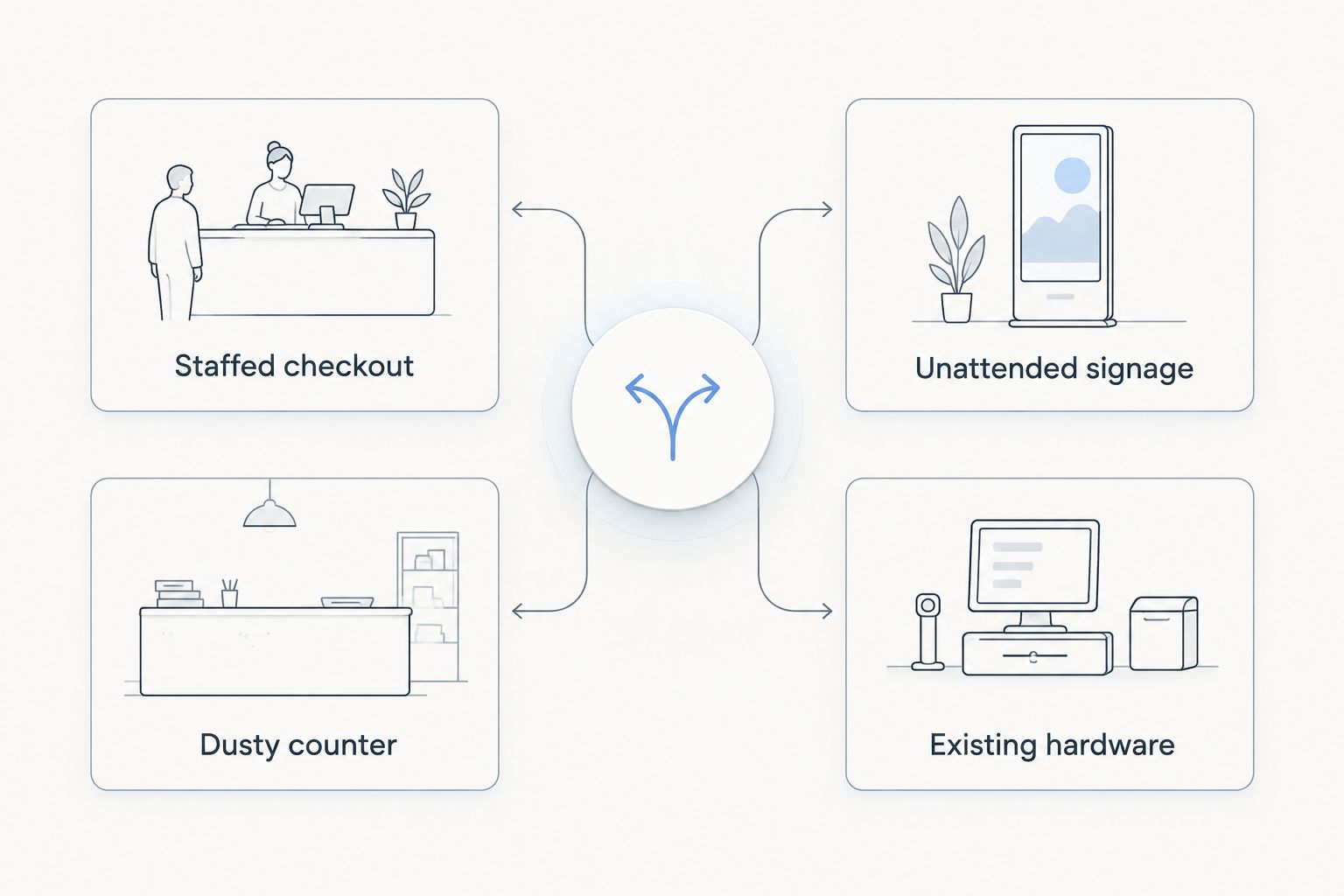
| Option | Best for | Standout feature to look for | Key limitation |
|---|---|---|---|
| Business-grade Windows mini PC | Staffed checkout | Operating-system fit for the chosen POS application | Still requires peripheral and software verification |
| Fanless industrial mini PC | Dusty counter | Enclosure suited to the installation environment | Physical design does not establish POS compatibility |
| Commercial signage player | Unattended signage | Signage administration suited to scheduled content | Not a default replacement for a checkout computer |
| Existing consumer mini PC | Existing hardware | Reuses a device you already have | Support and connection needs require individual checks |
The first question is whether staff use the device to transact or the device mainly drives a screen. Next, check the installation environment. Those decisions lead to a shorter, more useful specification list than comparing processors in isolation.
Check the complete checkout chain
A counter deployment is a chain: POS software, computer, network, printer, scanner, payment equipment and any customer-facing display. One incompatible connection can prevent the setup from working as planned. For each item, record the required interface, software support and the person responsible for configuring it.
Keep payment equipment in its own verification line. Do not infer that a terminal can be integrated with a POS system because both devices are on the same counter. Confirm the supported integration and operating procedure with the relevant suppliers before choosing the computer.
For signage, replace that peripheral list with the screen input, content system, playback requirements and remote-management needs. If a screen's content must come from a POS system, confirm that workflow explicitly. A display output on a mini PC does not, by itself, provide a content-management system.
Ranked picks by use case
1. Business-grade Windows mini PC: best for staffed checkout
A business-grade Windows mini PC is the default starting point when employees use a separate computer to run a Windows-compatible POS application. It keeps the selection focused on application support, accessible connections and maintainability rather than on the smallest possible enclosure. Best for: a fixed retail counter where POS compatibility is the first requirement.
Business-grade Windows mini PC pros:
- Gives you a clear operating-system requirement to check against the POS supplier's documentation.
- Lets you compare candidates against a written list of printer, scanner, display and network connections.
- Fits a counter plan built around separate software and peripherals rather than an all-in-one terminal.
Business-grade Windows mini PC cons:
- A business label does not prove compatibility with WINTOUCH, a payment terminal or any other specific device.
- You still need to verify the selected model's ports, mounting arrangement and update process.
- A separate computer adds cables and components to the counter plan.
VOLL's mini PC selection should begin with the exact POS application and peripheral list, not an assumed match to its software catalog. Verdict: Buy after the software supplier and device specifications confirm the complete checkout setup.
2. Fanless industrial mini PC: best for a dusty counter
A fanless industrial mini PC is a design category to investigate when the computer will sit where dust and airflow constraints make enclosure choice important. Fanless describes the cooling approach; it does not tell you whether a particular enclosure is sealed or suitable for a particular location. Best for: a dusty counter with defined installation requirements.
Fanless industrial mini PC pros:
- Lets you make cooling and enclosure design part of the purchase specification.
- Provides a distinct shortlist for sites where a typical office-style case does not fit the installation plan.
- Encourages an early check of mounting position, cable access and maintenance access.
Fanless industrial mini PC cons:
- Fanless does not mean dustproof; check the actual model's enclosure specification.
- Its form factor does not establish operating-system or POS application support.
- Available connection types vary by model, so the peripheral list still governs selection.
Define the site conditions first. If the machine will instead sit in a clean, accessible position, the industrial label alone is not a reason to move this category above a business-grade Windows mini PC. Verdict: Buy only when the environment calls for it and the chosen model passes the same software and connection checks.
3. Commercial signage player: best for unattended signage
A commercial signage player belongs on this list because a dedicated display job does not automatically need a checkout PC. Its role is to run the selected signage content on the selected screen; compare it against the signage software's device requirements. Best for: an unattended retail display without a checkout workload.
Commercial signage player pros:
- Keeps the buying decision tied to content playback and screen compatibility.
- Separates signage administration from the requirements of staff-operated POS software.
- Gives a multi-screen project a clear device role to document at each display.
Commercial signage player cons:
- It is not a substitute for a POS computer unless the required POS application is explicitly supported.
- Content scheduling and remote-management capabilities depend on the selected player and software.
- Screen inputs, mounting and network access still need a site-by-site check.
For a 2026 signage project, confirm who changes the content, how updates reach the device and what happens after a power interruption. Compare display requirements separately using the digital signage displays for retail and hospitality guide. Verdict: Buy for display-only duties after confirming the player, software and screen work together.
4. Existing consumer mini PC: best for reusing hardware
An existing consumer mini PC is the budget choice when the business already owns the device. Reuse avoids selecting new hardware before checking whether the current computer can do the job. Best for: a limited rollout using a device already on hand.
Existing consumer mini PC pros:
- Lets you assess the actual computer against the application and peripheral checklist.
- Makes a limited trial possible without assuming a new device category is necessary.
- Reveals practical issues such as cable placement and display connections at the intended site.
Existing consumer mini PC cons:
- An older device's operating-system support and update path need verification.
- Port availability and peripheral compatibility depend on the exact unit.
- A successful trial on one device does not establish that other consumer mini PCs will behave the same way.
Check the operating system, intended application, network connection and each attached device on the exact unit you plan to deploy. Document what happens when it restarts before assigning it an unattended role. Verdict: Hold until those checks pass; skip reuse if the application or a required connection fails.
How the ranking works
The order gives priority to a staffed checkout because POS software and connected equipment set the hardest constraints. A fanless industrial mini PC moves up only when the installation site calls for that design. A commercial signage player wins a different task: driving unattended content rather than processing sales. Reusing an existing computer is sensible only after testing the actual unit.
This is a category ranking, not a claim that any named model has been tested or stocked. In 2026, a model shortlist needs its own verification against supplier documentation and the equipment at the site. Start with the workload, then eliminate candidates that fail a required connection or support check.
Which mini PC for a retail counter should you choose?
Choose a business-grade Windows mini PC for a staffed retail counter in 2026, subject to confirmed POS and peripheral support. Choose a fanless industrial mini PC when the counter's physical environment requires that design. For a display that only runs signage, choose a commercial signage player instead of specifying a checkout computer by default.
If you already own a consumer mini PC, check it before ordering a replacement. Keep the POS and signage decisions separate: one device can serve both roles only when the application requirements, display connections and operating procedure have all been confirmed. For a broader breakdown of the two workloads, read the mini PCs for retail counters and digital signage guide.
FAQ
What is the best mini PC for a retail counter in 2026?
A business-grade Windows mini PC is the best default for a staffed retail counter in 2026 when the chosen POS application supports it. Confirm the exact model's peripheral connections and operating-system support before purchase.
Can I use the same mini PC for checkout and digital signage?
Yes, if the POS and signage applications both support the selected device and the display connections meet the installation plan. Check the operating procedure as well as the hardware specification.
Is a fanless mini PC better for every retail counter?
No. Choose a fanless design when the installation environment makes its cooling approach relevant; it does not establish dust protection or POS compatibility on its own.
Does a digital signage player replace a POS computer?
No, not by default. A signage player is selected for content playback; a checkout device must meet the POS application's and peripherals' requirements.
What connections should I check before choosing a counter mini PC?
Check the connection method for the display, receipt printer, barcode scanner, network and other planned equipment. Verify software support for each device rather than relying on the presence of a matching port.
Can I reuse a consumer mini PC at the counter?
Yes, if the exact unit supports the required application, operating system and connected devices. Test its restart and update process before assigning it a business-critical role.
Does a 4K screen require a particular mini PC?
It requires a device and complete display connection that support the screen's intended resolution and refresh rate. Check the computer output, cable and screen input together; 4K UHD is 3840 × 2160 pixels.
One last thing
The most useful 2026 buying document is not a processor comparison. It is a list of the application, every attached device, its required connection and who will maintain the setup. For a checkout counter, resolve that list before choosing a case size; for signage, resolve the content workflow before choosing a player. VOLL's role as a Portuguese business IT retailer is most relevant when those software, network and hardware decisions need to fit the same installation.


