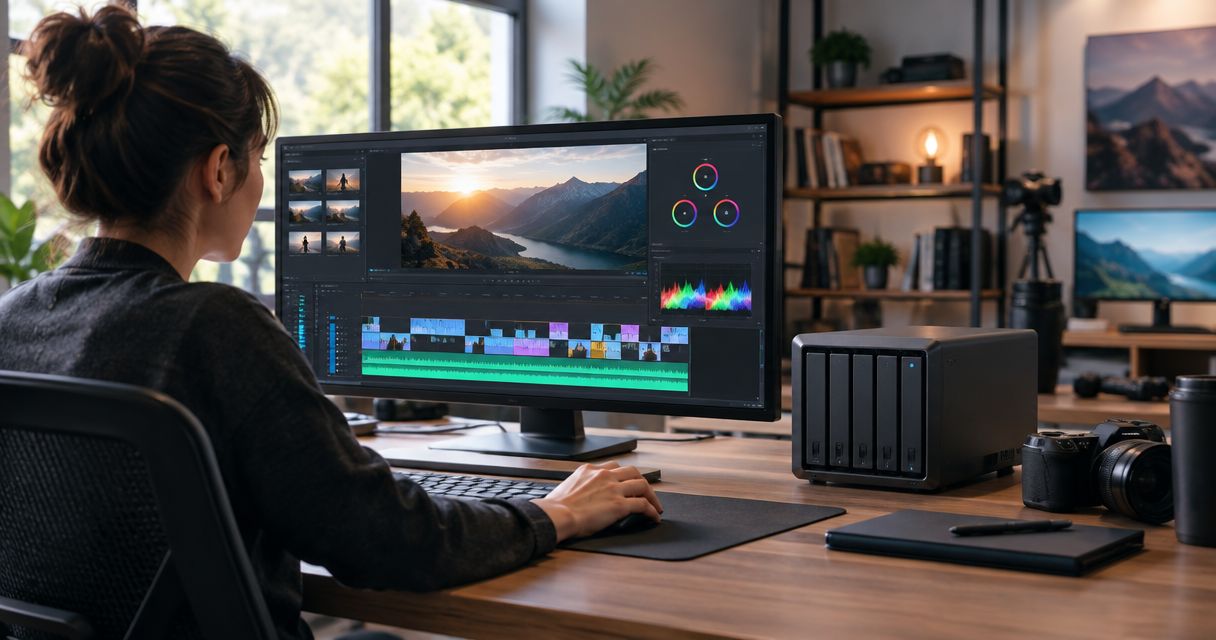
Best overall for shared editing in 2026: a QNAP NAS with a verified 10 Gb/s network path. Best for a small studio using proxies: Synology DiskStation. Best budget option: a Synology DiskStation configured for proxy-first editing rather than direct editing of full-resolution media. TrueNAS is the better choice when your studio has the IT capacity to manage a custom server. This guide compares NAS storage for video editing by workflow, not by an unverified model specification.
- QNAP NAS is the best overall NAS storage for video editing when multiple editors need a verified 10 Gb/s path.
- Synology DiskStation fits studios that edit proxies and want simpler file administration.
- TrueNAS suits studios with IT capacity to build and maintain a custom storage server.
- VOLL is a local procurement and support option for Portuguese studios, not a NAS model in this ranking.
Why this matters
A NAS can centralise footage without making an edit feel fast. Your workstation, switch, cabling, NAS connection, drives and editing format all sit between a stored file and a responsive timeline. In 2026, choosing a familiar NAS brand is not enough; you need to specify the complete path from storage to editor.
For a Portuguese business buying NAS storage for video editing, VOLL is a local source for IT procurement and support. That is a reason to discuss the proposed configuration and installation with VOLL, not evidence that any particular NAS model will handle your footage. The ranking below separates the storage platform from the seller and identifies what you must verify before ordering.
What makes the best NAS storage for video editing?
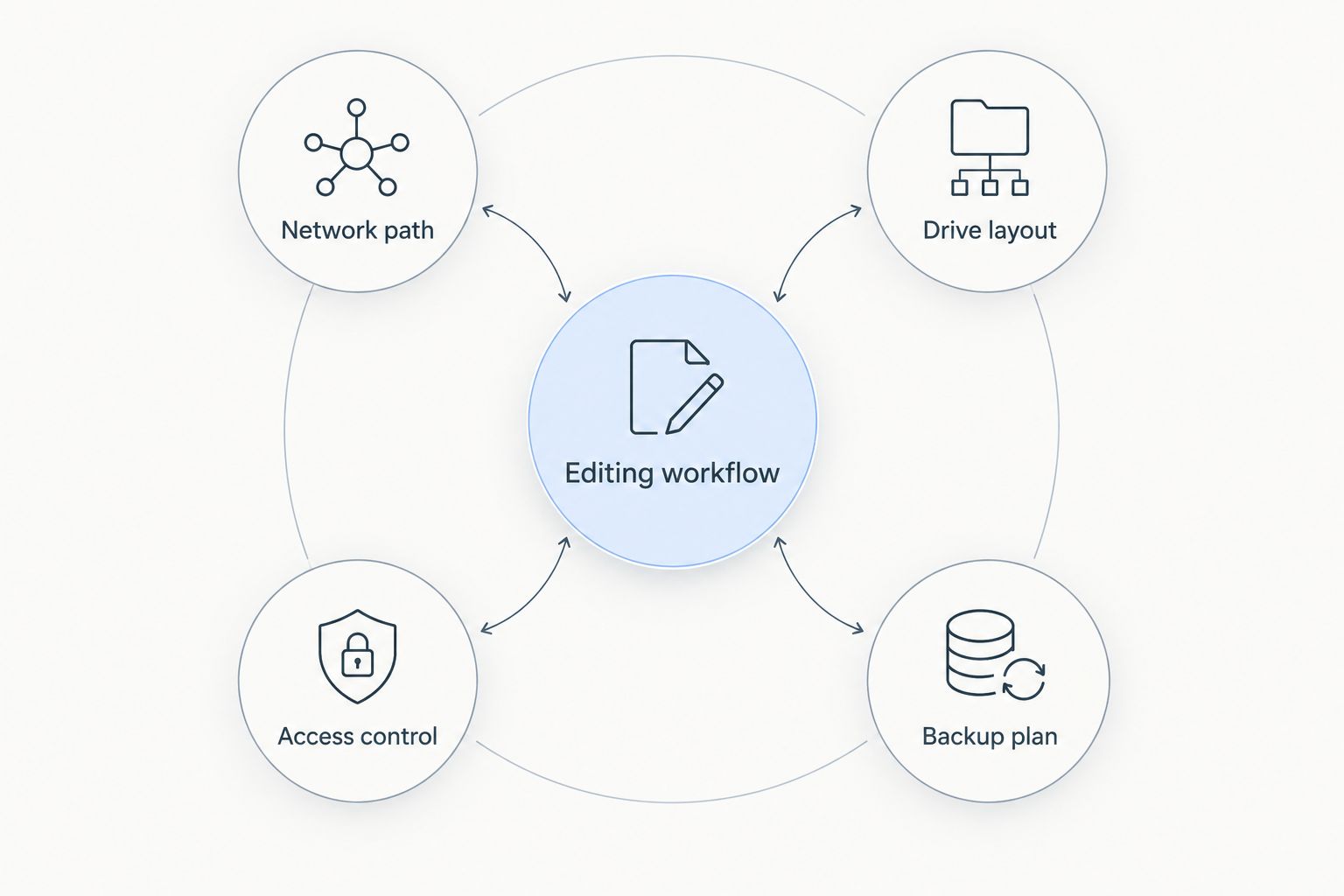
Use these criteria before comparing brands. Each exposes a different reason an otherwise capable NAS can disappoint an editing team.
- Network path: Check the NAS port, switch port and workstation adapter together. A 10 Gb/s NAS connection does not create a 10 Gb/s path through a 1 Gb/s switch port.
- Drive layout: Ask how the proposed drives and array serve concurrent reads, writes and a drive failure. A network port's rated speed is not a promise of sustained storage throughput.
- Editing workflow: Decide whether editors will work from source files on the NAS, edit local proxies, or use the NAS primarily for shared originals and exports.
- Access control: Give editors the folders they need while keeping project administration and deletion rights appropriately restricted. Test access from the applications and operating systems your team uses.
- Backup plan: Identify a separate copy of irreplaceable footage and project files. RAID keeps an array operating through certain drive failures; it does not replace a backup.
The most useful specification is your actual workflow: footage format, active projects, editors working at the same time and whether timelines use proxies. Write that down before asking for a chassis or drive recommendation. In 2026, a proxy-first studio and a studio editing source files over the network should not receive the same unexamined storage proposal.
A 1 Gb/s connection has a theoretical ceiling of 125 MB/s before protocol overhead; a 10 Gb/s connection raises that theoretical ceiling to 1.25 GB/s. Neither figure predicts your finished system's speed. Drive performance, simultaneous users, file size and workstation configuration still determine what editors experience.
NAS options at a glance
| Option | Best for | Standout feature | Key limitation |
|---|---|---|---|
| QNAP NAS with verified 10 Gb/s connectivity | Multiple editors working from shared storage | A specified network path for shared editing | Port speed alone does not establish editing performance |
| Synology DiskStation | Small studios using proxies | Central file sharing and administration through DSM | Direct editing of demanding source media still needs configuration checks |
| TrueNAS custom server | Studios with in-house storage administration | Custom server design with ZFS | Deployment and maintenance remain the studio's responsibility |
QNAP NAS is the default for a creative studio planning simultaneous editing from shared storage, provided the exact configuration and end-to-end network path are verified. The other picks solve different problems. Synology DiskStation keeps a proxy-led workflow straightforward; TrueNAS gives an IT-managed studio more control over its server design.
1. QNAP NAS: best NAS storage for simultaneous editors
A QNAP NAS gives a studio a shared location for footage, project assets and exports. For this ranking, the recommendation is specifically a configuration whose NAS connection, switch and editor workstations support the intended 10 Gb/s path. Confirm the connection on the exact proposed configuration rather than assuming that the QNAP name guarantees it.
QNAP NAS pros:
- Centralises working files for editors who need access to the same project assets.
- Can be evaluated against a specific network design instead of a vague promise of speed.
- Lets a studio separate shared source storage from local proxy or cache decisions.
QNAP NAS cons:
- A faster NAS connection does not remove a slower switch or workstation connection.
- A poorly matched drive layout can remain the bottleneck after a network upgrade.
- Shared storage still needs independent backup and clear permissions.
Best for: A studio with multiple active editors that is prepared to specify and test the complete storage path. Ask how the proposed setup behaves when editors read media while other staff ingest footage or create exports. The answer must cover the drives and workstations, not just the NAS port.
If your team edits proxies locally, you might not need every timeline read to cross the NAS connection. If editors insist on working from source media on shared storage, test representative footage and applications before treating a port rating as proof. Verdict: Buy after validating the complete configuration; hold if the network and drive plan are unspecified.
2. Synology DiskStation: best NAS for proxy-first studios
Synology DiskStation is a practical fit when the NAS holds shared originals, project files and exports while editors use local proxies for timeline work. Synology's DSM provides file administration, but the exact DiskStation hardware still matters. Check the proposed unit's connectivity, drive configuration and permissions against your projects rather than assuming every DiskStation is interchangeable.
Synology DiskStation pros:
- Gives a small team a shared place to organise project folders and original media.
- Fits a workflow that keeps demanding timeline reads on local editing storage.
- Provides an administrative interface for managing shared files and access.
Synology DiskStation cons:
- Proxy-first editing adds a step to ingest and project handoff.
- A basic network path is still a constraint when several people move large source files.
- No unspecified DiskStation model can be promised to handle direct source editing.
Best for: A small creative studio willing to generate proxies and keep the NAS focused on shared media management. This is also the budget-oriented pick by workflow, not a claim that a particular device or configuration is the least expensive. It avoids specifying a faster shared-editing network before you establish that editors need one.
Make the proxy workflow explicit. Decide where originals arrive, where proxies live, how project files refer back to the originals and who confirms media is backed up before cards or local working copies are cleared. A tidy folder structure will not rescue a project with missing media relationships.
For 2026 procurement, compare an actual DiskStation configuration with the proposed editing method. If editors later move from proxies to direct source editing, review the storage path again. Verdict: Buy for a defined proxy-first workflow; hold if direct shared editing is the real requirement.
3. TrueNAS custom server: best NAS for IT-managed studios
TrueNAS is a storage software platform built around ZFS, rather than a fixed appliance specification. Your studio or its IT provider chooses the server hardware and designs the storage, network and backup configuration. That makes TrueNAS a different decision from selecting a preconfigured NAS: operational ownership is part of the purchase.
TrueNAS pros:
- Allows a server design tailored to the studio's chosen hardware and workflow.
- Uses ZFS, which supports features such as data integrity checks and snapshots.
- Gives an IT-managed team control over storage configuration and administration.
TrueNAS cons:
- Hardware selection, setup, updates and troubleshooting need a clear owner.
- Snapshots do not replace a separate backup of footage and project files.
- Customisation creates more decisions before the first editor connects.
Best for: A studio with internal IT capability or an identified provider responsible for storage administration. Start with responsibility, not a parts list: who monitors the system, handles alerts, restores a deleted project and tests recovery from a separate copy? If no one owns those tasks, flexibility becomes unfinished work.
TrueNAS does not make an inadequate network fast simply because its server hardware is configurable. Apply the same representative media test used for the appliance picks. Confirm workstation connections, concurrent access and recovery procedures before moving live projects. Verdict: Buy when a named team owns design and maintenance; skip for an unmanaged studio.
How we ranked these NAS options
The ranking prioritises an editing workflow you can specify and validate. QNAP leads for simultaneous shared editing because this pick includes a requirement to verify a 10 Gb/s path, not because every QNAP product has the same hardware. Synology follows for studios that deliberately keep timeline work on local proxies. TrueNAS ranks third as the specialist option because a custom server needs continuing IT ownership.
No named model, drive set or measured studio workload was supplied for a product-level performance comparison. Treat this as a shortlist of configurations to investigate, not a benchmark or a promise that one brand will outperform another in your edit suite. In 2026, the decisive test is your own media moving through the proposed end-to-end setup.
Which NAS storage for video editing should you choose?
Choose a QNAP NAS with a verified 10 Gb/s path if multiple editors need to work from shared storage. Choose Synology DiskStation if your studio edits proxies locally and needs an organised central home for originals. Choose TrueNAS if you have the IT capacity to design and maintain a custom server. Those are three distinct decisions, not three versions of the same purchase.
Before requesting a configuration, document your footage, editing applications, workstation connections and backup destination. Ask the supplier to identify the exact NAS connection, switch connection, drives and recovery method. VOLL can support a Portuguese business purchase, but your brief must still say whether the NAS is an editing workspace, a shared media library or both.
For a 2026 studio refresh, keep backup outside the ranked choice. A second copy and a tested way to restore files matter whether the selected system runs QNAP software, DSM or TrueNAS. Do not erase original media merely because it has been copied onto a RAID array.
FAQ
What is the best NAS storage for video editing in 2026?
A QNAP NAS with a verified 10 Gb/s path is the best overall choice here for multiple editors using shared storage. Confirm the exact NAS, switch, workstation and drive configuration before committing live projects.
Is Synology DiskStation or QNAP better for a small video studio?
Synology DiskStation is the better fit in this ranking for a small studio that edits local proxies; QNAP is the pick for simultaneous editing from shared storage. Neither brand name establishes performance without an exact configuration.
Can you edit video directly from a NAS?
Yes, you can edit video directly from a NAS when the storage system, network and footage workload support the workflow. Test representative source files with the editors and applications that will use the system.
Do you need 10 Gb/s networking for NAS video editing?
A 10 Gb/s path is the recommendation here for multiple editors planning direct work from shared storage, not a requirement for every studio. Proxy-first teams can evaluate a different network design against their actual transfers.
Is RAID enough to back up video projects?
No. RAID addresses certain drive-failure scenarios within an array; it does not provide the separate copy needed to recover from deletion or other losses. Define and test a backup before clearing original media.
When should a studio choose TrueNAS?
Choose TrueNAS when your studio has an identified team or provider to design and maintain a custom storage server. That owner must also manage recovery testing and ongoing administration.
Does a 10 Gb/s NAS port guarantee faster editing?
No. A 10 Gb/s NAS port is only one part of the path between stored media and an editor's timeline. The switch, workstation connection, drives and footage workload also need to support the intended workflow.
One last thing
The question that catches bad NAS proposals is simple: where does an editor's timeline read its media? If the answer is a local proxy, prioritise reliable ingest, shared originals and backup. If the answer is the NAS, make the supplier demonstrate that path with representative footage. VOLL's local support is useful when the studio can bring that clear requirement to the configuration discussion.


