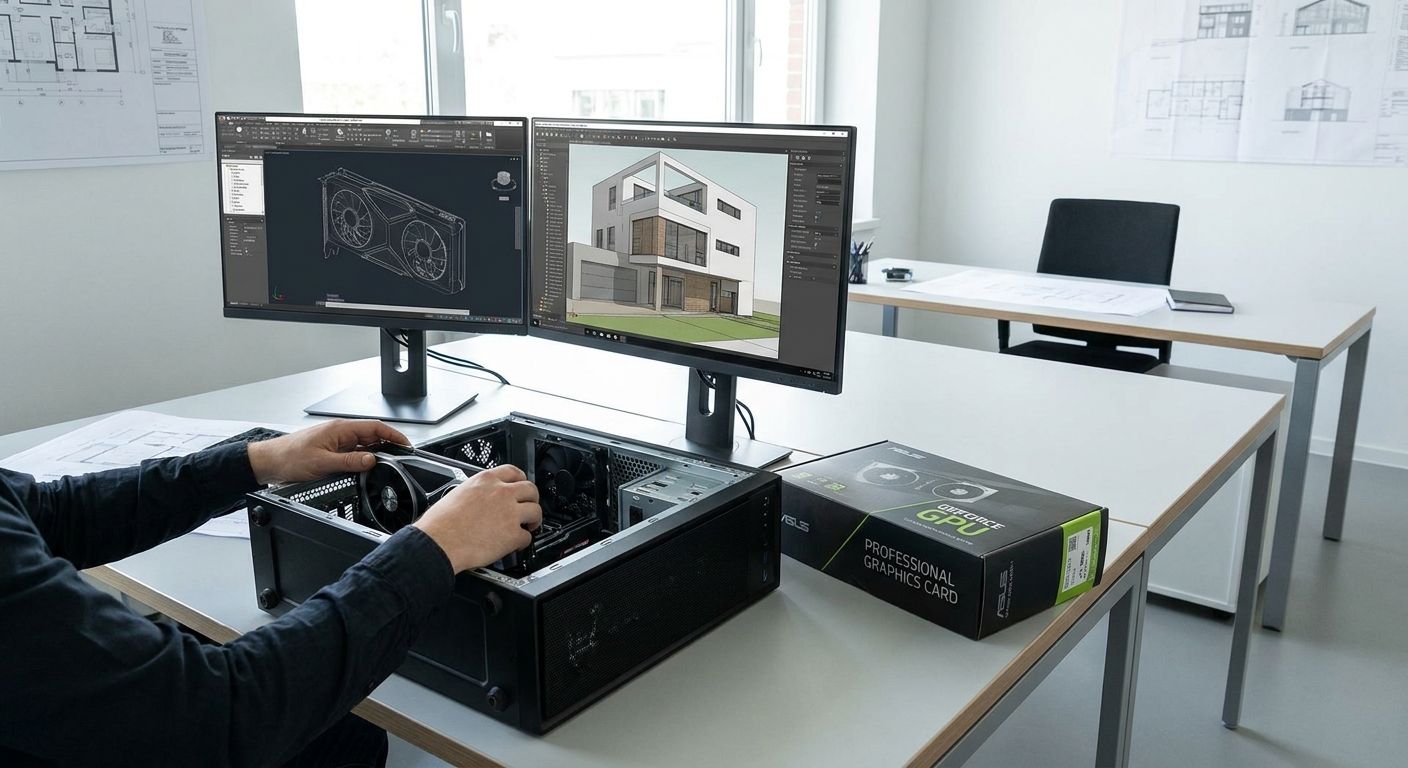
GPU upgrades for business design and CAD workstations decide whether your architecture, engineering, or product design team renders a model in seconds or watches a spinning wheel on every save. For SMEs running AutoCAD, Revit, SolidWorks, or Fusion 360 across a design floor, the graphics card is the single component upgrade with the fastest payback in 2026 — and picking the wrong one costs more in lost billable hours than the hardware itself.
- Workstation-certified GPUs (NVIDIA RTX professional line, AMD Radeon PRO) beat gaming cards for certified CAD software in 2026 — buy certified for Revit, SolidWorks, CATIA.
- Consumer GPUs work fine for Fusion 360, SketchUp, or small teams without ISV certification requirements.
- VRAM, not clock speed, is the real ceiling that crashes CAD files on large assemblies and point clouds.
- Cloud GPU rendering suits occasional heavy jobs; it doesn't replace a local card for daily design work.
- Match PSU and case clearance before the GPU order — workstation cards draw more sustained power than gaming equivalents.
Why gpu upgrades for cad workstations matter for design teams
Rendering speed on a CAD workstation is billable time, not a technical footnote. A team stuck on file-open delays for a large assembly is a team charging clients for waiting instead of designing.
Most CAD vendors publish certified hardware lists in 2026 precisely because uncertified GPUs cause instability on complex assemblies, point clouds, and BIM models — crashes that never show up on a spec sheet. Bottlenecks on a CAD workstation rarely start and end with the GPU either; RAM upgrades for office laptops and desktops often need to happen at the same time, since a starved GPU and starved RAM produce the same symptom — a frozen viewport.
Design firms scaling past a handful of seats hit procurement friction residential buyers never see: VAT-exclusive B2B pricing, ordering across multiple workstations at once, and keeping every seat on the same driver branch so IT support isn't debugging five different configurations. VOLL supplies IT equipment for CAD workstations to Portuguese design and engineering firms for exactly this reason — one accountable order and one delivery window instead of five separate purchases.
Audit what your CAD software actually certifies
- Check the ISV hardware compatibility list published by Autodesk, Dassault Systèmes, or your CAD vendor before buying anything
- Note the exact driver branch required — studio/certified vs. game-ready
- Confirm whether your workflow uses ray-traced rendering (V-Ray, Enscape), which shifts weight toward CUDA/RT core count
- Flag any 3D scanning or point-cloud modules that push VRAM demand higher than standard drafting work
Match GPU tier to the complexity of your files
- Light 2D drafting and basic 3D (SketchUp, entry AutoCAD) runs fine on entry workstation cards
- Mid-complexity mechanical assemblies (SolidWorks) need mid-tier workstation GPUs with more VRAM headroom
- BIM models with heavy Revit families or point-cloud overlays justify the top workstation tier
- Rendering-heavy visualization (architectural walkthroughs, product renders) benefits most from higher CUDA/RT core counts
Professional GPU lines published by NVIDIA and AMD in 2026 span roughly 8GB of VRAM on entry workstation cards up to 24GB or more on flagship models — pick the tier based on your heaviest file, not your average one.
Verify VRAM against your largest working file, not your average file
- Open your single largest assembly or model and check GPU memory usage in the CAD software's performance monitor
- Add headroom for growth — a file that stresses VRAM today will stress it harder in twelve months
- Remember multi-monitor CAD setups add their own VRAM overhead before the model even loads
- Rule out VRAM as the crash cause before blaming the CPU or system RAM
Check power and case compatibility before ordering
- Confirm PSU wattage against the GPU's rated power draw at sustained full load, not peak
- Measure case clearance for workstation-length cards, especially in compact office desktops
- Check for extra power connectors older office PSUs may not have
- Rack-mounted or small-form-factor workstations often need a low-profile or blower-style card instead of a standard one
Standardize the driver branch across every seat
- Pick one certified driver version and roll it to every workstation the same day
- Log the version in your IT asset record so future support tickets start from a known baseline
- Test the new driver on one non-critical seat before deploying company-wide
- Re-certify after every CAD software major version update, not just after a GPU refresh
Plan the budget and buying account before the hardware arrives
- Separate VAT-exclusive B2B pricing from consumer retail pricing when comparing quotes
- Request a written quote covering the full seat count instead of ordering GPUs one at a time
- Confirm delivery windows against project deadlines — VOLL ships nationwide in 24-48h, which matters when a stalled render pipeline is blocking billable work
- Check whether large CAD files and point clouds need shared NAS storage for business file backup alongside the GPU order, since design files grow faster than local drives
Set up a business account for the order
Bulk-order GPUs and workstation components with VAT-exclusive B2B pricing.
Test one workstation before rolling out the fleet
- Deploy the new GPU on a single seat and run actual production files, not benchmark demos
- Watch driver crash logs during the first week under real design workloads
- Get feedback from the designer using the seat, not just IT, before ordering the rest
- Only mass-order once the pilot seat runs a full week without a driver-related crash
Comparing your GPU options for CAD work
| Option | Best for | Key limitation |
|---|---|---|
| Workstation-certified GPU (NVIDIA RTX professional line, AMD Radeon PRO) | Firms running ISV-certified software: Revit, SolidWorks, CATIA | Costs more than a gaming card at similar raw shader performance |
| High-end consumer GPU | Small teams on Fusion 360 or SketchUp without certification requirements | Drivers aren't validated by CAD vendors; can destabilize certified workflows |
| Cloud GPU rendering / remote workstation | Distributed teams or occasional heavy render jobs | Needs stable high-bandwidth internet and an ongoing subscription cost |
| Refurbished workstation GPU | Budget-limited upgrades to aging desktops | Shorter remaining lifespan; rarely carries a manufacturer warranty |
Verdict: workstation-certified GPUs are the right buy for any firm running ISV-certified CAD software in 2026 — everything else is a compromise for a specific budget or a specific non-certified workflow.
Common mistakes design teams make
- Buying gaming GPUs for certified CAD software because the spec sheet lists higher FPS — ISV certification matters more than raw benchmark numbers for stability
- Ignoring the VRAM ceiling on large assemblies or point clouds until the file crashes mid-project, then blaming the CPU
- Skipping PSU verification — workstation GPUs draw more sustained power under full load than the office desktop's original power supply was built for
- Upgrading the GPU without touching RAM — CAD workloads bottleneck on system memory almost as often as on graphics, especially with large linked models
- Standardizing on one GPU model for the whole team without a pilot seat, which means a driver problem shows up on ten workstations at once instead of one
FAQ
What's the best GPU for CAD workstations in 2026?
For firms running ISV-certified software like Revit, SolidWorks, or CATIA, a workstation-certified GPU from NVIDIA's professional RTX line or AMD's Radeon PRO line is the right choice in 2026. Consumer gaming cards work for non-certified tools like SketchUp or Fusion 360 but risk driver instability on certified workflows.
Is a gaming GPU good enough for AutoCAD or Revit?
A gaming GPU can run AutoCAD or Revit, but its drivers aren't validated against the ISV certification lists those vendors publish. That means a higher risk of crashes on large assemblies or heavy BIM models compared to a certified workstation card.
How much VRAM does a CAD workstation need?
VRAM needs depend on your largest file, not your average one — professional GPU lines in 2026 range from around 8GB on entry cards to 24GB or more on flagship models. Check your GPU memory usage on your single biggest assembly before choosing a tier.
Do I need a certified GPU for SolidWorks?
Dassault Systèmes publishes a certified hardware list for SolidWorks, and running an uncertified card raises the risk of viewport crashes on complex mechanical assemblies. A workstation-certified GPU with the matching driver branch is the safer buy for production work.
How often should a business refresh CAD workstation GPUs?
There's no fixed cycle, but re-certify your driver and GPU choice after every major CAD software version update, since a card that was certified last year may not appear on this year's list. Budget the refresh around project workload growth, not a calendar date.
Can I upgrade the GPU without replacing the whole workstation?
Yes, as long as the PSU wattage and case clearance support the new card — check both before ordering. A GPU-only upgrade is usually cheaper than a full workstation replacement if the rest of the system still meets your CAD software's requirements.
What's the difference between workstation and gaming GPU drivers?
Workstation drivers are validated by CAD software vendors against their ISV certification lists, prioritizing stability over frame rate. Gaming drivers are tuned for game performance and updated more frequently, which can break compatibility with certified CAD workflows.
Is cloud rendering cheaper than buying workstation GPUs?
Cloud GPU rendering avoids upfront hardware cost but adds an ongoing subscription and depends on stable high-bandwidth internet. For daily design work across a full team, a local workstation-certified GPU is usually the more predictable cost over time.
One last thing
The upgrade most design firms skip isn't the GPU itself — it's testing the certified driver branch on one seat before rolling it out to the rest of the floor. A driver mismatch causes more CAD crashes in 2026 than an underpowered card ever will, and it's the one step a pilot week catches before it hits five workstations at once.


