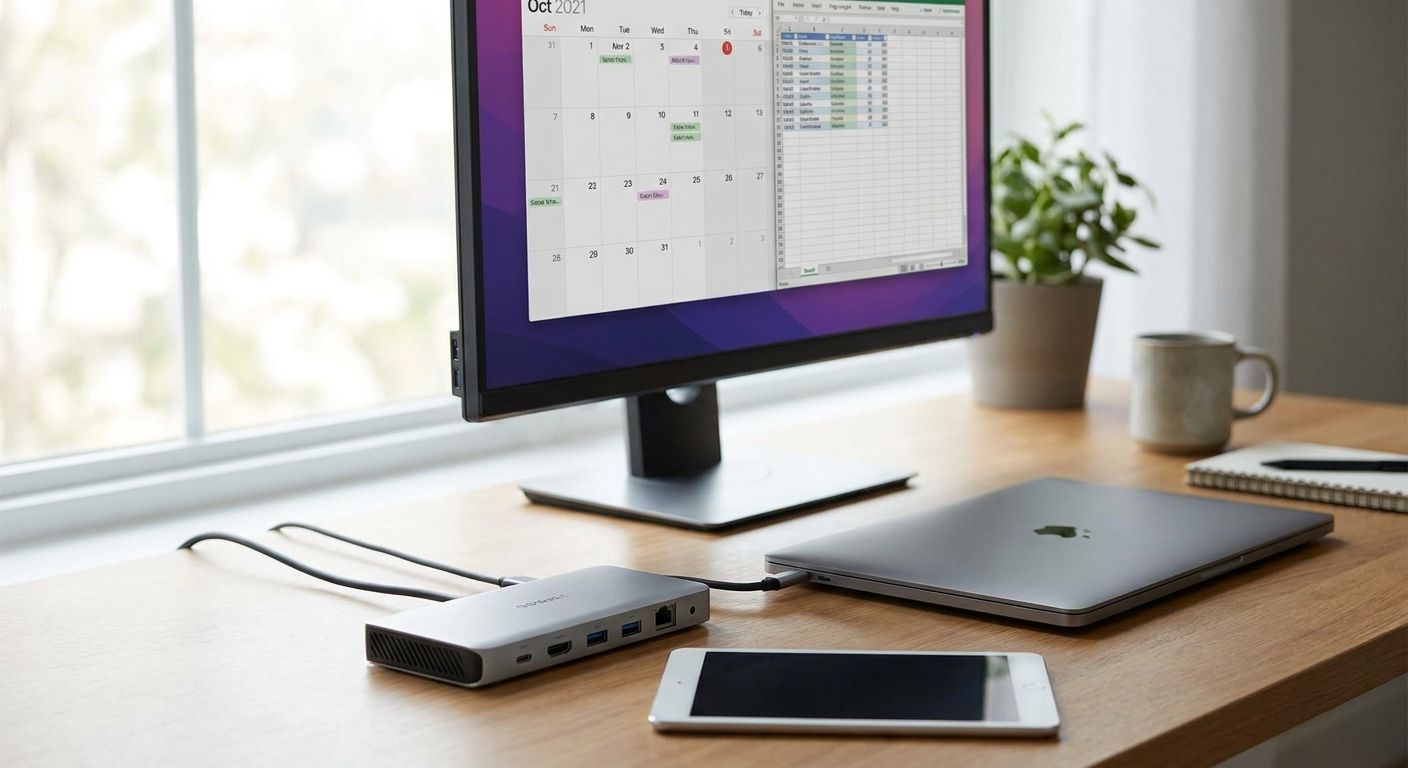
Docking stations for hybrid work laptops turn a laptop bag into a full workstation with one cable, and picking the wrong model costs an IT manager a support ticket every time someone changes desks in 2026.
- Thunderbolt 4 docks with 40Gbps bandwidth and dual 4K support are the right call for power users in 2026 — Buy.
- Single 4K USB-C docks with 100W power delivery cover standard hybrid desks — Buy.
- Basic USB-C hubs sold as docks cap out near 60W with no Ethernet — Skip for daily hot-desking.
- Ethernet-equipped docks with Gigabit ports are the fleet-standard pick for VPN-heavy roles — Consider.
Why this matters
Hybrid teams split the week between office and home, and a laptop that hot-desks needs one cable to reconnect to a monitor, a keyboard, the network, and power — not four separate plugs. Docking stations solve that, but the 2026 market runs on two competing standards, and mixing them up means a monitor that won't hit 4K or a laptop that charges too slowly to survive a full shift on battery.
IT buyers equipping laptops for remote and hybrid business teams need to match the dock to the machine before ordering ten units of the same SKU. Voll fields this exact procurement question from Portuguese companies scaling hybrid setups in 2026, and the answer almost always comes down to the connector standard, not the price tag.
Who this is for
This guide is for office managers and IT buyers ordering 5 to 50 docking stations for staff who split time between a home desk and an office desk, and who want one standardized model instead of a pile of mismatched hubs bought on an expense card. If your team is fully remote and never touches a shared office setup, the calculus changes — this is written for the hybrid case, where the dock has to survive a daily plug-and-unplug cycle.
What to look for in docking stations for hybrid work laptops
Connector standard: Thunderbolt 4/USB4 vs plain USB-C
Thunderbolt 4 and USB4 both carry 40Gbps of bandwidth over a single cable, enough to drive high-resolution displays and fast external storage at the same time without lag. Plain USB-C docks without Thunderbolt or USB4 certification often top out around 10Gbps (USB 3.2 Gen 2), which is fine for a single monitor but chokes when you add a second display or a fast SSD. Check the laptop's port spec before the dock's — a Thunderbolt 4 dock plugged into a laptop with only basic USB-C ports will not deliver the full 40Gbps.
Power delivery wattage
Business laptops in the 14 to 16-inch range draw 65 to 90W under sustained load, especially on video calls with the screen at full brightness. A dock delivering less than that charges slower than the laptop drains, so battery percentage creeps down across an eight-hour hybrid day even while "charging." Look for 90W or 100W power delivery as the floor for any dock going into a fleet order in 2026.
Display support
Single 4K@60Hz output covers a standard hybrid desk with one external monitor. Dual 4K@60Hz needs either Thunderbolt 4 bandwidth or a laptop port that supports DisplayPort 1.4 with Multi-Stream Transport — without that, a "dual monitor" dock will only mirror instead of extending. Confirm this before buying for finance, design, or dev roles that run two screens by default.
Ethernet passthrough
A built-in Gigabit (1000BASE-T) Ethernet port matters most for hybrid workers on VPN, where wired connections beat shared office Wi-Fi for stability during calls and large file transfers. Skip this criterion for roles that never touch sensitive internal systems remotely, but treat it as mandatory for anyone accessing an ERP or POS backend from outside the office.
Cable management and hot-desk durability
A dock that gets unplugged and replugged daily by five different people needs a locking or reinforced connector, not a thin captive cable. Cheap hubs fail at the connector joint first — long before the chipset inside gives out — which is the single most common warranty claim on shared hot-desk hardware.
Local support and replacement turnaround
When a dock in a shared hot-desk pool fails, the fix needs to land fast, not after a two-week import wait. Voll's business accounts run on 24-48h delivery across Portugal, which matters more for a broken dock holding up three employees than for a laptop that one person can work around for a day.
Dock profiles for hybrid teams
The safe pick — single 4K USB-C dock for standard desks. 100W power delivery, one 4K@60Hz output, Gigabit Ethernet built in. This covers the majority of hybrid desks where one external monitor and a keyboard is the full setup. Buy for standard-issue hybrid workstations.
The power-user pick — Thunderbolt 4 dual 4K dock. 40Gbps of bandwidth drives two 4K@60Hz displays without the mirroring workaround, and it pairs cleanly with a full video conferencing setup for hybrid teams for anyone running client calls off a second screen. Buy for finance, design, and management roles running dual monitors daily.
The wildcard — basic USB-C hub sold as a dock. Often capped near 60W, single display only, no Ethernet port. Fine as a travel backup in a laptop bag, wrong for a desk that gets used eight hours a day. Skip for anything beyond occasional or travel use.
The fleet-standard pick — Ethernet-equipped dock for VPN-heavy roles. Built-in Gigabit Ethernet plus 90W-or-higher power delivery, aimed at remote staff who need wired reliability for VPN access over home Wi-Fi. Consider this the default for roles touching internal systems remotely in 2026.
Standardize your hybrid-work dock fleet
Get a quote sized to your laptop fleet, delivered in 24-48h across Portugal.
What to avoid
- Hubs marketed as docks with no independent display controller — the screen chains through a single USB-C port and lags under load, especially on video calls.
- Underpowered PD bricks under 65W paired with a 15 or 16-inch business laptop — the laptop charges slower than it drains, and battery percentage falls across the day.
- Non-locking or thin captive cables in shared hot-desk pools — these fail at the connector joint within months of daily plug cycles, well before the internal chipset would.
Verdict comparison table
| Profile | Connector | Max displays | Power delivery | Best for | Verdict |
|---|---|---|---|---|---|
| Single 4K USB-C dock | USB-C (10Gbps class) | One 4K@60Hz | 100W | Standard hybrid desks | Buy |
| Thunderbolt 4 dual dock | Thunderbolt 4 / USB4 | Two 4K@60Hz | 90-100W | Finance, design, dual-monitor roles | Buy |
| Basic USB-C hub | USB-C (no cert) | One display | Up to 60W | Travel backup only | Skip |
| Ethernet-equipped dock | USB-C or Thunderbolt | One or two | 90W+ | VPN-heavy remote roles | Consider |
FAQ
What's the best docking station for hybrid work laptops in 2026?
Thunderbolt 4 docks with dual 4K support are the best pick for anyone running two monitors, while single 4K USB-C docks with 100W power delivery cover standard hybrid desks in 2026. Match the dock to the laptop's port spec, not the other way around.
Is Thunderbolt 4 better than USB-C for a docking station?
Thunderbolt 4 and USB4 both carry 40Gbps of bandwidth, roughly four times a basic USB-C connection at 10Gbps. That extra bandwidth is what lets a dock drive two 4K monitors and a fast external drive at once without lag.
How many monitors can a docking station drive?
A Thunderbolt 4 or USB4 dock drives two 4K@60Hz displays; a plain USB-C dock usually manages one 4K@60Hz display reliably. Dual-display support also depends on the laptop's own port supporting DisplayPort 1.4 with Multi-Stream Transport.
Do docking stations charge a laptop while docked?
Yes, most business docks pass through power delivery up to 100W, enough to charge a 14 to 16-inch business laptop while it drives external displays. Anything under 65W risks a net battery drain during a full day of video calls.
Does a docking station work with any laptop brand?
USB-C and Thunderbolt docks are standards-based, so they work across laptop brands as long as the laptop's port supports the same standard. A Thunderbolt 4 dock on a laptop with only basic USB-C ports will still work, but it will not reach the full 40Gbps bandwidth.
Do I need Ethernet on a docking station for hybrid work?
Built-in Gigabit Ethernet matters most for staff connecting to VPN or an internal ERP or POS system from home, where a wired connection beats shared home Wi-Fi for stability. Roles that only need email and browser-based tools can skip it.
One last thing
Most docks advertised as "universal" still can't drive two 4K monitors over a single USB-C cable unless the laptop's own port supports DisplayPort 1.4 with Multi-Stream Transport — check the laptop's spec sheet before the dock's spec sheet, because the dock is never the bottleneck in that scenario. Buyers equipping a hybrid fleet in 2026 lose more support tickets to this mismatch than to any hardware failure.


