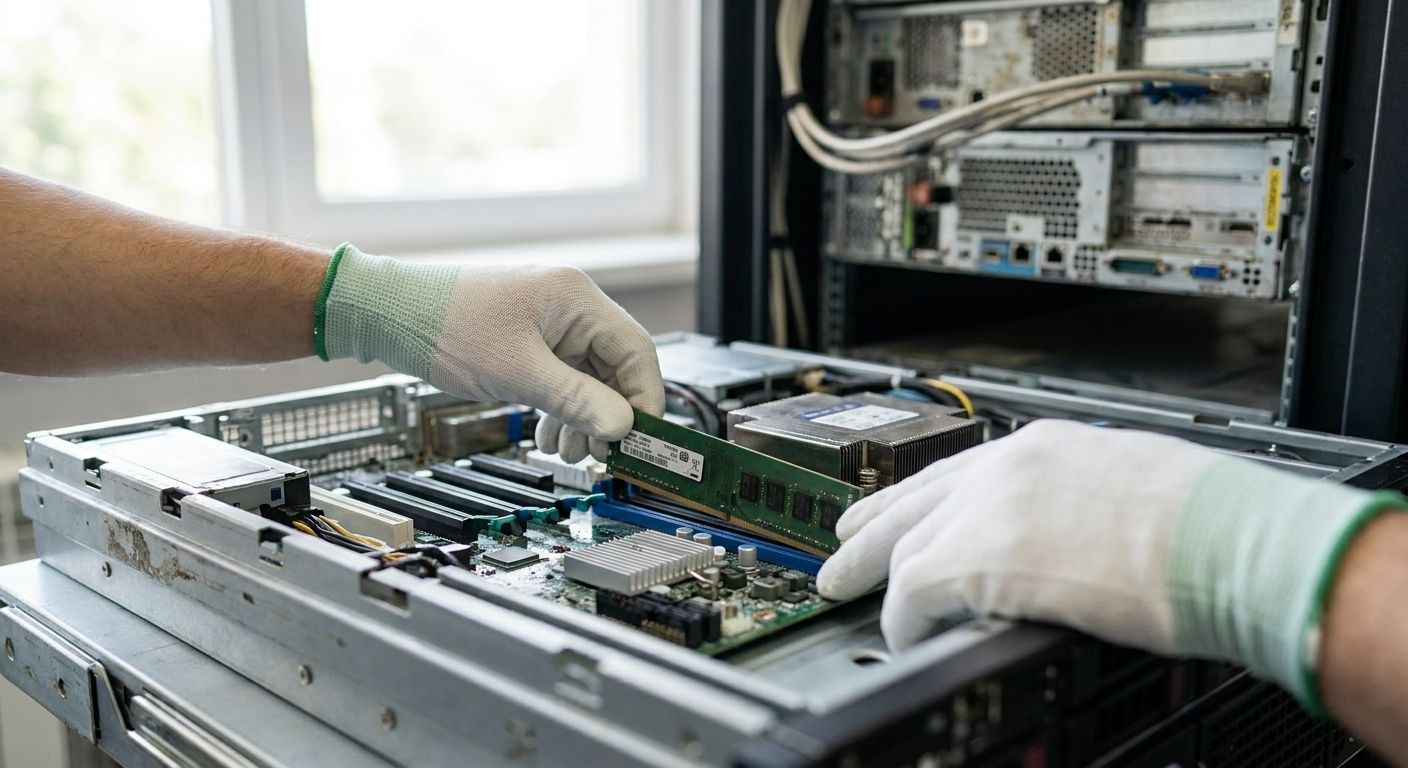
Aging business servers rarely fail all at once — they slow down first, and the memory bus is usually the bottleneck long before the CPU or storage gives out. Buyers searching memória ram para servidores in 2026 are almost always trying to answer one question: is a RAM upgrade still worth it, or is the server past the point of return?
- DDR4 ECC Registered DIMM (RDIMM) is the safe pick for most 2016-2022 Xeon and EPYC servers running memória ram para servidores upgrades — buy it.
- DDR3 ECC RDIMM is a legacy trap on servers past 2016 — the platform is end-of-life and capacity gains are marginal.
- Load-Reduced DIMM (LRDIMM) is the only way to push dense multi-socket servers past 512GB without swapping the board.
- DDR5 ECC RDIMM only fits current-generation servers — it is not an upgrade path for aging hardware in 2026.
Why This Matters
A server running at 80-90% memory utilization spends more time swapping to disk than doing real work, and that shows up as slow POS transactions, delayed batch jobs, and ERP timeouts during peak hours. Replacing a server outright costs far more than adding memory, and for a machine with two or three years of useful life left, a RAM kit is the cheaper fix.
The catch is compatibility. Servers are picky about DIMM type, rank, and speed in ways desktops aren't, and a mismatched kit either won't boot or silently downclocks the whole memory bus. Getting this wrong once is expensive — a wrong RDIMM order sits unused, and the server keeps running at the same speed it did before. Voll works through this compatibility check as part of every quote request, matching kits to the exact server model before anything ships.
How These RAM Types Are Ranked
The ranking below is based on which DDR generation and DIMM format actually fits business servers still in production in 2026 — not which kit is cheapest per gigabyte. Each type is judged on three things: how many still-in-service server platforms support it, how much headroom it adds before hitting a capacity ceiling, and whether buying it now makes sense versus waiting for a full server refresh.
Servers built on Intel Xeon E5 v3/v4 (2014-2016), Xeon Scalable Gen1/Gen2 (2017-2019), and first-generation AMD EPYC (2017-2019) still make up a large share of active business infrastructure in Portugal, and all three generations standardized on DDR4 ECC memory. That's the center of gravity for this list.
The Ranked List
1. DDR4 ECC Registered DIMM (RDIMM) — the safe pick
DDR4 ECC RDIMM has been the default server memory standard since Intel's Xeon E5 v3 launch in 2014, and it covers the widest range of business servers still running today. Speeds range from 2133 MT/s on the oldest E5 v3 boards up to 2933-3200 MT/s on Xeon Scalable Gen2 (Cascade Lake, 2019) and EPYC Rome-era platforms.
Most single-socket and dual-socket towers ship with 4-8 DIMM slots, and RDIMM capacities of 16GB or 32GB per module cover the vast majority of ERP, file-server, and POS-backend workloads without needing exotic parts. This is the kit type to buy first when a server shows memory pressure. Verdict: Buy.
2. DDR4 ECC Unbuffered DIMM (UDIMM) — the entry-level pick
UDIMM shows up on smaller single-socket towers and entry-level workstation-class servers that don't need the buffering RDIMM adds for high DIMM counts. It typically caps out lower per-module — 16GB is common — and most boards only support 2-4 slots total, which limits total headroom.
For a small file or print server running light workloads, UDIMM upgrades still buy real breathing room, but the ceiling is lower than RDIMM. If the server already has slots filled and needs more than 64GB total, this format runs out of runway fast. Verdict: Hold — fine for light workloads, don't count on it for growth.
3. Load-Reduced DIMM (LRDIMM) — the capacity maximizer
LRDIMM exists for one reason: pushing total system memory past what standard RDIMM allows on servers with a high DIMM count. Quad-rank LRDIMM modules reach 64GB-128GB per stick depending on the vendor, letting a fully populated 24-slot dual-socket server clear 1TB of total RAM without a motherboard swap.
This only matters for database servers, virtualization hosts, or ERP servers running multiple company databases simultaneously — the kind of workload where RAM starvation causes visible slowdowns across every connected terminal. Verdict: Buy — but only if the server actually needs the headroom; it's overkill for a single-purpose file server.
4. DDR3 ECC RDIMM — the legacy trap
DDR3 ECC RDIMM tops out around 1600 MT/s and runs on Xeon E5 v1/v2 platforms that launched between 2012 and 2014. Manufacturing for new DDR3 server modules largely wound down by 2016-2017, so most stock available in 2026 is pulled or refurbished.
Buying DDR3 RDIMM for a server this old means investing in a platform that's already outside mainstream vendor support, with no realistic path to more performance even after the upgrade. The math rarely works: the labor and part cost buys maybe 18-24 months of extra life on hardware that should already be budgeted for replacement. Verdict: Skip.
5. DDR5 ECC RDIMM — the wildcard
DDR5 ECC RDIMM debuted on Intel Sapphire Rapids and AMD Genoa platforms starting in 2023, with base speeds from 4800 MT/s and no backward compatibility with DDR4 boards. It's the fastest server memory on the market in 2026, but it physically does not fit into any server built before 2023.
If the aging server in question predates 2023, DDR5 isn't an upgrade option — it's an argument for a full replacement, not a memory kit. Verdict: Wait — relevant only when the conversation shifts from "upgrade this server" to "replace this server."
If the same office also needs memory bumps on staff machines rather than the server itself, that's a separate job — RAM upgrades for office laptops and desktops covers that end of the fleet.
“If a server's DIMM slots are half-empty and the platform is already past its DDR3 generation, a RAM kit is just deferring the replacement decision.”
Comparison at a Glance
| RAM Type | Typical Server Era | Max Speed (JEDEC) | Best For | Verdict |
|---|---|---|---|---|
| DDR4 ECC RDIMM | Xeon E5 v3/v4, Scalable Gen1/2 (2014-2019) | 2133-3200 MT/s | Most active business servers | Buy |
| DDR4 ECC UDIMM | Entry single-socket towers | Up to 2666 MT/s | Small file/print servers | Hold |
| LRDIMM (DDR4) | Dense dual-socket hosts | Up to 3200 MT/s | Database and virtualization hosts | Buy |
| DDR3 ECC RDIMM | Xeon E5 v1/v2 (2012-2014) | 1600 MT/s | Legacy servers past EOL | Skip |
| DDR5 ECC RDIMM | Sapphire Rapids/Genoa (2023+) | 4800 MT/s+ | Current-gen servers only | Wait |
Where to Buy RAM Kits for Aging Servers
Three rules keep a server RAM upgrade from turning into downtime:
- Match the exact part number, not just the spec sheet. Two DDR4 RDIMM kits can share the same speed and capacity on paper and still run at different ranks or timings — mixing them can force the whole bank down to the slowest module's speed.
- Confirm ECC is non-negotiable. Desktop RAM without ECC error correction will boot in some server boards but leaves the system exposed to silent data corruption — never install non-ECC memory in a production server.
- Buy from a vendor that validates against the server model, not the DIMM alone. A quote request that includes the server's exact model and current DIMM population avoids the single most common return reason: a kit that's technically DDR4 ECC but wrong for that board's rank configuration.
Voll handles this validation step on every server memory quote, checking the board's supported speed and rank configuration before confirming the order — with delivery across Portugal in 24-48h once confirmed.
Get a server RAM compatibility check
Send your server model and current RAM config for a matched quote.
FAQ
What's the best RAM upgrade kit for aging business servers in 2026?
DDR4 ECC Registered DIMM (RDIMM) is the best fit for most business servers built between 2014 and 2019, since it covers the widest range of active Xeon and EPYC platforms. Load-Reduced DIMM (LRDIMM) is the better pick specifically for dense multi-socket servers that need to clear 512GB or more.
Is ECC RAM required for servers?
Yes — production servers should always run ECC memory, since it detects and corrects single-bit memory errors before they corrupt data. Non-ECC desktop RAM may physically fit some server boards but removes that protection entirely.
Can I mix DDR4 RAM speeds in the same server?
A server will run, but the entire memory bus drops to the speed of the slowest module installed. Mixing a 3200 MT/s kit with existing 2400 MT/s modules means every DIMM runs at 2400 MT/s.
How much RAM can I add to a server that's 5 or more years old?
It depends on the DIMM slot count and whether the board supports RDIMM or LRDIMM — a fully populated dual-socket server with LRDIMM can exceed 1TB, while a small single-socket tower may cap around 128GB. The board's manual, not the CPU generation alone, sets the real ceiling.
Is DDR5 RAM worth it for an older server?
No — DDR5 ECC RDIMM only works in servers built on Sapphire Rapids, Genoa, or newer platforms from 2023 onward. It's not physically compatible with older DDR4 server boards, so it isn't an upgrade option for aging hardware.
Should I buy new or used server RAM?
New, validated kits are the safer choice for production servers, since used server RAM often has unknown run hours and higher failure risk in ECC-critical workloads. Used kits can make sense as a stopgap on a server already scheduled for replacement within 12-18 months.
How do I check which RAM my server supports?
Check the server manufacturer's memory configuration guide for the exact model, which lists supported DIMM type, max speed, and rank rules. Running a memory diagnostic tool that reads the installed modules also confirms current speed and rank before ordering more.
What happens if you install non-ECC RAM in a server?
Some server boards refuse to boot with non-ECC memory, while others boot but lose error correction entirely, risking silent data corruption under load. Neither outcome is acceptable for a production server handling ERP, POS, or file-sharing workloads.
One Last Thing
The detail most buyers miss: DIMM rank matters as much as capacity. A server populated with single-rank modules and then topped up with dual-rank modules from a different batch can trigger the memory controller to fall back to a lower speed across every slot — not just the new ones. Before ordering a RAM upgrade kit for any server older than five years, pull the current module's exact rank and part number first, not just the capacity and speed shown in the BIOS.


