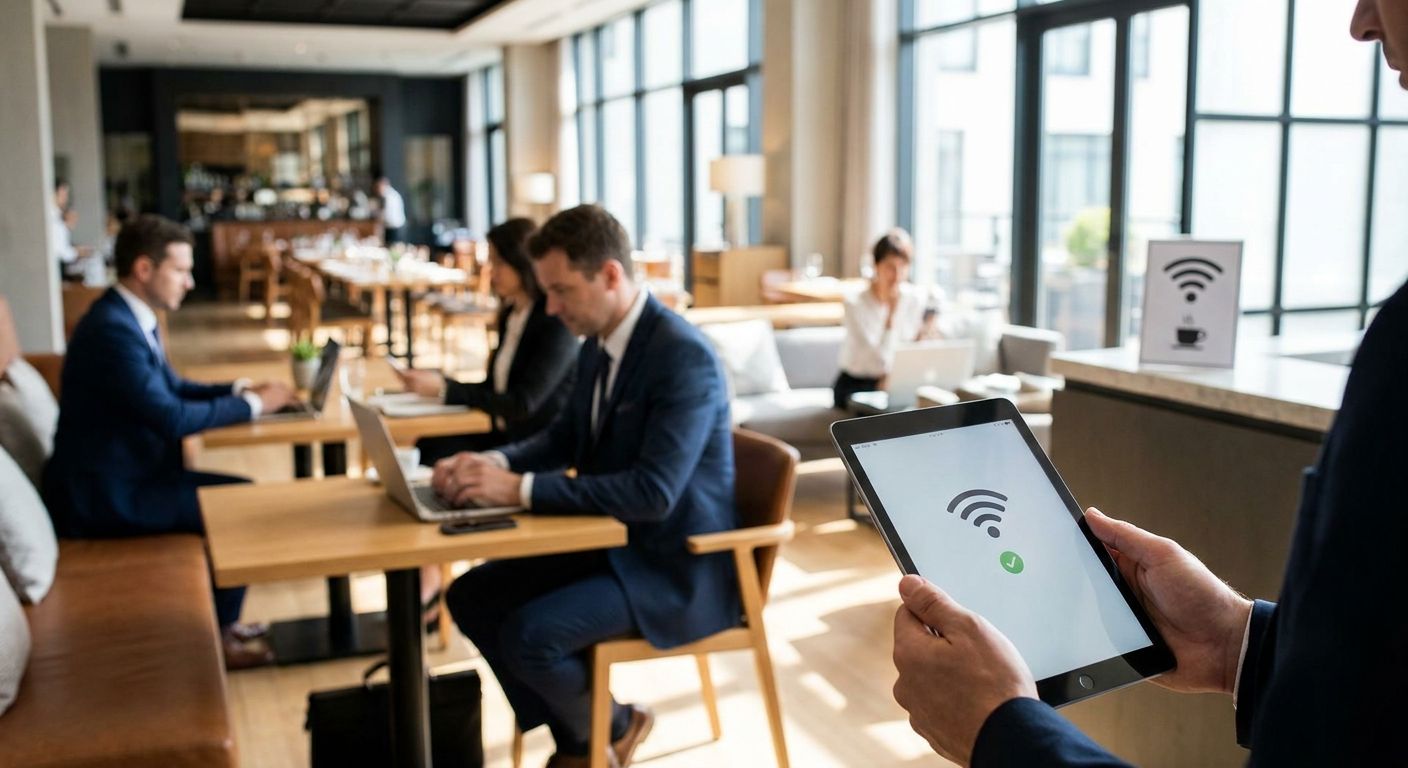
Guest Wi-Fi in a hotel or restaurant stopped being a nice-to-have amenity years ago — it now touches your POS terminals, your reservation system, and every star rating you collect on Booking.com or TripAdvisor. Buyers searching wifi para hotéis e restaurantes in 2026 are really asking one question: how do you segment a network so guests get fast internet without ever touching the systems that run the business?
- Wifi para hotéis e restaurantes starts with VLAN segmentation, not more access points — isolate guest traffic first.
- Reyee cloud-managed APs suit independent hotels and restaurants; Teltonika fits multi-building resorts. Buy accordingly.
- POS and PMS traffic must sit on its own VLAN or a busy Saturday night can slow checkout. Verdict: segment, always.
- Local installation and support in Portugal matter more than raw Mbps specs advertised on the box.
Why this matters
Slow or confusing guest Wi-Fi shows up in property reviews more than almost any other amenity complaint, and it's one of the few things a guest can test in the first five minutes of a stay. Unlike a slow elevator, bad Wi-Fi gets written down immediately, in public, with a star rating attached.
The bigger risk sits behind the scenes. A hotel or restaurant that puts guest devices on the same network as its WINTOUCH POS terminals is one firmware update or one Netflix-binging guest away from a checkout slowdown at 8pm on a Friday. In 2026, that's not a hypothetical — it's the single most common misconfiguration found in small hospitality networks.
Who this is for
This guide is for independent hotel owners, restaurant group operators, and property managers running 10 to 200 rooms or covers, who need guest Wi-Fi that doesn't interfere with POS, back-office, or reservation traffic. It assumes you already have — or plan to install — some form of point-of-sale or property management system, and that IT support isn't sitting in-house full time.
What to look for in guest Wi-Fi for hotels and restaurants
Network segmentation
Guest traffic and business traffic need to live on separate VLANs, full stop. Without segmentation, a single congested guest network can slow down card payments, kitchen order tickets, and reservation lookups at the exact moment you need them fastest — during service.
Captive portal and guest login flow
A login screen that takes longer than a few taps drives complaints even when the connection itself is fine. For hotels, tie the portal to room number and last name where possible; for restaurants, a simple terms-of-service click-through works. The goal is under 10 seconds from connect to browsing.
Bandwidth management and QoS
One guest streaming 4K video shouldn't degrade everyone else's connection. Quality of Service rules that cap per-device throughput and prioritize latency-sensitive traffic (like card payment authorization) keep the network fair without buying more bandwidth than you need.
Coverage and access point density
Stone walls, multiple floors, and outdoor terraces all eat signal. Planning one access point per roughly 15-20 guest rooms — closer to 10-12 in older stone-built properties — avoids dead zones without over-provisioning hardware you don't need.
Integration with POS and property systems
Guest Wi-Fi hardware that can't sit cleanly alongside your ERP Primavera setup for restaurants and hospitality groups creates two networks to manage instead of one coordinated system. Ask whether the network vendor supports API-level integration with your POS before buying, not after.
Local installation and support
A router that ships from overseas with no local support desk is a bad bet the day it fails during a full house. Installation and support response time inside Portugal matter more in year-round operations than a marginally higher advertised speed rating.
Top picks by property type
The safe pick — Reyee cloud-managed access points. Independent hotels and single-location restaurants get centralized guest network management from one login, without hiring dedicated IT staff. This category suits properties under roughly 40 rooms comfortably. Verdict: Buy.
The scale pick — Teltonika routers and gateways. Multi-building resorts and restaurant groups running more than one site need industrial-grade routing that keeps guest Wi-Fi live even when one uplink drops. This is overkill for a single small restaurant but the right call once you're managing more than one property. Verdict: Consider — Buy if you operate multiple locations.
The backbone pick — Equip structured switching. Wired switches tie POS terminals, kitchen printers, and access points onto one manageable network, keeping card-payment traffic off the same segment as guest streaming. Verdict: Buy for any property already running wired POS.
The integration pick — POS-to-ERP connected setups. Restaurant groups already running WINTOUCH POS get more value pairing guest Wi-Fi planning with a WINTOUCH-to-Primavera API connection so sales data flows straight into accounting without manual exports. Verdict: Consider — high value if you're already on both systems.
What to avoid
- Consumer-grade routers marketed as "business-ready." Most lack real VLAN support, meaning guest devices and your card terminal share one flat network by default.
- Open guest networks with no captive portal. No data capture, no rate limiting, and an easy target for abuse by anyone parked outside.
- Buying more access points without a site survey. Adding hardware without checking channel overlap just creates interference in stone-walled or multi-floor buildings — more APs can mean worse coverage, not better.
Plan your guest Wi-Fi setup
Get equipment and configuration recommendations sized to your property.
Verdict comparison table
| Property type | Priority criteria | Recommended approach | Verdict |
|---|---|---|---|
| Boutique hotel (under 40 rooms) | Segmentation + captive portal | Reyee cloud-managed APs | Buy |
| Multi-building resort | Coverage + failover | Teltonika routing + Reyee APs | Consider |
| Independent restaurant | POS isolation | Equip switch + single AP | Buy |
| Restaurant group, 2+ locations | POS/ERP integration | WINTOUCH POS + Primavera API + Reyee cloud | Buy |
FAQ
What is the best wifi para hotéis e restaurantes in 2026?
There is no single best setup — boutique hotels under 40 rooms do well with Reyee cloud-managed access points, while multi-building resorts need Teltonika-class routing for failover. The right choice depends on property size and whether POS integration matters.
Should guest Wi-Fi and POS share the same network?
No. Guest and POS traffic should sit on separate VLANs so a busy guest network never slows down card payments or order tickets. This is the single most common fix needed in small hospitality networks.
How many access points does a small hotel need?
Plan roughly one access point per 15-20 rooms in modern construction, closer to 10-12 rooms in older stone-built buildings where walls block signal more aggressively.
Does guest Wi-Fi need a captive portal?
Yes, for both security and guest experience. A captive portal controls access, captures basic guest data, and should take under 10 seconds from connect to browsing.
Can guest Wi-Fi integrate with restaurant POS systems?
Yes, when the network is segmented correctly, a WINTOUCH POS setup can sit on its own VLAN alongside guest Wi-Fi without conflict, and can further connect to Primavera ERP via API for reporting.
Is Teltonika or Reyee better for hospitality Wi-Fi?
Reyee suits single-property hotels and restaurants that need simple cloud management. Teltonika is built for multi-building or multi-site operations that need industrial-grade routing and failover.
What causes slow guest Wi-Fi in hotels?
The most common causes are missing network segmentation, too few access points for the building's construction, and no bandwidth management to stop one device from consuming most of the connection.
How much does professional guest Wi-Fi installation cost?
Cost depends on property size, number of access points, and whether structured cabling is already in place — get a quote sized to the specific building rather than relying on a generic per-room estimate.
One last thing
The cheapest fix most properties skip costs nothing: enable band steering so phones default to 5GHz automatically instead of fighting for the same 2.4GHz channel as kitchen equipment and Bluetooth devices. It's a setting, not a purchase, and it clears up more complaints in 2026 than most hardware upgrades do.


