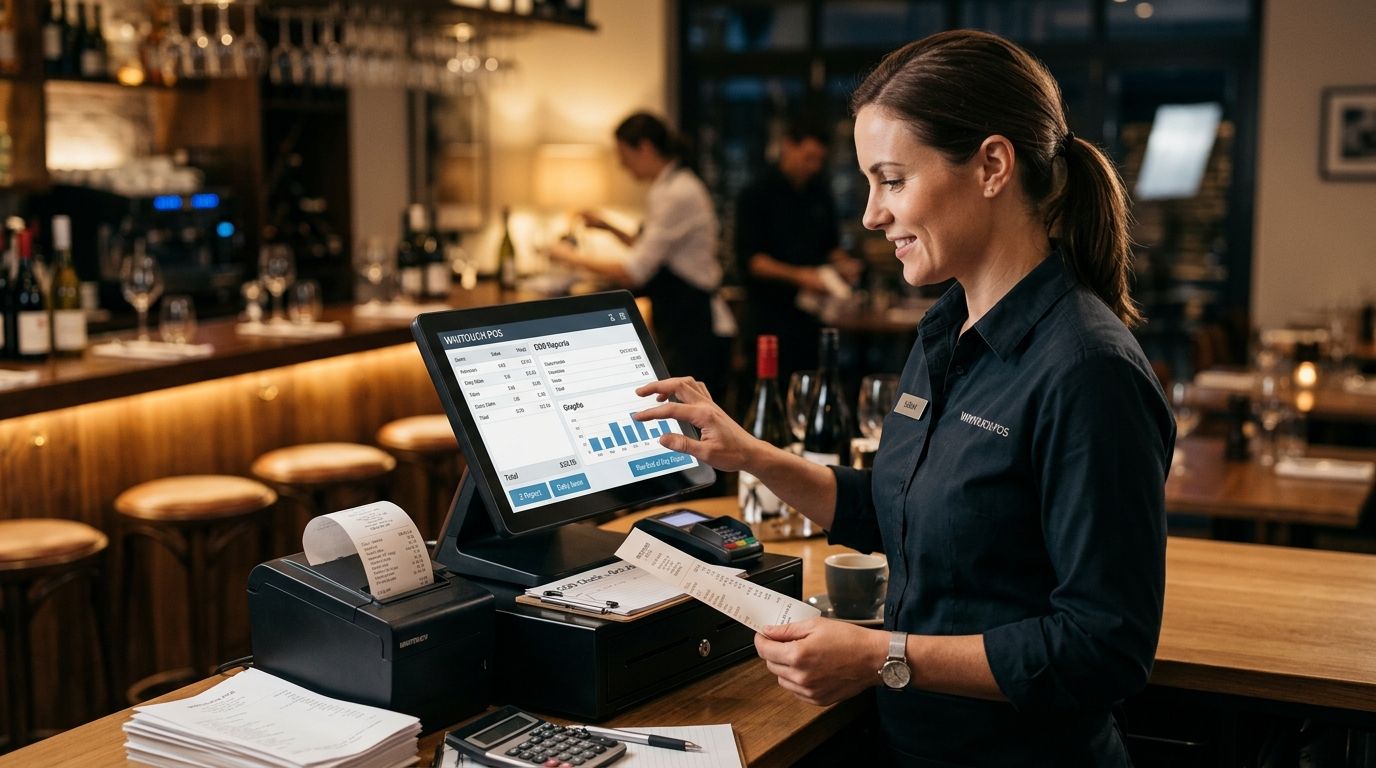
Running the end-of-day sales report in WINTOUCH POS closes the register, reconciles cash against the day's sales, and locks the totals your accountant or ERP needs — the whole sequence takes a few minutes once the last ticket is closed, but skipping the reconciliation step is the fastest way to start tomorrow with numbers that don't match.
- WINTOUCH POS end of day reports close the register, reconcile cash, and lock totals for ERP posting in one sequence.
- Run an X report anytime mid-shift to check totals; run the Z report only once, at close, since it resets counters.
- Multi-location retailers need a consolidated end-of-day view across stores, not one Z report per till.
- Most Z report mismatches trace back to an unrecorded void, comp, or refund at the terminal, not a software fault.
Why this matters
An end-of-day report isn't just a printout — it's the record that ties your cash drawer, your card terminal batch, and your accounting system together for the day. Get it wrong once and the error compounds: stock counts drift, VAT totals for the period get skewed, and reconciling a full month becomes a manual chore instead of a five-minute check.
For businesses running WINTOUCH POS software across retail, restaurant, or service floors, the end-of-day process is also the checkpoint where POS data crosses into the ERP. If that handoff breaks, accounting starts chasing gaps that trace back to a report that was never closed properly in 2026's first quarter, let alone at year-end.
How to run end-of-day sales reports in WINTOUCH POS
The sequence is the same whether you're running a single till or a chain of stores — only the scale changes.
- Close every open ticket. No end-of-day total is accurate while a table or transaction is still open.
- Run an X report first. This pulls a snapshot of sales, tax, and payment-method totals without resetting any counters, so you can run it as many times as you want during the shift.
- Count the physical cash drawer. Compare the counted total against the expected cash total shown on the X report.
- Record any variance. Log overages or shortages before you close — this is the step most operators skip, and it's the one that causes headaches later.
- Run the Z report. This locks the day's sales, tax breakdown, and payment totals, then resets the counters for the next shift. Run it once, at close, never mid-shift.
- Post the totals to your ERP. Stores running Primavera or Cegid alongside WINTOUCH can connect WINTOUCH POS to Primavera ERP so the Z report data lands in accounting without a manual re-entry.
- Back up the day's sales data. Do this before the next shift opens, not after.
“If the Z report doesn't match the drawer count, the discrepancy is almost always a comp, void, or refund that wasn't recorded at the terminal.”
X report vs Z report: what's the actual difference
| Report | When to run it | Resets counters? | Best for |
|---|---|---|---|
| X report | Any time during the shift | No | Checking totals mid-shift, spot-checking cash |
| Z report | Once, at close | Yes | Closing the day, posting final totals to accounting |
Running a Z report by mistake mid-shift is the single most common operator error — it resets the counters and makes the rest of the day's X reports meaningless for that shift.
Why the end-of-day process varies from store to store
- Single till vs multi-location. A chain running WINTOUCH Cloud for multi-location retail needs a consolidated end-of-day view, not a Z report read separately at each store.
- Standalone install vs cloud. On-premise WINTOUCH closes locally; WINTOUCH Cloud syncs totals in real time, which changes when and how the ERP export happens.
- ERP integration. Stores with Primavera or Cegid connected add an export or API sync step that standalone installs don't need.
- Payment method mix. Card terminals, mobile payment, and cash each add a reconciliation line to the X and Z reports.
- Franchise structure. Franchise operations need per-store Z reports plus a roll-up total for the group.
- Tax reporting obligations. Portuguese businesses running SAF-T compliant invoicing need the end-of-day totals to line up cleanly with the periodic SAF-T export, so a mismatched Z report becomes a compliance problem, not just a bookkeeping one.
Need help closing out WINTOUCH POS
Voll supports WINTOUCH licensing, ERP integration, and setup for Portuguese businesses.
How often should you run a Z report in WINTOUCH POS?
Run the Z report once per shift or once per business day — running it more than once resets the counters and breaks the day's totals. If you operate multiple shifts, run one Z report at the end of each shift, not one at the very end of the day.
Can you check totals on WINTOUCH Cloud from a different device?
Yes, WINTOUCH Cloud syncs sales data across devices, so a manager can pull the X report from a phone or back-office computer without standing at the till. This matters most for operators managing several locations who don't want to physically visit each store to check the day's numbers.
What happens if you forget to run the end-of-day report?
Skipping the Z report means the next day's sales get lumped in with the previous day's totals, and cash reconciliation for both days becomes far harder to untangle. The longer it goes unclosed, the harder it is to isolate which shift a discrepancy came from — close it daily, not when there is finally time for it.
FAQ
What is a Z report in WINTOUCH POS?
A Z report in WINTOUCH POS locks the day's sales, tax, and payment totals and resets the counters for the next shift. Run it once at close — running it mid-shift wipes out the running totals for the rest of the day.
Can I reprint a Z report after closing the day?
Most POS systems, including WINTOUCH, keep historical Z report data accessible for reprinting after the fact. Check the reporting or history menu for the specific date rather than assuming the report is gone once the drawer closes.
Does WINTOUCH POS sync end-of-day totals to Primavera automatically?
WINTOUCH POS can post end-of-day totals to Primavera or Cegid through an API connection rather than manual re-entry. Setting up that link is a one-time configuration step, not something that happens by default out of the box.
What is the best way to reconcile a cash drawer at day's end?
Count the physical drawer first, then compare it against the expected cash total on the X report before running the Z report. Record any variance immediately — waiting until the next day makes the source of a mismatch nearly impossible to trace.
Is WINTOUCH Cloud better than on-premise for end-of-day reporting across multiple stores?
WINTOUCH Cloud gives multi-location retailers a consolidated end-of-day view without visiting each store, which on-premise installs cannot do on their own. Single-location businesses without that need can run either setup without a meaningful reporting difference.
How do I back up POS sales data after closing the day?
Back up sales data right after the Z report closes, before the next shift opens, so the day's totals are captured cleanly. Automated backup routines remove the risk of someone forgetting the manual step at a busy close.
What causes a mismatch between the Z report and the cash drawer count?
The most common cause is an unrecorded void, comp, discount, or refund that happened at the terminal but was not logged. Card terminal batch timing mismatches are the second most common cause, especially when the terminal batch closes on a different clock than the POS.
One last thing
The operators who never have end-of-day mismatches aren't the ones with the fanciest hardware — they're the ones who run the X report at least once mid-shift instead of waiting until close to find out something's wrong. Voll works with businesses running WINTOUCH POS across restaurants, retail, and service floors in Portugal, and in 2026 the setups with the fewest reconciliation headaches are almost always the ones where the ERP export step got configured on day one, not bolted on six months later after the first bad month-end.


