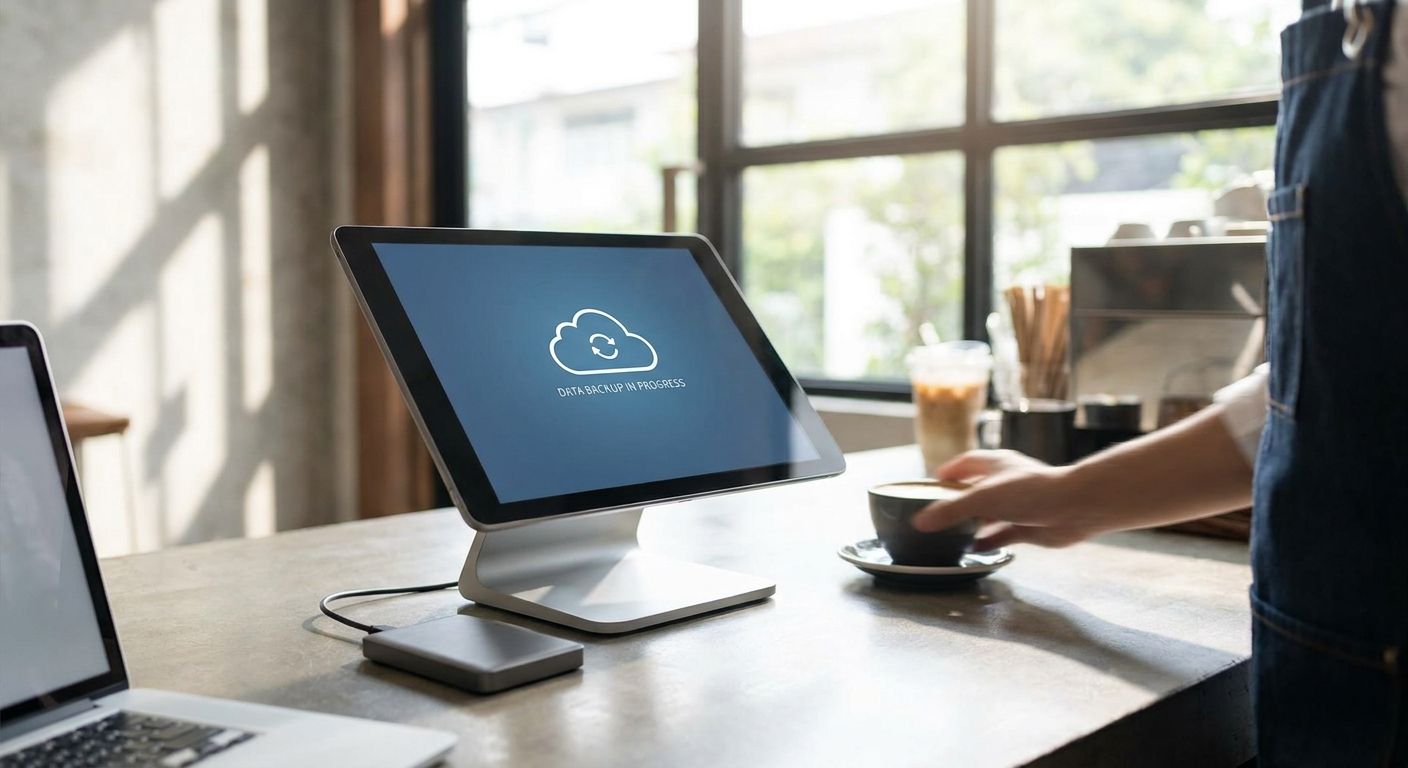
Automatic POS sales data backup means three things happening without a human pressing a button: the POS software syncing every transaction to the cloud in real time, a local device holding a second copy, and a scheduled offsite backup that survives theft, fire, or a dead hard drive. Skip any one of those three and the gap shows up at the worst moment — mid-audit, mid-crash, or mid-chargeback dispute, when the sales record you need doesn't exist anywhere.
- Automatic POS sales data backup needs three layers: cloud sync, local storage, and a scheduled offsite copy.
- The 3-2-1 rule (3 copies, 2 media types, 1 offsite) is the baseline standard for 2026, not an upgrade.
- Cloud-native POS platforms like WINTOUCH Cloud back up sales data continuously; on-premise POS needs a manual backup schedule bolted on.
- Portuguese tax law requires businesses to keep invoicing and sales records for years, so retention settings matter as much as backup frequency.
- Test the restore, not just the backup — a backup nobody has restored is a guess, not a safety net.
Why this matters
A point-of-sale system isn't a convenience app — it's the single record of every sale, refund, and tax line your business generates. Lose that data and you lose the ability to reconcile cash drawers, answer a SAF-T audit request, or prove a disputed transaction happened. WINTOUCH POS software and similar systems generate this data continuously, which is exactly why backup can't be a monthly manual task somebody forgets during a busy week in 2026.
Most data loss incidents at retail and hospitality businesses aren't dramatic. It's a corrupted local database, a laptop that won't boot, or a POS terminal that dies mid-shift with three days of unsynced transactions on it. Automatic backup exists to make that a non-event instead of a crisis.
How to back up POS sales data automatically
The setup is the same whether you run one till or twenty. Follow these steps in order:
- Turn on native cloud sync first. If your POS runs on a cloud platform, sales data already syncs continuously — confirm the sync status shows connected, not the last-sync timestamp from three hours ago.
- Add a second local copy. Point the POS's export or database backup to a NAS drive or dedicated business storage device on the same network, separate from the terminal itself.
- Schedule automated exports of transaction logs. Daily exports of the sales journal, not just the database file, give you a human-readable record you can open even if the POS software itself is unavailable.
- Set retention rules that match legal requirements, not just storage convenience — more on this below.
- Add a general business cloud backup layer on top of POS-specific backup so sales data, invoices, and inventory records are all covered by one offsite policy.
- Test a full restore at least once a quarter. Restore last month's data to a spare device and confirm it opens and reconciles. A backup that has never been restored is unverified.
The 3-2-1 rule, applied to POS
The 3-2-1 backup rule is the industry standard for a reason: keep 3 copies of your data, on 2 different types of storage media, with 1 copy offsite. For a POS system in 2026 that looks like: the live database on the terminal, a synced copy on local NAS or in the POS vendor's cloud, and a third copy in a separate cloud backup service or offsite drive. Two copies sitting in the same store on the same network don't count as a real backup plan — a break-in or an electrical fire takes out both at once.
Cloud-native POS vs. on-premise POS: backup responsibility
| Setup | Who handles backup | Risk if ignored |
|---|---|---|
| Cloud-native POS (e.g. WINTOUCH Cloud) | Vendor syncs continuously; you still need one independent offsite copy | Lower, but vendor outage still means no local access |
| On-premise POS with local database | Store owner or IT provider, manually scheduled | Highest — a single hard drive failure can erase months of sales history |
| Hybrid (local terminal, ERP sync) | Split between POS backup and ERP backup (Primavera/Cegid) | Medium — gaps appear if the sync job silently fails |
Verdict: cloud-native POS reduces the manual work but doesn't eliminate the need for an independent backup — treat vendor sync as layer one, not the whole plan.
Businesses moving off legacy on-premise systems often do it specifically to fix this gap. If your terminal still stores everything locally with no automatic offsite copy, migrating from on-premise POS to a cloud setup removes the single point of failure rather than patching around it.
Why backup requirements vary by business
- Transaction volume — a single-till café generates a fraction of the data a multi-location retail chain does, which changes how often backups need to run.
- Legal retention rules — Portuguese tax law requires businesses to retain invoicing and accounting records for a set number of years, which means your backup retention policy has to outlast your storage device's typical lifespan.
- ERP integration — stores syncing POS to Primavera or Cegid need the ERP backup and the POS backup aligned, or reconciliation breaks when one lags behind the other.
- Number of locations — multi-branch operations need centralized backup, not each store managing its own local copy independently.
- Payment method mix — businesses processing more card and digital payments generate reconciliation data (settlement files, terminal logs) that also needs to be part of the backup scope, not just the sales database.
- Power reliability — a backup job interrupted mid-write by a power cut can corrupt the file being written, which is a separate risk from not backing up at all.
Move POS backup off manual habits
See how WINTOUCH Cloud handles sales data sync automatically.
How long do Portuguese businesses need to keep POS sales records?
Portuguese tax law requires businesses to retain invoicing and accounting records for 10 years, which is longer than most POS systems retain data locally by default. If your POS or backup retention setting is shorter than that, you're compliant on paper but exposed the moment a tax authority asks for a record older than your backup window. Sales data tied to SAF-T reporting needs to sit in this retention plan too — see SAF-T compliant invoicing requirements if you haven't confirmed your export format meets the standard.
Is cloud backup better than local backup for POS systems?
Cloud backup is better for disaster recovery — a fire, theft, or flood at the store doesn't touch data sitting offsite. Local backup (NAS, external drive) is faster to restore from and doesn't depend on internet connectivity, which matters mid-shift when you need last night's numbers in minutes, not after a support ticket. The correct answer is both, not one instead of the other — that's the second and third layer of the 3-2-1 rule.
What happens if POS sales data isn't backed up and the terminal fails?
Unbacked POS sales data that lives only on a failed terminal is generally unrecoverable without paying for specialized data recovery, and even then success isn't guaranteed. That means lost transaction history, broken tax reconciliation for the period in question, and no record to resolve customer disputes. It's the single most common reason small retailers end up rebuilding financial records manually after a hardware failure.
One last thing
The backup people skip isn't the database — it's the power supply keeping the backup job from being interrupted mid-write. A cut power event during a scheduled sync can corrupt the very file you were trying to protect, which is why UPS backup power for POS terminals and cash registers belongs in the same conversation as backup software, not a separate line item nobody budgets for.
FAQ
What's the best way to back up POS sales data automatically?
The best setup combines cloud sync from the POS software itself with a local NAS copy and a separate offsite backup service — the 3-2-1 rule applied to point-of-sale data. Relying on just one layer leaves a gap when that single system fails.
How often should POS sales backups run?
Cloud-native POS platforms sync continuously, in real time, as transactions happen. Local exports and offsite backups should run at least daily, with a full restore test at least once a quarter.
Is cloud backup better than local backup for POS systems?
Neither replaces the other — cloud backup protects against physical disasters at the store while local backup restores faster without needing internet access. A solid plan in 2026 uses both together.
What happens if you lose POS sales data without a backup?
Sales history, tax reconciliation records, and dispute evidence for that period are generally unrecoverable once the storage device fails. This is the most common cause of retailers manually rebuilding financial records after a hardware crash.
How long must Portuguese businesses keep sales records?
Portuguese tax law requires retaining invoicing and accounting records for 10 years. Backup retention settings shorter than that leave a business technically non-compliant even with an active backup.
Can WINTOUCH POS back up sales data automatically?
Cloud-based WINTOUCH setups sync sales data continuously as part of normal operation, removing the need for a separate manual export step. On-premise WINTOUCH installs still need a backup schedule configured on top.
Do I need a UPS if backups already run automatically?
Yes — a power cut during a scheduled backup write can corrupt the file being saved, which defeats the purpose of automating it. UPS backup power for POS terminals prevents that specific failure mode.
Is a NAS enough to back up POS sales data on its own?
A NAS covers the local copy but not the offsite requirement of the 3-2-1 rule, so it's one layer, not the whole plan. Pair NAS storage with a cloud backup service for genuine disaster protection.


