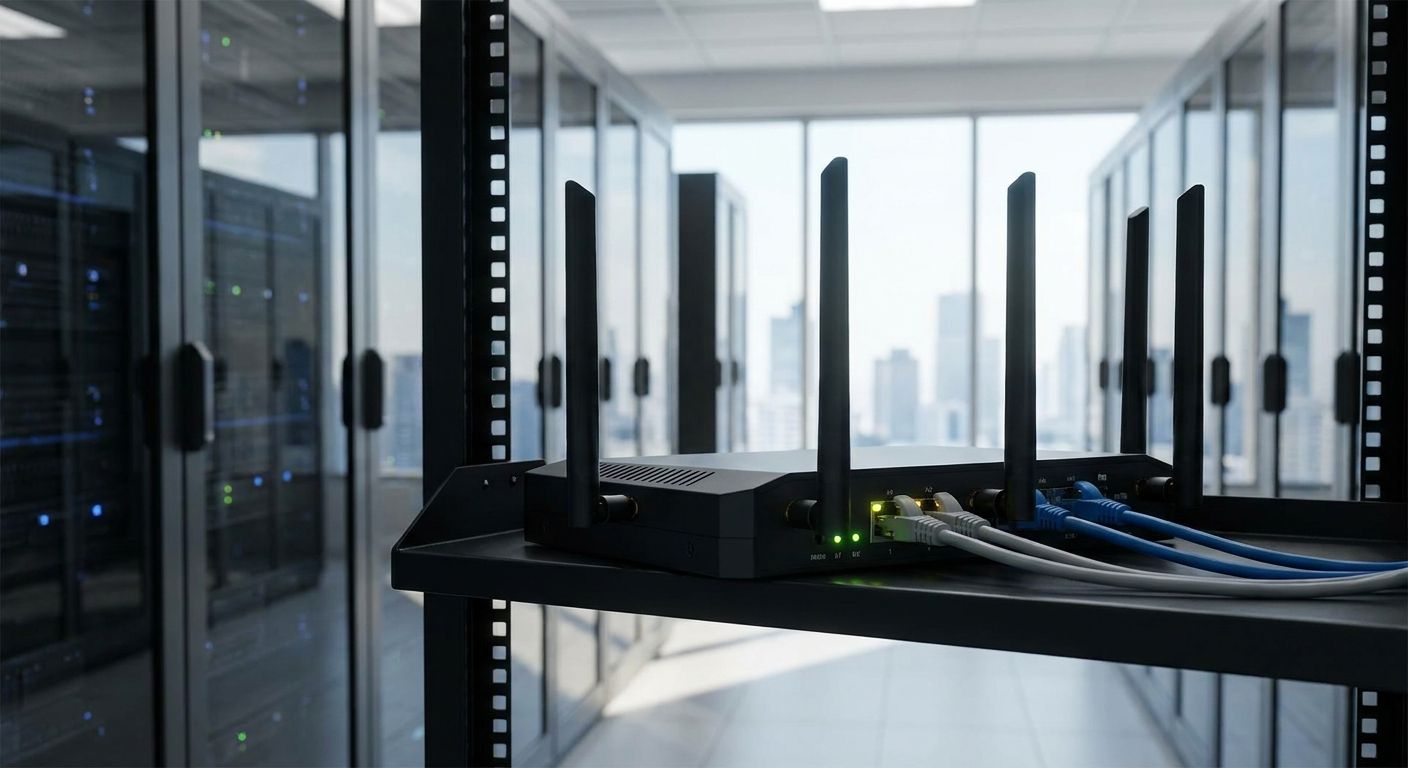
A fibre or DSL outage doesn't slow a business down — it stops it. Card payments fail, cloud POS stops syncing, and Primavera or Cegid logins hang the second the main line drops. 4G/LTE backup routers for business internet failover switch a location onto mobile data automatically, and by 2026 that switch is table stakes for any business that can't afford a dead checkout counter.
- 4G/LTE backup routers for business internet keep POS, VPN, and ERP traffic alive when fibre drops — dual-SIM models win.
- Cat 4 LTE tops out near 150 Mbps down and 50 Mbps up, plenty for card payments and cloud ERP, not video calls.
- Multi-branch retailers need centralized VPN failover, not a standalone hotspot: Consider before you Buy.
- Single-SIM consumer dongles are a Skip for any business running a till or a server room.
- Voll ships network gear nationwide in 24-48h, so a spare failover router doesn't mean a week offline.
Why this matters
A business running WINTOUCH POS or a cloud Primavera license doesn't lose "internet" when fibre goes down — it loses the ability to close a sale. Card terminals stall, cloud ERP sessions drop mid-invoice, and a restaurant on WINTOUCH Cloud can't sync a single order until the line comes back.
A 4G/LTE backup router sits behind the main connection and takes over the moment it sees the primary WAN fail, using a SIM card instead of the fibre modem. The router itself is cheap insurance next to a shift's worth of lost transactions, but only if it's sized and configured for the job — not a consumer mobile hotspot bought as an afterthought.
Who this is for
This guide is for retail stores, restaurants, clinics, and professional services offices in Portugal running a cloud POS or ERP system that cannot tolerate a dropped connection at the till or during invoicing. It's also for multi-branch retail chains and distributors that need every location online at once, not just the head office.
What to look for in a 4G/LTE backup router for business internet
Dual-SIM, dual-carrier support
A router with two SIM slots on two different mobile carriers survives a single-carrier network problem, which a single-SIM router cannot. For a business that depends on the backup link actually working, carrier redundancy matters more than raw speed.
LTE Cat 4 bandwidth or better
LTE Cat 4 hardware supports up to 150 Mbps downlink and 50 Mbps uplink under the 3GPP standard — enough headroom for card payments, cloud ERP sessions, and email even with several devices on the failover link at once. Anything below that spec chokes the moment two terminals need the connection simultaneously.
Automatic failback, not just failover
A router that switches to LTE when fibre drops is only half the job — it also has to switch back to fibre automatically once the primary line recovers, without someone walking over to reboot it. Manual failback means the business keeps paying for mobile data long after fibre is back.
VPN and multi-site management
A single retail location can run a standalone failover router, but a chain with several branches needs centralized VPN policy across all of them, ideally managed from one dashboard rather than configured store by store. This is where multi-branch VPN connectivity planning has to happen before hardware gets picked, not after.
Local install and support
A failover router that's misconfigured is worse than none at all, because it creates a false sense of security. Local install and support — the kind tied to the ERP integration a business already runs on Primavera or Cegid — catches configuration mistakes before an outage exposes them.
Top picks by scenario
The single-site safe pick. A small retail store or office with one location and one POS terminal needs a router that pairs Wi-Fi and LTE failover in a single box, with dual-SIM as the non-negotiable spec. Set this up as part of a proper office Wi-Fi network rather than bolting a router onto an existing setup as an afterthought. Verdict: Buy.
The multi-site wildcard. A retail chain running four or more branches needs centralized VPN failover across locations, not four independently configured routers that each fail differently. This only pays off once the multi-branch VPN connectivity is planned as a chain-wide policy, which is more setup work upfront but avoids one branch quietly running unprotected for weeks. Verdict: Consider — the setup cost is real, but so is the exposure of leaving branches unmanaged.
The POS continuity pick. A business where the till cannot go dark for even a few minutes — a busy café, a pharmacy, a minimarket — needs the LTE router paired with UPS backup power for POS systems, because a router that survives an internet outage is useless if the power also cuts. Verdict: Buy for any business where a dead register during a power blip means a lost sale, not just a delayed one.
The consumer hotspot. A phone-based mobile hotspot or a single-SIM USB dongle looks like the cheap version of the same idea, and for a business running card payments or cloud ERP, it isn't. No dual-SIM redundancy, no automatic failback, no way to manage it remotely once it's plugged into a till three locations away. Verdict: Skip for anything beyond a one-person freelance setup.
Get a network failover quote
Voll ships professional network gear nationwide in 24-48h.
What to avoid
- Single-SIM routers on the same carrier as the fibre line. If the outage is a carrier-side issue rather than a physical fibre cut, a router on the same network fails right alongside the main connection.
- Routers with no remote management. A multi-branch business needs to see which locations are running on LTE right now, not find out three days later when someone checks the invoice for mobile data usage.
- Bandwidth specs picked for one device, not peak load. A router sized for a single laptop stalls the moment two card terminals and a cloud POS session hit it at once during a busy shift.
Verdict comparison
| Scenario | Priority feature | Failover type | Verdict |
|---|---|---|---|
| Single retail location | Dual-SIM, Wi-Fi + LTE combo | Standalone automatic failover | Buy |
| Multi-branch retail chain | Centralized VPN management | Managed failover across sites | Consider |
| POS-critical business (café, pharmacy) | Pairs with UPS backup power | Failover + power continuity | Buy |
| Freelance / single-person office | Basic mobile hotspot | Manual, no redundancy | Skip |
FAQ
What is a 4G/LTE backup router for business internet?
It's a router that automatically switches a location onto mobile data the moment the main fibre or DSL connection drops, keeping POS, email, and ERP access online during an outage. Most business-grade models use dual-SIM for carrier redundancy.
Is LTE fast enough to run a POS system during an outage?
Yes — LTE Cat 4 supports up to 150 Mbps downlink and 50 Mbps uplink, far more than a card terminal or cloud POS session needs. The bottleneck during an outage is almost never bandwidth, it's a router without dual-SIM or automatic failback.
Do I need dual-SIM or is single-SIM enough for business failover?
Dual-SIM on two different carriers is the safer choice for any business that depends on the connection to close sales. Single-SIM fails alongside the main line whenever the issue is carrier-side rather than a physical cable cut.
How is a 4G/LTE backup router different from a mobile hotspot?
A business-grade backup router switches automatically, supports remote management, and typically runs dual-SIM, while a consumer hotspot is manual and single-carrier. For a till or a server room, the hotspot is a Skip.
Can a 4G/LTE router protect a multi-branch retail chain?
Yes, but it needs centralized VPN policy across every location rather than a router configured independently at each branch. Without that, one branch can sit unmanaged for weeks without anyone noticing.
Does a backup router still work if the power goes out?
No — a 4G/LTE router needs mains power just like the main modem, so it does nothing during a power cut unless it's paired with UPS backup power. For POS-critical businesses, the router and the UPS are a package, not separate decisions.
How fast does failover switching happen?
Business-grade routers detect the primary WAN failure and switch to LTE automatically, then switch back once fibre recovers, without manual intervention. The exact switching behavior varies by configuration, which is why local install and setup matters more than the sticker spec.
One last thing
The upgrade that actually matters isn't the router brand — it's whether the two SIMs sit on two different carriers. A dual-SIM router with both SIMs on the same network is functionally a single-SIM router the moment that carrier has a regional outage, and that's the exact failure mode a backup router exists to prevent.


