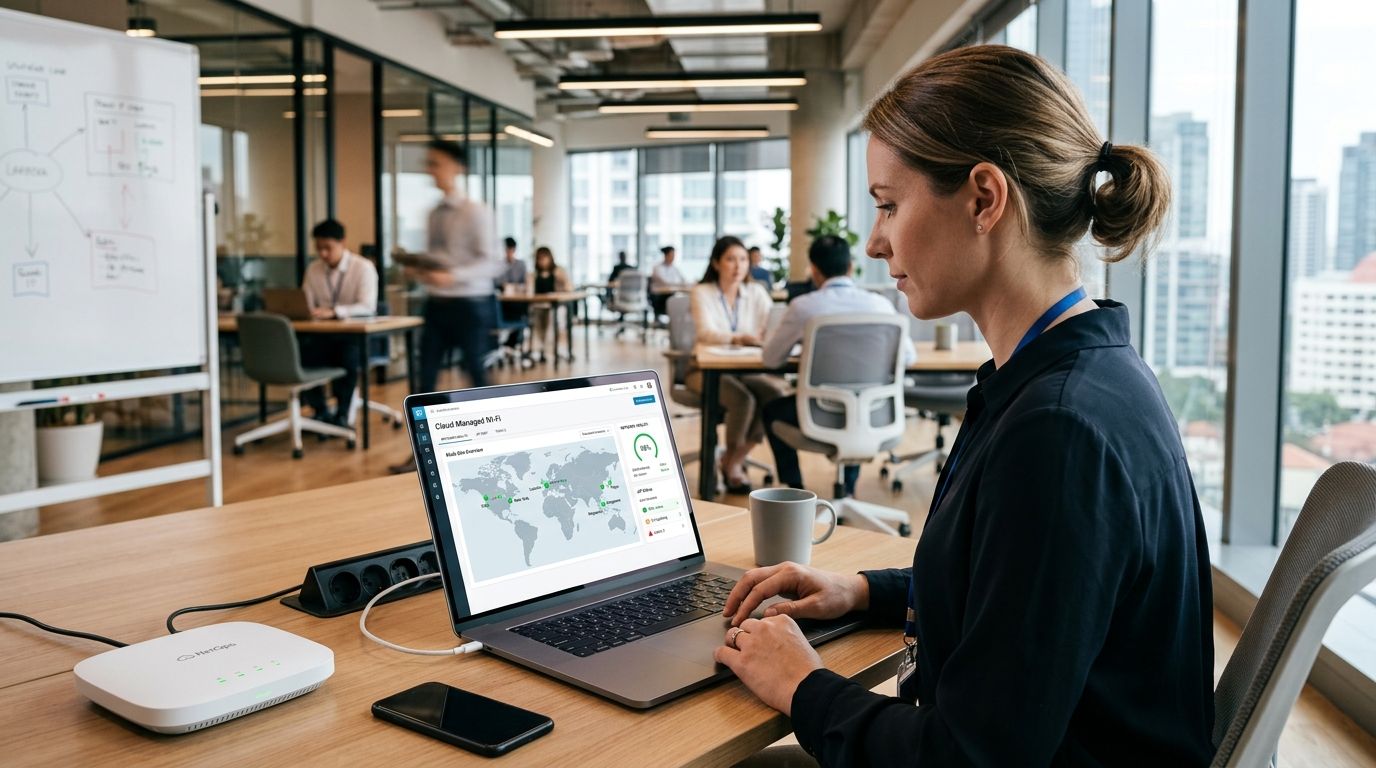
Cloud managed wifi controllers let a single administrator configure, monitor and troubleshoot every access point across every store, branch or warehouse from one dashboard, with the goal of cutting the IT hours spent driving between sites to fix Wi-Fi. Multi-site businesses need this differently than a single-office company: the constraint isn't just coverage, it's consistency — the same SSID, the same guest portal, the same security policy at 12 locations without 12 separate configurations.
- Cloud managed wifi controllers centralize configuration for every site from one login, cutting on-site visits for routine changes.
- Multi-site retailers and franchises need one controller platform, not per-store hardware — mixed vendors break centralized policy.
- Reyee access points paired with a cloud controller cover most 5-30 site retail and franchise deployments without an on-prem server.
- Guest Wi-Fi, staff VLANs and POS traffic must run on separate VLANs at every location — one flat network is the most common failure in 2026 audits.
- Business-grade routers with VPN back-haul are the step most multi-site rollouts skip, and the one that causes the most support tickets.
Why cloud managed wifi controllers matter for multi-site businesses
A business running one location can walk over and reboot a router. A business running eight can't. Every extra site multiplies the number of access points, VLANs, firmware versions and guest-network logins that someone has to keep straight, and the pattern shows up constantly in how multi-site owners search: they're not looking for "best router," they're looking for how to set up Wi-Fi coverage across multiple store locations without hiring a network engineer per site.
Cloud managed wifi controllers solve the coordination problem, not the coverage problem — you still need enough access points per square meter. What changes is who has to be physically present to change a password, add a VLAN, or see which store's guest network went down. In 2026, that distinction is what separates a retail chain that scales to 20 locations cleanly from one that accumulates a different network configuration at every store.
Build the controller setup: 6 steps for multi-site networks
Map your site inventory before buying anything
Start with a written list, not a network diagram. Skipping this step is why most multi-site Wi-Fi projects run over budget in year one.
- Count access points needed per site based on floor area and wall material, not headcount alone
- List which sites share an ISP or are on separate contracts
- Flag sites with POS terminals, kitchen displays or self-service kiosks that need a dedicated VLAN
- Note which locations have no on-site IT contact, since those need remote-first management
- Record current firmware and vendor per site — mixed vendors are the top cause of inconsistent policy
Standardize on one access point vendor across every site
Running three AP brands across ten stores means three management consoles, three firmware cycles and three support contracts. Pick one line and stay on it.
- Choose access points rated for the noisiest environment you operate (warehouse, kitchen, retail floor)
- Confirm PoE budget per switch before ordering more APs than the switch can power
- Standardize on one firmware release train to avoid feature drift between sites
- Buy spares for at least one AP per five deployed, since replacement lead time on mismatched hardware kills uptime
Choose cloud-managed over on-premise controller hardware
This is where the manual approach and the faster path split. An on-premise controller means a physical box at headquarters (or one per site) that every AP phones home to — it works, but it's a single point of failure and it needs someone to patch it.
A cloud managed wifi controller removes that box. Configuration, firmware pushes and guest-portal changes happen through a browser, and new sites join by plugging in access points that pull their config automatically. Reyee's cloud platform, sold through Reyee access points for warehouses and large facilities, is built exactly for this: one login covering every site, no local controller hardware to maintain.
Segment traffic with VLANs at every site, not just headquarters
A flat network where POS traffic, guest Wi-Fi and staff devices share one broadcast domain is the single most repeated mistake found in 2026 multi-site network audits.
- Create a dedicated VLAN for POS and payment terminals, isolated from guest traffic
- Put guest Wi-Fi on its own VLAN with a captive portal and bandwidth cap
- Separate IoT devices (cameras, digital signage, kiosks) onto their own segment
- Apply the same VLAN numbering scheme at every site so remote troubleshooting doesn't require a site-specific cheat sheet
- Route all VLANs through business-grade routers for branch office connectivity rather than consumer routers that can't handle multiple tagged VLANs reliably
Connect every site with a managed VPN, not open internet
Cloud management only works if each site can reach the controller reliably and securely. That means the connection between headquarters and each branch needs to be a controlled tunnel, not a bare internet link.
- Set up site-to-site VPN so branch traffic to head office isn't exposed
- Use multi-branch VPN connectivity for retail chains as the backbone linking store networks to central POS and inventory systems
- Add 4G/LTE failover at sites where a single ISP outage would take down sales
- Log VPN uptime per site so a pattern of drops at one location gets caught before it becomes a support ticket flood
Set up remote monitoring and alerting before, not after, launch
A controller you only check when something breaks isn't cloud management, it's a dashboard nobody looks at.
- Configure email or SMS alerts for AP offline events per site
- Set bandwidth thresholds that flag unusual usage (a sign of a rogue device or a saturated guest network)
- Review firmware compliance weekly across all sites from the single console
- Assign one internal owner per region so alerts don't get ignored when they fan out across 15+ locations
Comparison: controller options for multi-site deployments
| Option | Best for | Key limitation |
|---|---|---|
| Cloud-managed controller (Reyee) | Retail chains and franchises with 5-50+ sites and no local IT staff | Requires stable internet at each site for real-time management |
| On-premise hardware controller | Single campus or large single site with in-house network staff | Needs local hardware maintenance; doesn't scale well past one physical location |
| Standalone APs, no controller | One or two sites with a single admin who can configure each AP manually | No centralized policy — every config change means logging into each AP separately |
| Hybrid cloud + local cache | Sites with unreliable internet that still need central visibility | More complex initial setup than a pure cloud model |
Verdict: a cloud managed wifi controller on standardized access points is the only option that scales past five sites without adding headcount.
Common mistakes multi-site businesses make with Wi-Fi
- Buying access points site-by-site as stores open, ending up with four vendors and no unified dashboard by location ten
- Skipping VLAN separation and putting customer guest Wi-Fi on the same network as the POS terminal, which is both a security gap and a PCI compliance problem
- Relying on consumer routers for VPN back-haul, which drop site-to-site tunnels under load during peak sales hours
- No firmware patch schedule across sites, so a known vulnerability sits open at eight branches while it's patched at two
- Treating guest Wi-Fi bandwidth as unlimited, letting one high-traffic location saturate a shared internet circuit and slow the POS system for everyone on it
“If your Wi-Fi setup at store three looks different from store one, you don't have a network, you have three networks that happen to share a logo.”
Standardize Wi-Fi across every location
Get a network plan sized to your site count and connectivity needs.
FAQ
What are cloud managed wifi controllers?
A cloud managed wifi controller is a browser-based platform that configures, monitors and updates access points across multiple sites from one login instead of a physical on-premise box. It's built for businesses running more than one location that need the same network policy everywhere.
Is cloud-managed Wi-Fi better than an on-premise controller for retail chains?
For chains with five or more sites, cloud management wins because it removes the need for a physical controller and local IT staff at every branch. On-premise controllers still make sense for a single large campus with in-house network staff on-site.
How many access points does a multi-site business need per location?
Coverage depends on floor area, wall material and device density, not a fixed rule — a small retail unit may need one to two access points while a warehouse needs coverage mapped by aisle. A site survey per location before ordering avoids both under- and over-buying.
Can guest Wi-Fi and POS terminals share the same network?
No — POS and payment traffic should sit on a separate VLAN from guest Wi-Fi at every site. Mixing them is a common cause of both slow checkout performance and compliance exposure.
Do multi-site businesses need a VPN between locations?
Yes, if stores share inventory, POS or ERP systems with headquarters. A site-to-site VPN keeps that traffic off the open internet and gives IT one controlled path to troubleshoot instead of per-site exceptions.
What happens if internet goes down at one store location?
Without a failover connection, that store loses both Wi-Fi management and often POS processing until the primary ISP link is restored. A 4G/LTE backup router keeps the site online and syncs once the primary connection returns.
How do you monitor Wi-Fi uptime across many sites?
A cloud managed wifi controller with alerting configured per site flags access point outages and bandwidth anomalies as they happen, rather than waiting for a store manager to call in. Alerts should route to a named owner per region, not a shared inbox nobody checks.
One last thing
The rollout order matters more than the hardware brand: businesses that standardize the access point vendor and VLAN scheme before adding a cloud controller spend far less time firefighting than those that bolt cloud management onto a network that already has four different configurations. Fix the standardization first in 2026, then layer the controller on top — reversing that order means migrating five site configs later instead of deploying one template five times.


