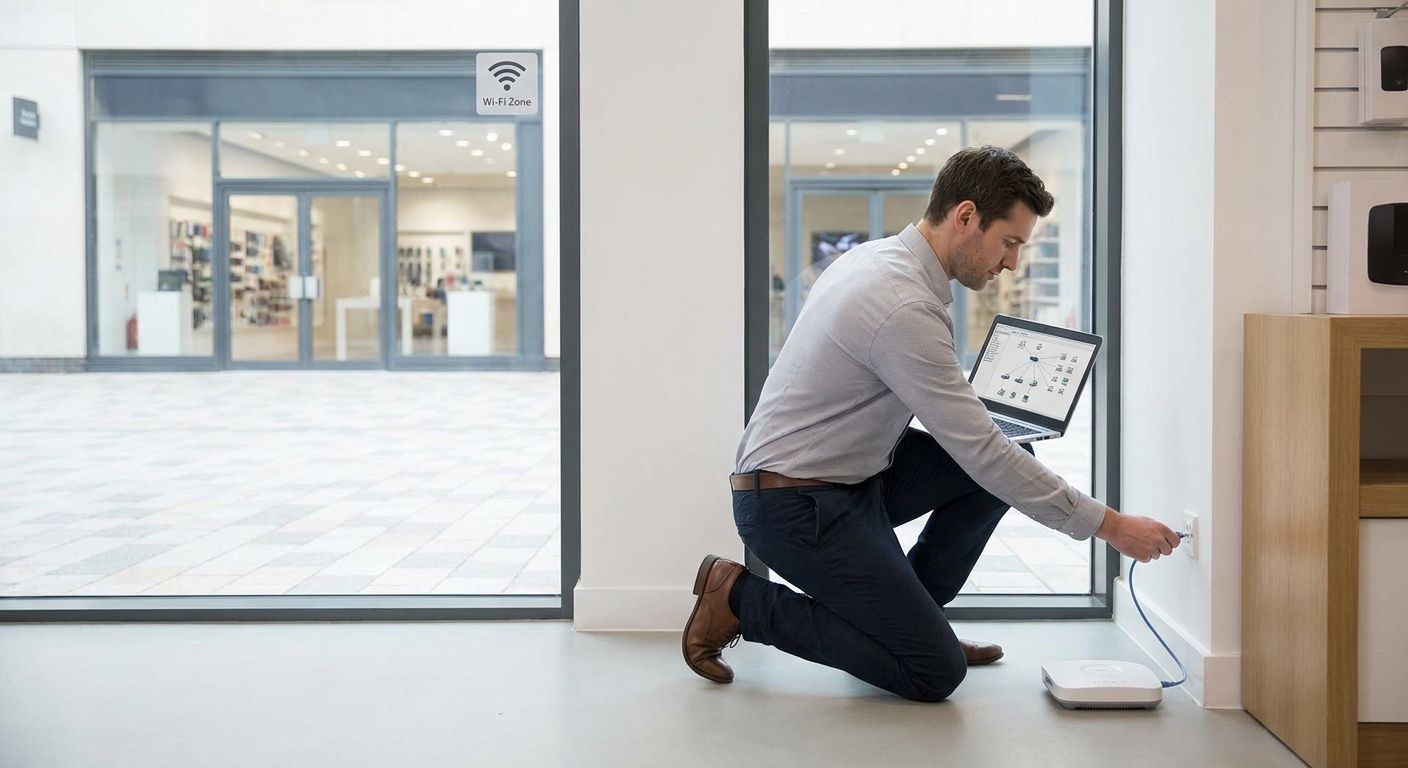
Wi-Fi coverage across multiple store locations breaks down when each site gets its own standalone router instead of one connected network design — the fix is centralized management, a site-to-site VPN backbone, and dedicated VLANs for POS, staff, and guest traffic at every location.
- Setting up wifi across multiple stores in 2026 means one cloud-managed network, not five separate routers.
- Reyee access points let a single dashboard control every store's Wi-Fi from one login.
- A site-to-site VPN, not public internet, should carry POS and inventory traffic between stores.
- 4G/LTE failover routers keep checkout running when the primary fiber or DSL line drops.
- Segment guest Wi-Fi on its own VLAN — never let shoppers share a network with your POS terminals.
Why this matters
A retail chain that treats each store as its own IT island ends up with five different Wi-Fi passwords, five different problems, and no way to fix any of them remotely. When a POS terminal drops connection at Store 3, someone has to physically drive there — because nobody set up central visibility.
The better model connects every store back to one network architecture: shared VPN tunnels, shared configuration, one place to push updates. Multi-branch VPN connectivity for retail chains is the piece that makes this possible — it's the tunnel that lets headquarters see and manage every location as if it were one building instead of five.
That's the difference between IT that scales past three stores and IT that falls apart at four.
How to Set Up Wi-Fi Coverage Across Multiple Store Locations
Follow this build order. Skipping steps is how chains end up with dead zones at the back of the store and a POS terminal that drops mid-transaction.
- Standardize the design once, at headquarters. Pick one access point model, one switch brand, one firewall model — and use the same setup at every store. Mixed hardware means mixed support tickets.
- Deploy cloud-managed access points per site, sized to square footage and wall material — concrete and metal shelving eat signal faster than drywall.
- Connect every store to headquarters over a site-to-site VPN, not the open internet, so POS and inventory data never travels unencrypted between locations.
- Segment traffic into VLANs: one for POS terminals, one for staff devices, one for guest Wi-Fi. A customer browsing on the guest network should never touch the same subnet as your card reader.
- Add a 4G/LTE failover router at each site so checkout keeps running if the primary line goes down.
- Manage and monitor every location from a single dashboard, so a signal drop at any store shows up before a customer complains.
Centralized Wi-Fi vs. independent per-store routers
| Approach | Best for | Pros | Cons | Verdict |
|---|---|---|---|---|
| Centralized cloud-managed APs | Chains with 3+ locations | One dashboard, remote troubleshooting, consistent SSID | Higher upfront setup effort | Buy for anything past two stores |
| Independent consumer routers per store | Single-location shops only | Cheap, no setup complexity | No central visibility, inconsistent coverage | Skip once you open a second location |
| Hybrid (local AP + VPN back to HQ) | Chains adding stores gradually | Reuses existing store hardware | Requires VPN configuration at each site | Hold until VPN backbone is in place |
Reyee access points for warehouses and large facilities cover the centralized-AP row above — the same cloud-management logic that works in a warehouse applies to a chain of retail floors, just at smaller scale per site.
Site-to-site VPN: the backbone connecting your stores
A VPN tunnel between each store and headquarters means inventory counts, sales data, and POS traffic never cross the open internet unencrypted. Without it, every store is its own silo — updates get pushed manually, and nobody at HQ can see if Store 4's Wi-Fi went down until a manager calls.
The VPN also lets IT push firmware updates, reconfigure VLANs, or restart an access point remotely instead of dispatching someone in a car. For a chain running four, six, or ten locations in 2026, that's the difference between a two-minute fix and a half-day outage.
4G/LTE failover: the safety net most chains skip
Every store eventually loses its primary internet connection — a fiber cut, an ISP outage, a router that needs a reboot mid-shift. A 4G/LTE backup router switches over automatically so card payments and cloud POS keep working while the primary line is down.
Stores that skip this step lose sales the moment the line drops, because most cloud POS software (including WinTouch Cloud deployments) needs an active connection to process cards. A failover router costs a fraction of one lost afternoon of checkout downtime.
“If a customer has to walk to the back of the store to get signal, the access point count is wrong — not the router.”
Why Wi-Fi coverage varies from store to store
No two locations need the identical setup, even inside the same chain. Coverage requirements shift based on:
- Store square footage — a 60m² boutique needs one access point; a 400m² supermarket floor needs three or four.
- Building materials — concrete walls, metal shelving, and refrigeration units all cut Wi-Fi range compared to drywall.
- Device density — how many POS terminals, tablets, handheld scanners, and customer phones connect at peak hours.
- Ceiling height — warehouses and big-box stores with high ceilings need access points mounted and spaced differently than a standard retail unit.
- Guest Wi-Fi demand — a café or hospitality-adjacent store sees far more guest connections than a hardware shop.
- Existing cabling — stores with structured cabling already in place can add access points faster than ones needing new runs.
Do I need a separate SSID for guest Wi-Fi at each store?
Yes — guest Wi-Fi should run on its own SSID and its own VLAN, isolated from POS and staff traffic, at every single store in the chain. This is a security requirement, not a convenience feature: a shopper's phone should never be able to reach a card reader or an inventory server, even by accident.
Can I manage Wi-Fi for all my stores from one dashboard?
Yes, cloud-managed access points let one administrator see and configure every store's Wi-Fi from a single login, without visiting each site. This is the main advantage centralized systems have over standalone consumer routers, and it's the reason most chains past two or three locations switch to a managed setup by 2026.
Is 4G/LTE failover necessary for retail store Wi-Fi?
Yes, 4G/LTE failover is necessary for any store that processes card payments over a cloud POS system, because a dropped primary connection otherwise means a dropped sale. It's a cheap add per site relative to the cost of a checkout line that can't take payment.
Get your multi-store network priced
Request a quote for access points, switches, and VPN setup across all your locations.
FAQ
How to set up wifi across multiple stores without hiring an IT team?
Cloud-managed access points and a pre-configured VPN template let one person set up wifi across multiple stores from a single dashboard, without an on-site IT hire at each location. Most of the configuration work happens once, at headquarters, then gets replicated per store.
What's the best access point brand for multi-store retail Wi-Fi?
Cloud-managed access points from brands built for centralized administration, such as Reyee, work best for multi-store retail because every site connects to the same dashboard. Consumer-grade routers lack that remote management layer entirely.
Should each store have its own internet provider or a shared connection?
Each store should have its own internet line, connected back to headquarters through a site-to-site VPN, rather than sharing one connection across locations. A shared connection creates a single point of failure for every store at once.
How many access points does one retail store need?
The number depends on square footage, wall material, and device density — a small boutique often needs one, while a supermarket floor needs three or four spaced to avoid dead zones. Building materials like concrete and metal shelving reduce range and push the count higher.
Is a firewall required at each store location?
Yes, each store needs its own firewall to segment POS, staff, and guest traffic locally before anything reaches the VPN back to headquarters. Skipping this step exposes payment systems to the same network as public guest Wi-Fi.
Can guest Wi-Fi and POS run on the same network?
No, guest Wi-Fi and POS should never run on the same network or VLAN, because a compromised guest device could otherwise reach payment hardware. Separate SSIDs with VLAN segmentation keep the two fully isolated.
What happens if a store's internet goes down without failover?
Without a 4G/LTE failover router, a store loses cloud POS access the moment its primary internet connection drops, which typically means it can't process card payments until the line is restored. Failover routers switch over automatically and keep checkout running.
How do I connect a new store to an existing multi-location network?
A new store connects by installing the same access point and switch model used at other locations, then joining it to the existing site-to-site VPN so it shows up in the same management dashboard. Matching hardware across stores keeps the rollout fast and support simple.
One last thing
Most chains size access points for square footage and forget to size the switch behind them — a Power over Ethernet switch with too few PoE ports or too little PoE budget will starve access points added later, even though the Wi-Fi design itself was correct. Check how to choose the right network switch for office size before finalizing the access point count per store, not after.


