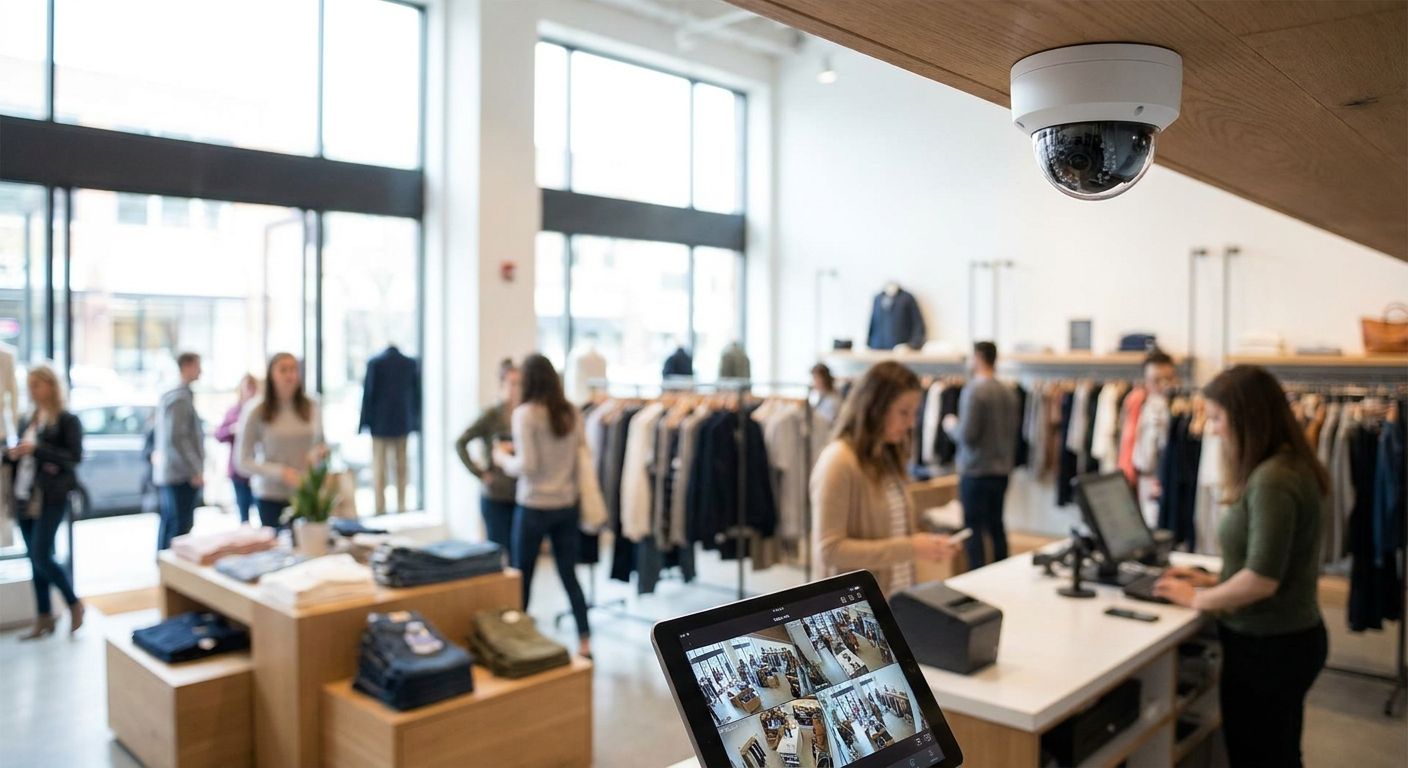
Retail stores across Portugal are replacing analog CCTV with IP security cameras for retail stores, but the camera itself is the easy purchase — the network, storage, and power behind it decide whether footage actually exists when a till comes up short or a customer disputes a return.
- IP security cameras for retail stores need PoE+ switches, not basic PoE, once you run 4K or 8MP models — Voll stocks PoE switching built for camera installs in 2026.
- Plan a 30-day storage retention window, not 7 days — insurance claims and staff disputes rarely surface in the first week.
- A UPS belongs on the network rack next to the NVR, not just under the register, or the camera goes dark exactly when the power does.
- Skip consumer Wi-Fi cameras with cloud-only storage for retail use — local recording wins theft and return disputes that cloud apps can't produce on demand.
- Chains with more than one store need VPN connectivity to review footage centrally, not a shared login on a phone app.
Why This Matters
A camera system that records nothing when the power blinks isn't a deterrent — it's a line item you paid for and can't use. Shrinkage disputes, POS voids, and return fraud all hinge on footage being retrievable weeks after the fact, not just live on a monitor at the counter.
Retail owners in 2026 are also running leaner IT teams, which means the camera system has to survive without daily babysitting: PoE ports that don't trip, storage that doesn't silently overwrite, and a network that keeps working when one switch fails.
Who This Is For
This guide is for owners and IT managers running single stores, minimarkets, pharmacies, or multi-location retail chains in Portugal who need surveillance that holds up to a loss-prevention review, not just a live feed on a tablet. If your store already runs a POS system tied to an ERP like Primavera or Cegid, the camera network needs to sit on infrastructure that doesn't fight with your checkout traffic.
What to Look For in IP Security Cameras for Retail Stores
Resolution and Lens Coverage
Aisle-end cameras need enough resolution to identify a face or a product barcode from 4-6 meters, which in 2026 practically means 4MP or higher, not the 2MP models still sold as "HD." A wide-angle lens at the entrance and a narrower lens at the register cover different jobs — don't buy one camera model for the whole store.
PoE Power Budget
Every camera on the network draws power over the same cable that carries data, and 4K models routinely need more than the 15.4W a basic PoE port delivers. PoE+ ports rated at 30W per port give you headroom for higher-draw cameras and IR illuminators without tripping the switch.
Storage Retention Window
A camera that only holds seven days of footage is useless the moment a chargeback or an insurance claim lands three weeks later. Retail stores should size storage for a 30-day rolling window at minimum, longer for pharmacies and stores handling high-value stock.
Backup Power and Uptime
A power cut that takes down the network switch also takes down the NVR recording it — the exact moment an outage-related incident is most likely to happen. UPS protection on the rack, not just the register, keeps the recording chain alive through a short outage and lets equipment shut down cleanly during a longer one.
Network Segmentation
Cameras generate constant traffic, and mixing that with POS and card-payment traffic on the same unmanaged switch invites both congestion and a security exposure. Segmenting camera traffic onto its own VLAN or dedicated switch keeps checkout transactions fast and isolates the camera network if a device gets compromised.
Integration With POS for Loss Prevention
The real value of retail cameras isn't the footage alone — it's matching a void, a discount, or a refund on the WINTOUCH POS timeline to the camera feed at that register. Stores running POS-ERP integration get more out of a camera investment than stores treating surveillance as a separate system nobody reviews.
The Infrastructure That Actually Makes or Breaks a Camera System
Camera bodies are commodity hardware at this point — what separates a system that works in 2026 from one that fails during the first power cut is what sits behind the lens.
The backbone: PoE switching. The hook here is simple — no PoE budget, no camera, no matter how good the sensor is. A switch with PoE+ ports at 30W each supports higher-draw 4K and 8MP cameras plus IR illuminators without derating. Voll's PoE network switches for IP camera installations are built for exactly this load, sized by port count and total PoE budget rather than sold as generic office switches. Verdict: Buy — this is the one component you cannot retrofit cheaply later.
The archive: NAS storage. The hook is the dispute you can't win without footage. A 30-day retention window at 4MP resolution needs real capacity, not the small internal drive bundled with a budget NVR, and a dedicated NAS lets you scale storage independently of the recording device. Voll's NAS storage for business file backup covers this role alongside general file backup, which matters for stores that don't want a second box just for video. Verdict: Buy for any store planning more than 15 days of retention.
The safety net: UPS for the rack. The hook is the outage nobody plans for. A UPS sized for the network rack — switch, NVR, router — keeps the recording chain running through short outages and lets it shut down cleanly on longer ones, instead of losing the exact footage of the incident that caused the outage in the first place. Voll's UPS systems for server rooms and network racks are sized for this kind of rack load rather than a single desktop. Verdict: Buy for any store that has lost footage to a power cut before.
The wildcard: multi-store connectivity. For a single location this is optional; for a chain it's the difference between reviewing footage in one place and logging into five separate NVRs. A site-to-site VPN lets a loss-prevention team pull footage from any branch without a physical visit. Verdict: Consider if you run one store, Buy the moment you run two or more.
Plan the network behind your cameras
Get a quote for PoE switching, storage and backup power sized to your store.
What to Avoid
- Consumer Wi-Fi cameras with cloud-only storage. They're fine for a home hallway, not for a retail floor where a dispute needs footage pulled and handed to an insurer weeks later, and cloud subscriptions can lapse or throttle retention without warning.
- Unmanaged switches carrying camera and POS traffic together. It works until checkout slows down during peak hours or a compromised camera has a direct line to your payment terminal.
- NVRs with no UPS behind them. The footage of the one incident that matters most is often the footage lost to the power cut that caused it.
Verdict Comparison Table
| Criterion | Single store | Growing chain (2-5 stores) | Multi-branch chain (6+) |
|---|---|---|---|
| PoE budget | PoE+ switch, 8-16 ports | PoE+ switch per location | Segmented PoE+ switching per site |
| Storage retention | 30 days on NAS | 30-45 days, centralized backup | 30-45 days, centralized NAS per branch |
| Backup power | Rack UPS, single unit | Rack UPS per store | Rack UPS per store, monitored centrally |
| Network resilience | Single switch acceptable | VLAN segmentation recommended | Site-to-site VPN required |
FAQ
What resolution do IP security cameras for retail stores need?
4MP is the practical minimum for entrances and registers in 2026, since it's enough to identify a face or a product from a few meters away. Higher-traffic aisles or stockrooms can run lower resolution if identification isn't the priority.
How much storage do retail camera systems need?
Plan for a 30-day rolling retention window as a baseline, longer for pharmacies or high-value stock. Storage scales with resolution and camera count, which is why a dedicated NAS outperforms the small drive bundled into a budget NVR.
Is PoE or PoE+ better for retail camera installations?
PoE+ (30W per port) is the safer choice once you're running 4K or 8MP cameras with IR illuminators, since standard PoE at 15.4W per port can leave higher-draw cameras underpowered. Buying PoE+ switching upfront avoids a forced upgrade later.
Do retail cameras need a UPS?
Yes — a UPS on the network rack keeps the NVR and switch recording through short outages and prevents the exact incident that caused the power cut from going unrecorded. This matters more for camera systems than almost any other store IT equipment.
Can IP cameras integrate with POS systems?
Yes, and it's where the real loss-prevention value comes from — matching a void, discount, or refund timestamp on the POS system to the camera feed at that register. Stores that skip this integration usually end up with footage nobody reviews.
Should multi-store retail chains use a VPN for camera access?
Yes, once you run more than one location, a site-to-site VPN lets a loss-prevention team review footage across branches from one place instead of logging into separate NVRs at each site. Without it, reviewing footage across a chain becomes a physical visit.
Are wireless IP cameras good enough for retail stores?
Wired PoE cameras are more reliable for retail than Wi-Fi models, since they don't compete with POS and guest Wi-Fi traffic and don't depend on a wireless signal holding up all day. Wi-Fi cameras are acceptable for low-priority areas like a stockroom corner, not for entrances or registers.
What's the biggest mistake retail stores make with camera systems?
Buying the camera and skipping the infrastructure behind it — undersized PoE switching, no UPS, and storage that overwrites after a week. The camera is rarely the point of failure; the network and power around it usually are.
One Last Thing
The camera brand matters less than most store owners assume — the PoE switch, the storage window, and the UPS behind the rack are what decide whether footage exists when you actually need it. Budget for those three first, then pick the camera model.


