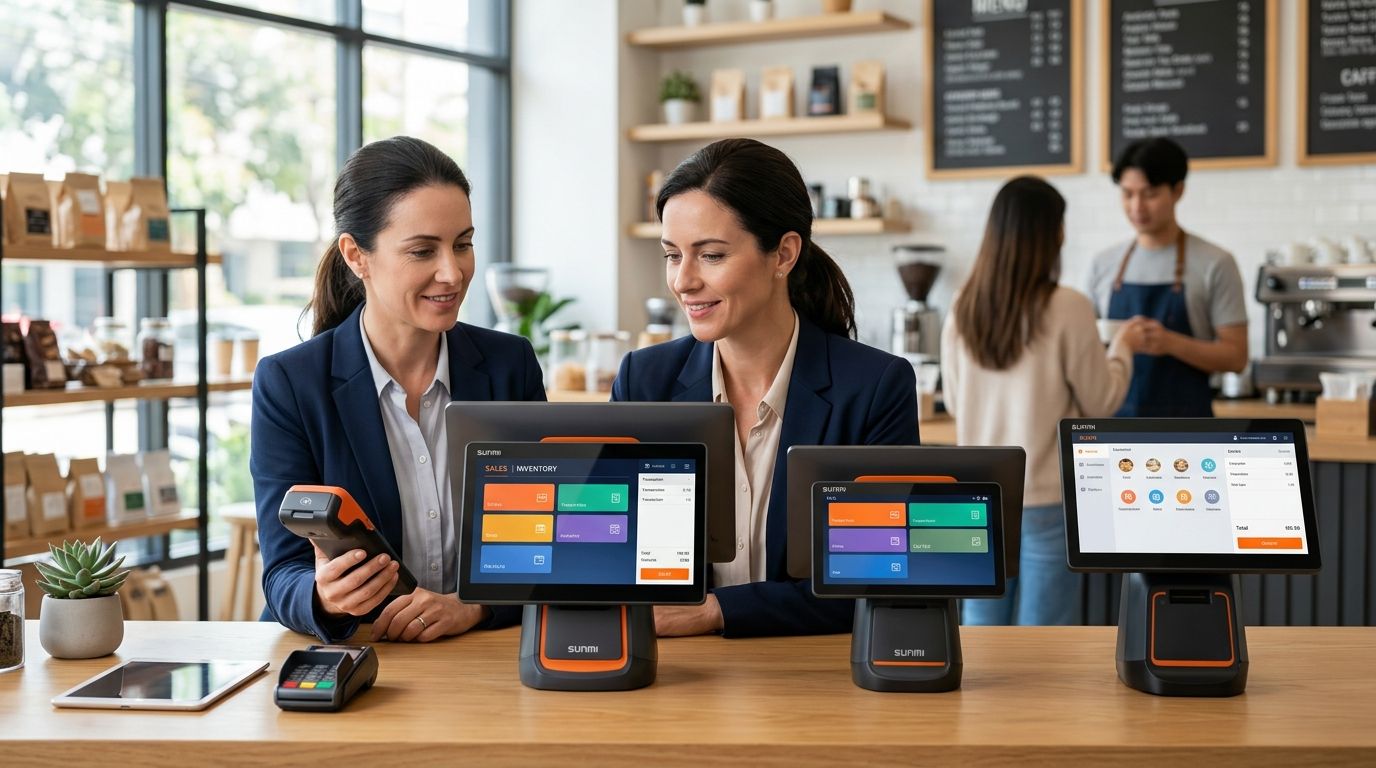
Choosing the right SUNMI terminal model in 2026 comes down to three questions: how mobile the operator needs to be, what network the terminal will run on, and whether it has to sync with WinTouch POS or a Primavera/Cegid ERP. Answer those and SUNMI's line splits cleanly into four families — handheld, mobile payment, countertop, and self-service kiosk — so the shortlist drops from a dozen models to one or two.
- Match SUNMI terminal type to the job: handheld for route sales, mobile payment for tableside, countertop for a fixed till, kiosk for self-service.
- Connectivity decides the model: 4G and battery for mobile teams, Ethernet or PoE for fixed counters.
- ERP integration with Primavera or Cegid runs through WinTouch POS on any of the four SUNMI families.
- Voll delivers SUNMI terminals nationwide in 24-48h for business accounts placing bulk or single orders.
Why this matters
A SUNMI terminal bought for the wrong job costs more than the hardware. A countertop unit stuck on weak Wi-Fi in a warehouse drops transactions; a handheld terminal with a small battery on an eight-hour delivery route dies before the shift ends. The mismatch shows up later as refunds, workarounds, and a second purchase within the year.
Delivery and route-sales operators feel this first. See how handheld SUNMI terminals for route sales and delivery are spec'd differently from a café's fixed till before assuming one model covers both jobs. Getting the family right before buying matters more in 2026 than it did five years ago, simply because more Portuguese businesses now run mixed mobile and fixed POS setups under one WinTouch account.
How to choose the right SUNMI terminal model for your business
The decision comes down to four SUNMI hardware families. Each is built around a job, not a price point — matching the family to the workflow is the whole exercise.
| SUNMI family | Form factor | Connectivity | Best for | Verdict |
|---|---|---|---|---|
| Handheld | Pocket Android terminal, built-in printer, battery-powered | Wi-Fi + 4G | Route sales, delivery, market stalls | Buy for any role that leaves the building |
| Mobile payment | Compact card-first terminal, small screen | Wi-Fi + 4G/Bluetooth | Tableside orders, queue-busting | Buy for hospitality upsell |
| Countertop | Fixed single or dual-screen unit | Ethernet/PoE, Wi-Fi | Retail checkout, cafés, pharmacies | Buy for any counter that doesn't move |
| Kiosk | Large vertical self-service screen | Ethernet/PoE | Fast food, quick-service self-order | Buy only above a real order-volume threshold |
Handheld terminals: for teams that move
Handheld SUNMI terminals run on Wi-Fi and 4G with an internal battery, which makes them the default for delivery drivers, route salespeople, and market vendors who need to print a receipt without a counter. Verdict: buy handheld for any role that leaves the building.
Mobile payment terminals: for tableside and queue-busting
Mobile payment SUNMI terminals are smaller and built around card acceptance first, POS second — useful for restaurants doing tableside checkout or retailers busting queues at peak hours. They sync with WinTouch POS but carry a smaller screen than a full handheld unit. Verdict: buy for hospitality and queue management, skip it for full inventory work.
Countertop terminals: for a fixed till
Countertop SUNMI terminals connect over Ethernet or PoE and stay in one spot, which buys a steadier connection and a bigger screen than any battery-powered model. Cafés, pharmacies, and single-checkout retail counters running WinTouch POS sit in this family. Running several countertop units off one connection point is where PoE switches for SUNMI installations save a cable run per terminal. Verdict: buy for any counter that doesn't move.
Self-service kiosks: for high-volume, low-staff checkout
Kiosk-class SUNMI terminals use a large vertical screen and stay wired for reliability, aimed at fast-food counters and quick-service restaurants where customers order without staff. They take more counter space than the other three families and need a fixed network drop. Verdict: buy only where order volume justifies the footprint.
Why the right SUNMI model varies by business
- Mobility — fixed counter vs. a walking route vs. multi-stop delivery changes the answer immediately.
- Connectivity on site — reliable Ethernet/PoE vs. Wi-Fi-only vs. cellular coverage for an outdoor stall.
- ERP integration — whether the terminal needs to sync with Primavera or Cegid through WinTouch POS.
- Print frequency — a built-in thermal printer for handheld models vs. an external printer paired with a countertop unit.
- Checkout volume and staff count — a kiosk only pays off above a certain order volume; a single-till shop doesn't need one.
- Battery life vs. uptime — battery-powered handhelds trade all-day runtime for portability; wired countertop units skip that tradeoff entirely.
Voll's SUNMI catalog covers all four families, paired with the network gear (PoE switches, routers) and WinTouch POS/ERP licenses needed to run them, so the wrong first guess doesn't have to be permanent.
Buying SUNMI terminals for more than one location?
Set up a Voll business account for bulk SUNMI orders and 24-48h nationwide delivery.
Is a handheld SUNMI terminal better than a countertop one for retail?
A handheld SUNMI terminal is better for retail only when staff move around the floor to close a sale; a countertop model is better for any single fixed checkout. Retailers running both a shop floor and a till often carry one of each rather than force one family to cover everything.
Do SUNMI terminals need a data plan or a fixed connection?
SUNMI handheld and mobile payment terminals need a 4G data plan or reliable Wi-Fi to sync sales in real time; countertop and kiosk terminals connect over Ethernet or PoE and don't need a cellular plan at all. Route sales and market-stall models depend on 4G coverage in the area they work, so check signal strength before buying for a rural round.
Can SUNMI terminals connect to Primavera or Cegid ERP?
SUNMI terminals connect to Primavera or Cegid ERP through WinTouch POS, which handles the sync between the terminal, the till, and the accounting system. Businesses already running Primavera should confirm the integration path before choosing a model — see how to integrate SUNMI terminals with Primavera ERP for the setup steps.
FAQ
What's the best SUNMI terminal for a food delivery business?
The handheld SUNMI terminal is the best fit for delivery in 2026 because it runs on 4G and battery power and prints a receipt on the spot. Route drivers and takeaway couriers use this family over any countertop model.
What's the best SUNMI terminal for a small retail store?
A countertop SUNMI terminal is the best fit for a small retail store with a single checkout point in 2026, since it runs on a stable Ethernet or PoE connection with a bigger screen. Stores with staff walking the floor add a handheld model alongside it.
Is a SUNMI kiosk terminal worth it for a small café?
A SUNMI kiosk terminal is rarely worth it for a small café in 2026 — the self-service format pays off at fast-food order volumes, not typical café counter traffic. A countertop or mobile payment terminal covers a café's checkout instead.
How many SUNMI terminals does a market stall need?
Most market stalls run on a single handheld SUNMI terminal, since one operator handles both sales and payment on foot. Stalls running two staff on separate queues sometimes add a second handheld unit rather than upgrade to a fixed model.
Does a SUNMI terminal work without Wi-Fi?
A SUNMI handheld or mobile payment terminal keeps working without Wi-Fi through its 4G connection, syncing sales once a signal is available. Countertop and kiosk models need a wired or Wi-Fi connection at all times since they don't carry a cellular radio by default.
Can WinTouch POS run on any SUNMI terminal?
WinTouch POS runs across all four SUNMI hardware families in 2026, from handheld to kiosk, so the software choice doesn't limit which terminal a business picks. The hardware decision comes down to mobility and connectivity, not software compatibility.
How fast can a business get SUNMI terminals delivered in Portugal?
Voll delivers SUNMI terminals nationwide in Portugal within 24-48h for business accounts placing a direct order or a quote request. Bulk orders across multiple store locations move through the same delivery window in 2026.
One last thing
The most common sizing mistake in 2026 isn't picking the wrong SUNMI family — it's buying one terminal type for every location in a multi-site business. A retail chain running a café counter, a market stall, and a warehouse pickup point usually needs three different SUNMI families under one WinTouch POS account, not one model rolled out everywhere.


